Thumbnail grid order puts latest post to top
Bug Reports
2
Posts
2
Posters
181
Views
-
Hi everyone,
my thumbnail grid order is weird: everytime I correct a post and save it, this post will show at the top (it sorts by "last modified"). Now this means that if I correct a tiny spelling mistake, my whole order will be screwed. Can I change the order mechanism and choose something simple like "date"?
-
Dear @HorstoftheFuture
You can change the order of projects within the Project Thumbnail Grid:
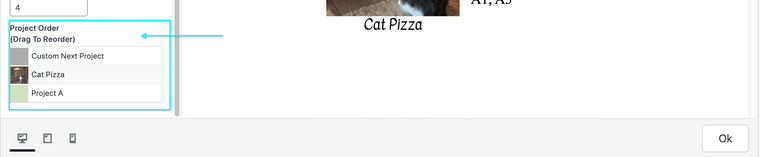
The 'Project Index' can be ordered by things like date & title etc
Best
Richard

Online Users
Forgot your key, lost your files, need a previous Lay Theme or Addon version?
Go to www.laykeymanager.com