Skip to content

Bug Reports

Something is not working? Please provide a screenshot, your browser name and browser version and your operating system.
3.1k Topics 14.4k Posts
  • Gridder error

    10
    0 Votes
    10 Posts
    492 Views
    RichardR
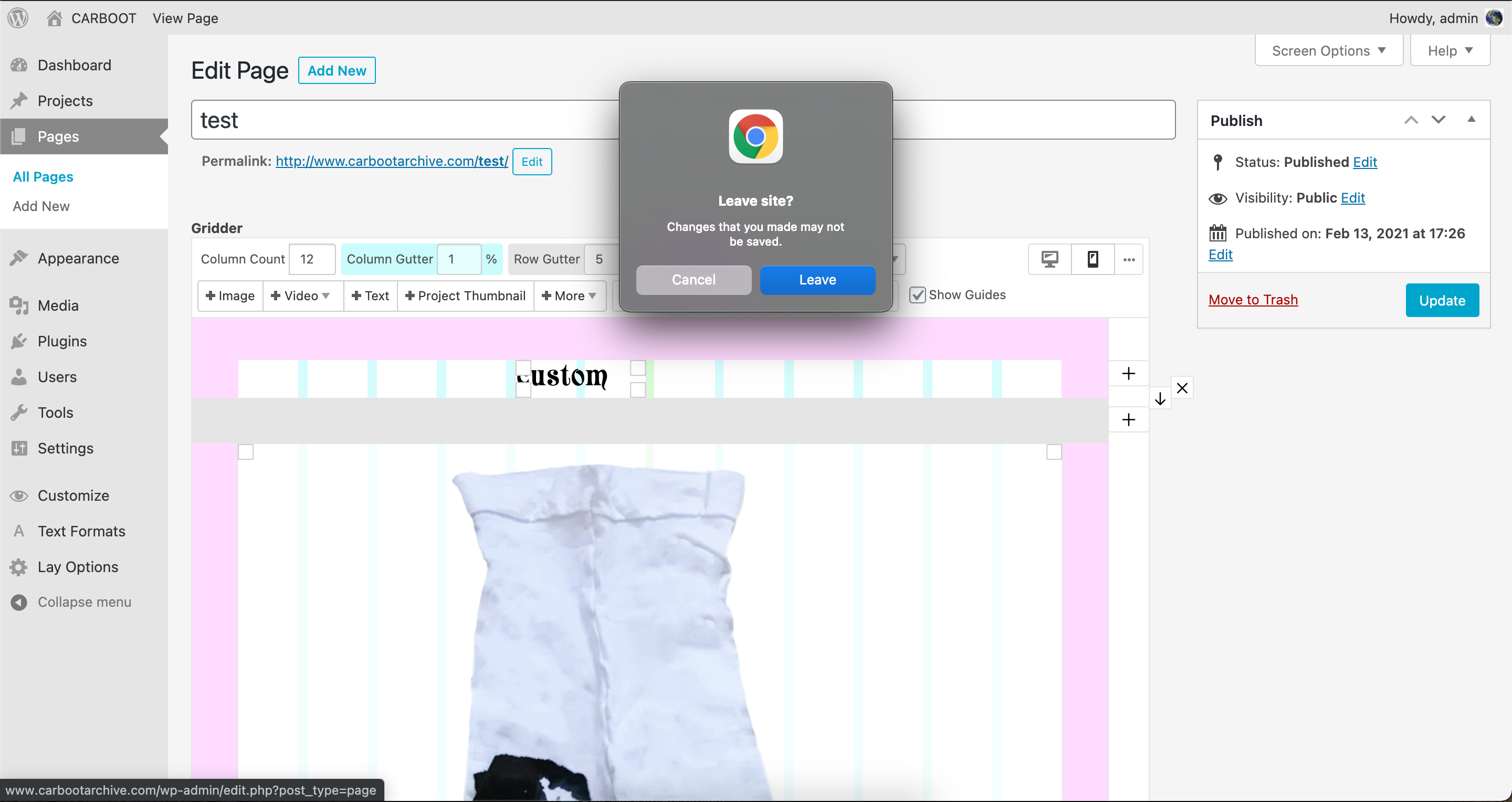
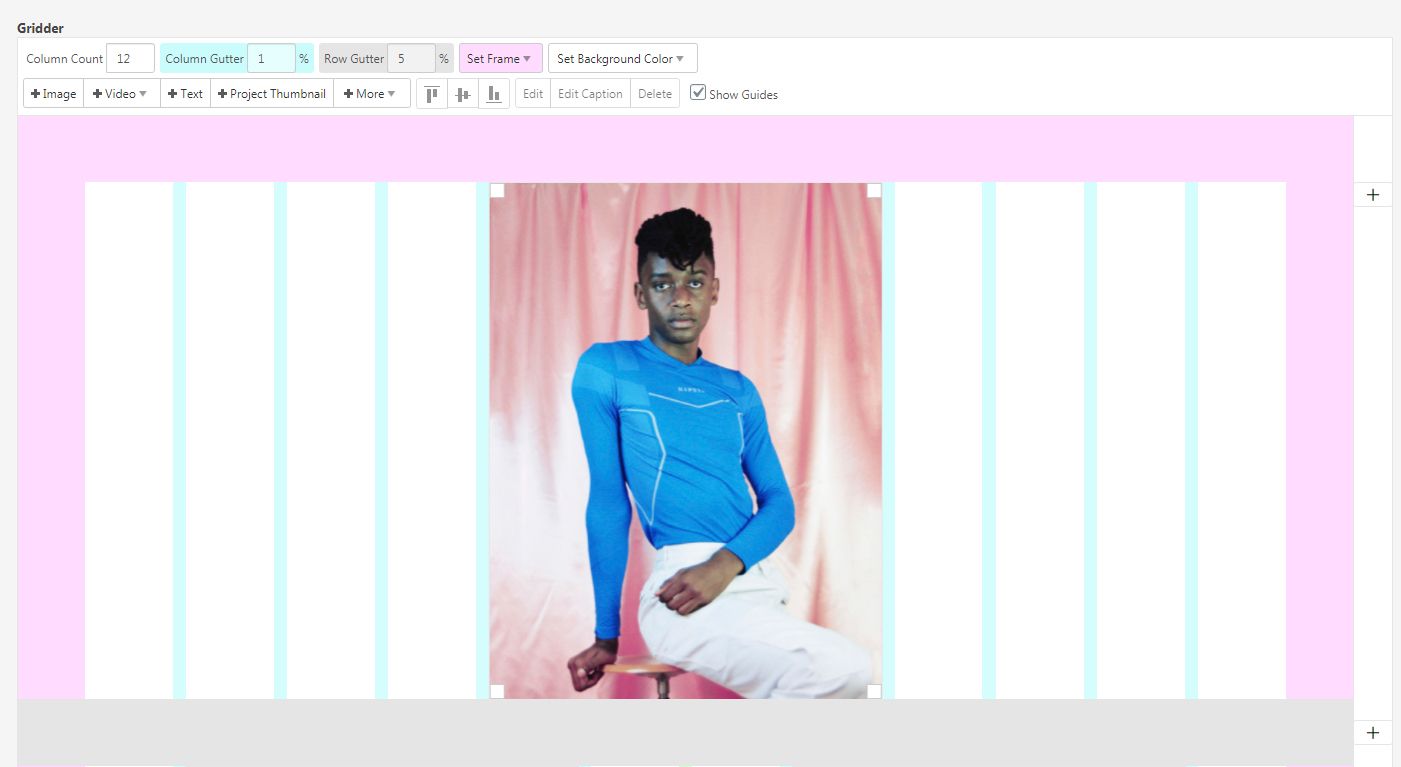
    Dear @adam I have recreated your setup and the same occurs with me. I make a full width image within Desktop Layout - Mobile Gridder options are set to 0% for the left and right edge frame. When i go to change Gridder setup to Mobile Layout it is fullscreen on the backend but on the front end has the left and right margin as you say but when i go and re-size the image in the Gridder again to the same size now it works fullscreen. However when i go into Customiser i notice interestingly enough that it has its own set Mobile left and right frame percentage: [image: 1605141361850-screen-shot-2020-11-12-at-1.31.47-pm-resized.png] So i also set this to 0% and now when i make a fullwidth image and change to Mobile Layout i keep the full width that we want. Seems to be an issue with the Customiser having the last say on how the Mobile Layout should be! Let me know if this works for you too and have a wonderful day Best Richard
  • MOBILE TAKING DAYS TO UPDATE

    4
    0 Votes
    4 Posts
    163 Views
    RichardR
    Dear @Flaneur-Company Thank you for following up that it worked, great to hear! :) Best Richard
  • Projects are not displayed in the categories

    9
    3
    0 Votes
    9 Posts
    390 Views
    RichardR
    Dear @ninaverena If you feel comfortable doing so could you please send your website address, /wp-admin/ username and password and a link to this topic via 'private chats' and i will try to give it a go :) ( note: do not disclose private info on this thread ) Or i could try to recreate this on my website and do my best to describe / tutorial you how to achieve it on your. All the best Richard
  • Mobile menu style 2 settings bug

    12
    2
    0 Votes
    12 Posts
    421 Views
    arminunruhA
    ok i will release the update soon, until then you can use this css: nav.mobile-nav{ position:fixed!important; }
  • index site went blank in the backend - empty gridder

    12
    3
    0 Votes
    12 Posts
    403 Views
    RichardR
    Dear Patric @iciio If the Gridder is still not working after the update Could you please send your website address, /wp-admin/ username and password and a link to this topic to info@laytheme.com? Best Richard
  • Using animation as Site Title in Customizer

    4
    0 Votes
    4 Posts
    248 Views
    RichardR
    Dear @thomasmaier Ah cool i see your website now, Nice Cookie bar! :) Have you had a look into this? https://stackoverflow.com/questions/55217822/mp4-not-playing-in-chrome-or-firefox-but-in-safari Could be a video formatting problem that other browsers don't work so well but changing it may create a solution? Hope this helps :) Best Richard
  • Medias / images not displaying

    2
    3
    0 Votes
    2 Posts
    109 Views
    RichardR
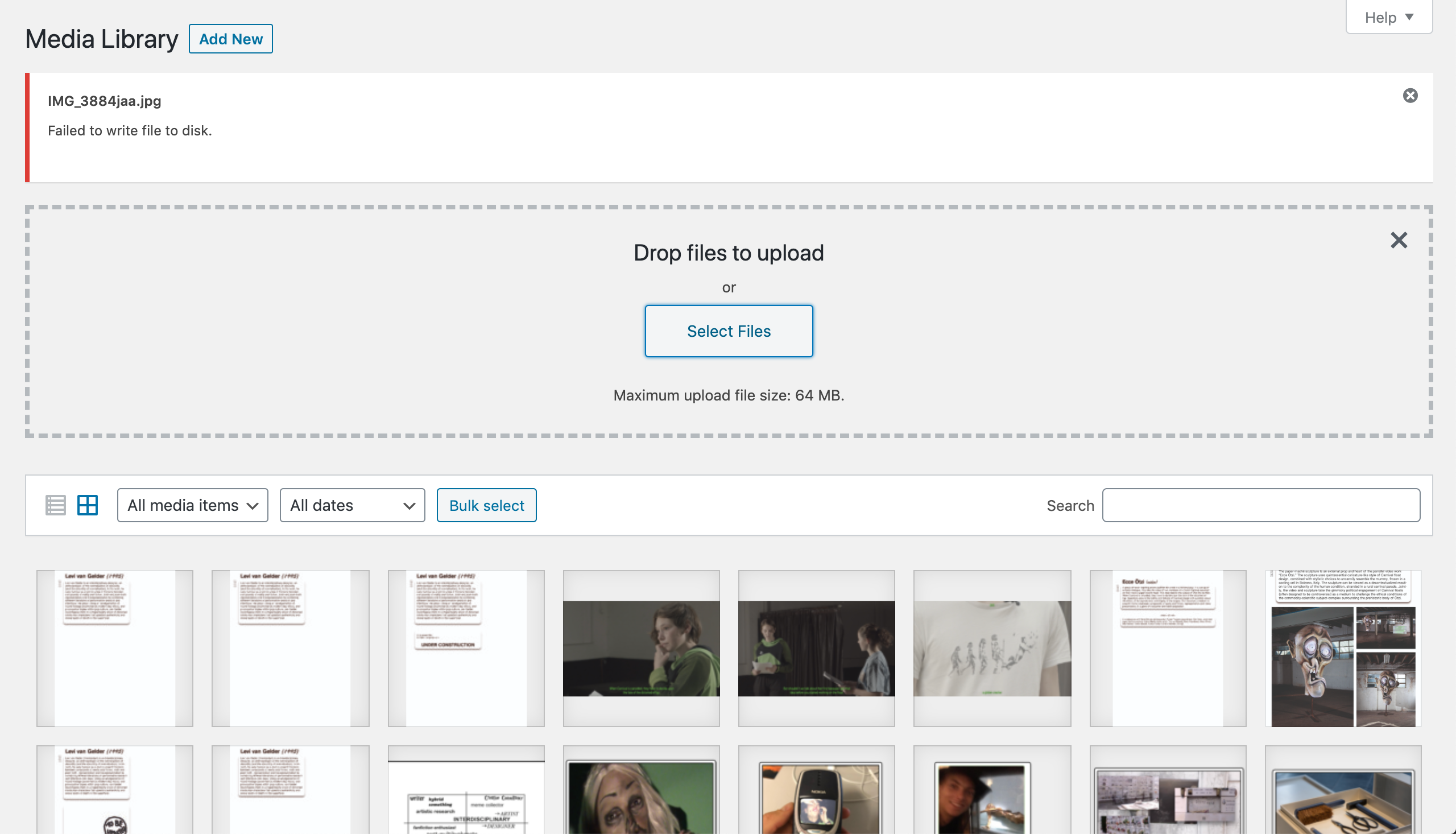
    Dear @global-former_user Excuse me if i am wrong, but i am assuming that you have seen the troubleshooting page on the Lay Theme website: https://laytheme.com/troubleshooting.html#empty-media-library If that provides no change for your issue: Do you have any third-party plugins that when deactivated temporarily resolve the issue? Are Wordpress, Lay Theme and Lay Theme's plugins up to date and in-sync with each other? do you have any custom code: HTML, CSS Javascript that when temporarily removed changes your issue. If none of these options provide any help for you, could you please send your website address, /wp-admin/ username and password and a link to this topic to info@laytheme.com? Let me know, I wish to help and apologies if my delay to reply to this has caused you any inconvenience. Best wishes Richard
  • This topic is deleted!

    1
    1
    0 Votes
    1 Posts
    1 Views
    No one has replied
  • Cover feature: Mobile margin

    7
    2
    0 Votes
    7 Posts
    328 Views
    _
    Thanks a bunch guys!
  • This topic is deleted!

    1
    1
    0 Votes
    1 Posts
    1 Views
    No one has replied
  • Customize area is not appear...

    5
    1
    0 Votes
    5 Posts
    158 Views
    RichardR
    Dear @Acideplastique Please can you update your Lay Theme, the Gridder should be working now :) Best Richard
  • 0 Votes
    5 Posts
    338 Views
    arminunruhA
    sorry about this, please update lay theme now and it will work again
  • Gridder doesn’t show up anymore

    7
    0 Votes
    7 Posts
    184 Views
    arminunruhA
    sorry about this, please update lay theme now and it will work again
  • Child Theme Configurator by Lilaea

    4
    0 Votes
    4 Posts
    250 Views
    A
    After the new update it seemed to work! Wooho. Thanks again.. anett
  • Very Very Very Very slow loading

    5
    0 Votes
    5 Posts
    196 Views
    J
    Hello Patric, i think the problem are the projects. See line 1264 in the source code, its about 1 MB and not needed at this point. When moving all the project to trash, the site load goes down from 10 to 1.2 seconds. Is there a way to prevent collecting all projects on page init if not needed @arminunruh ? I know the data is needed for building the grid, but when the projects also get complex, the JSON array get a little bit messy (: Cheers and thanks for your help Jens
  • Go back from project to overview site and position is on same height?

    2
    0 Votes
    2 Posts
    111 Views
    RichardR
    Dear Christina @cgransow Recently there was a very similar thread and i was wondering if this helps you as well ? :) http://laythemeforum.com:4567/topic/6124/navigate-back-to-the-last-scroll-position-in-thumbnail-grid/3 best wishes Richard
  • Lightbox Addon not working

    2
    0 Votes
    2 Posts
    82 Views
    RichardR
    Dear @felixfelixfelix Could you please pots a link to the Website in question? Best wishes and have a wonderful day :) Thank you for using Lay Theme Richard
  • Muted Colors in Thumbnail and Full Screen Slider

    5
    1
    0 Votes
    5 Posts
    241 Views
    RichardR
    Awesome to hear @paubo ! Best wishes Richard
  • Scrolling to an anchor

    8
    0 Votes
    8 Posts
    448 Views
    RichardR
    Dear @ArneRobot I have messaged you in chats, let me know :) Best wishes Richard
  • This topic is deleted!

    1
    0 Votes
    1 Posts
    7 Views
    No one has replied

I also code custom websites or custom Lay features.
💿 Email me here: 💿
info@laytheme.com

Our Web Development company: 100k.studio

Want to tip me? https://www.paypal.com/paypalme/arminunruh

Before you post:
  1. When using a WordPress Cache plugin, disable it or clear your cache.
  2. Update Lay Theme and all Lay Theme Addons
  3. Disable all Plugins
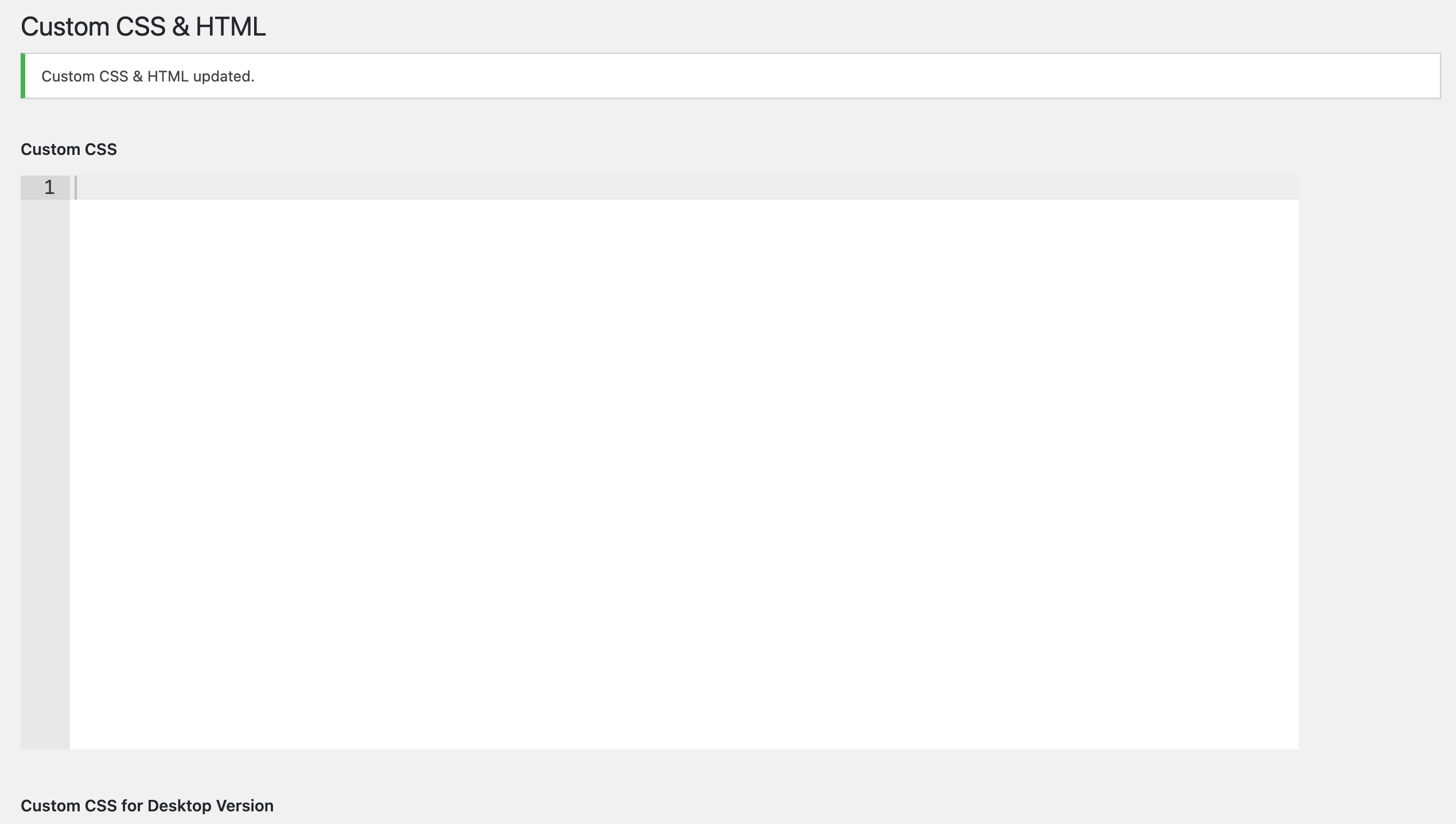
  4. Go to Lay Options → Custom CSS & HTML, click "Turn Off All Custom Code", click "Save Changes"

This often solves issues you might run into

When you post:
  1. Post a link to where the problem is
  2. Does the problem happen on Chrome, Firefox, Safari or iPhone or Android?
  3. If the problem is difficult to explain, post screenshots / link to a video to explain it
Online Users
Forgot your key, lost your files, need a previous Lay Theme or Addon version? Go to www.laykeymanager.com