Skip to content

Bug Reports

Something is not working? Please provide a screenshot, your browser name and browser version and your operating system.
3.1k Topics 14.5k Posts
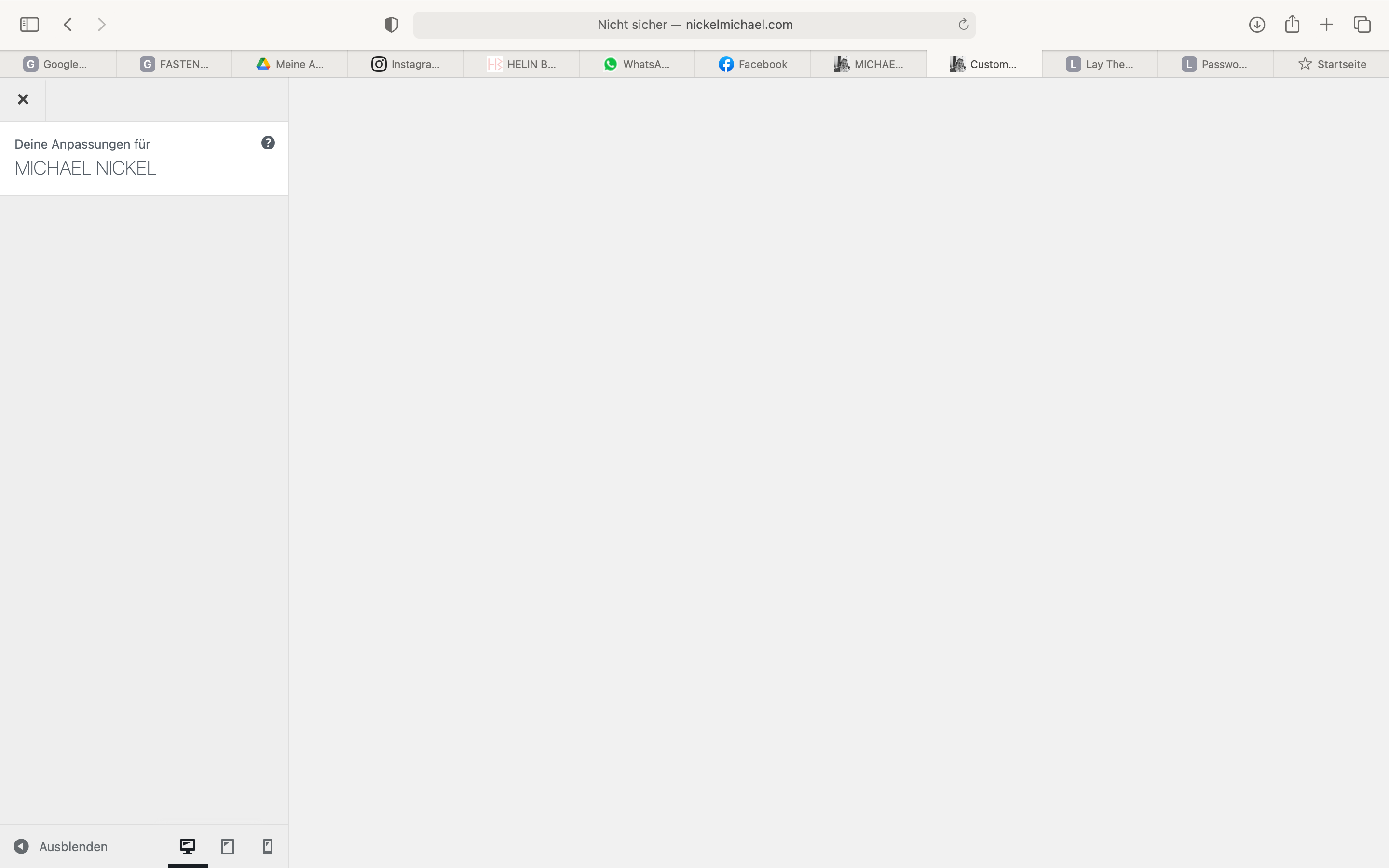
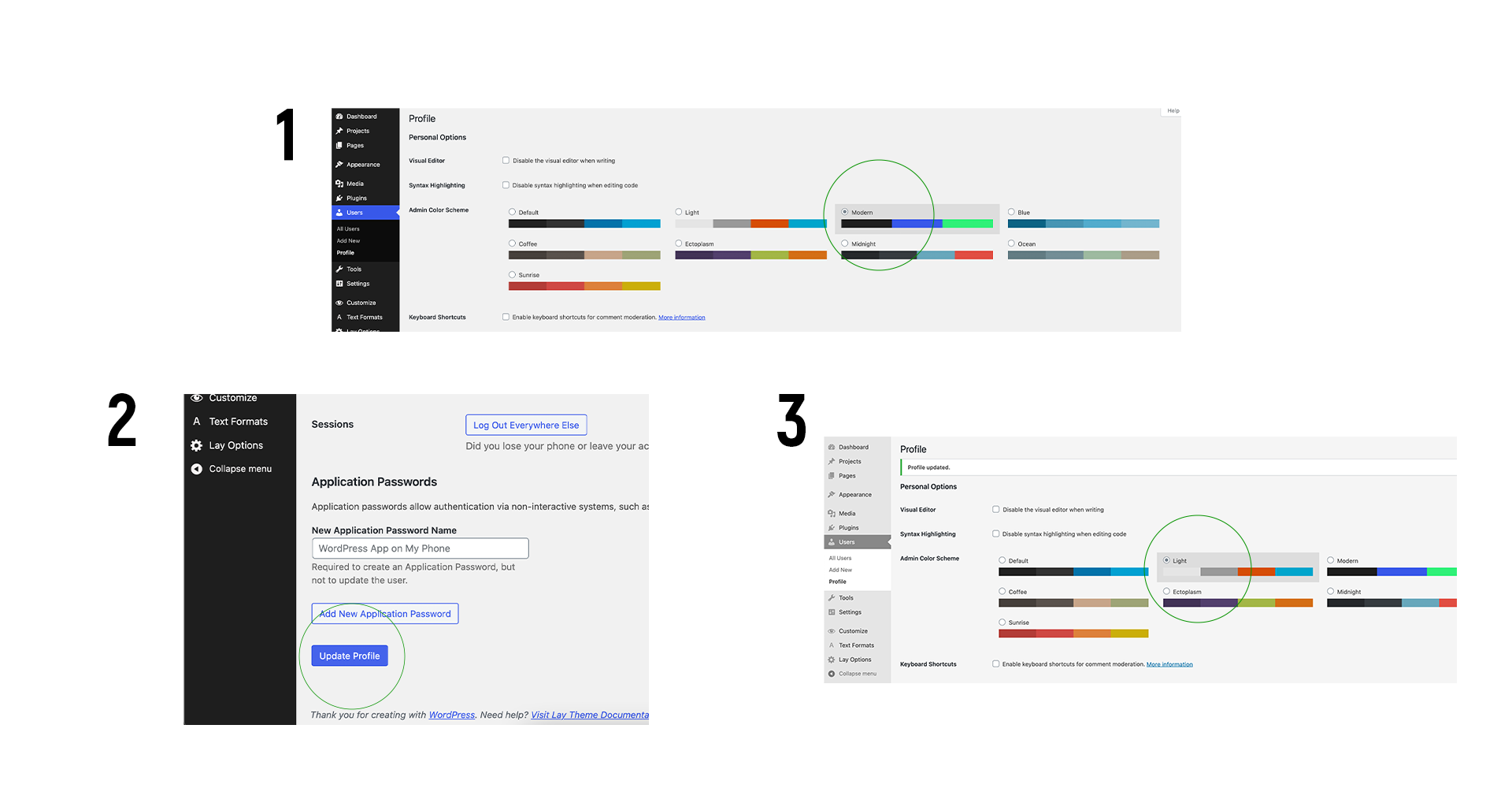
  • Parts of the customizer don't show up

    7
    1
    0 Votes
    7 Posts
    190 Views
    RichardR
    Dear @arminunruh Thank you for the update, noted for the future. Best
  • 0 Votes
    5 Posts
    392 Views
    arminunruhA
    Ah interesting!
  • Overflow-y not hidden on captions-wrap

    23
    1
    0 Votes
    23 Posts
    1k Views
    RichardR
    Dear @lilievongruen Amazing! Thank you for posting to confirm your success as this help other's as well. Have a wonderful day and thank you for using Lay Theme Best Wishes Richard
  • Permalink is different than before

    6
    2
    0 Votes
    6 Posts
    234 Views
    edgrbnzE
    Damn… 🤦‍♂️of course! Thank you @arminunruh !
  • Carousel Adons and link in text mouse over doesn't work.

    11
    2
    0 Votes
    11 Posts
    285 Views
    RichardR
    Dear @fredyatb No worries :) Best Richard
  • Short page background color & global background color

    7
    1
    0 Votes
    7 Posts
    258 Views
    RichardR
    Dear @lilievongruen No apologies needed Susann :) Im sorry that you had difficulty in the first place, If you have any further questions please let me know. Best wishes Sincerely Richard
  • 0 Votes
    6 Posts
    206 Views
    RichardR
    Dear @Markus If it's probably a bug, this would be great to get sorted as other with find issues as well in the future, Let me know if you are able to send us your contact and login info :) Until then, have a wonderful day Sincerely Richard
  • Slow website

    4
    0 Votes
    4 Posts
    198 Views
    RichardR
    Dear @andrej When inspecting your website, for me it does not appear that slow? I can understand if you do not wish to change your webspace provider though @Markus thank you for this suggestion! :) Searching this Forum for content regarding website optimisation, Let me know if any of these threads bring you closer to your goal: https://laytheme.com/documentation.html#speedingup http://laythemeforum.com:4567/topic/3916/slow-page-load-question-about-optimizations/10 http://laythemeforum.com:4567/topic/1451/very-very-slow-load http://laythemeforum.com:4567/topic/1130/image-resize/2 http://laythemeforum.com:4567/topic/4178/slow-loading/11 http://laythemeforum.com:4567/topic/5432/slow-loading-and-no-h1-tags http://laythemeforum.com:4567/topic/5003/loading-times-very-slow-with-laytheme/17 http://laythemeforum.com:4567/topic/4841/website-sooooooooooo-slow-please-help/6 http://laythemeforum.com:4567/topic/4841/website-sooooooooooo-slow-please-help/6 Additionally Use the inspect developer tools to find out which parts of your website are really slower that others: https://www.khanacademy.org/computing/computer-programming/html-css/web-development-tools/a/using-the-browser-developer-tools [image: 1599569571266-screen-shot-2020-09-08-at-2.49.22-pm.png] Best Richard
  • Mobile Gridder not working after Gridder Defaults update!

    4
    1
    0 Votes
    4 Posts
    179 Views
    RichardR
    Dear @Sophie Could you please post a link to your website as well as a screenshot example of the issues, I would love to try an re-create your issue but unsure of your exact setup, As a must ask, do you have any Third-party plugins installed that when de-activated change anything? Are Both Lay Theme (theme) up to date as well as the addons? Lastly do you have any Custom CSS, JS or HTML than when temporarily removed change the issue? Apologies that this thread slipped through Sophie, if none of the above apply i would love to help, especially if this is a bug, the solution will help others in the community as well, If so could you please write in 'Chat' a PM and include the username & password to your Wordpress Admin panel and a link to this conversation. ( Don't post your private information on this thread :) ) Best wishes & i hope to help soon Sincerely Richard
  • Minor Bug: Fullscreen slider + arrow keys

    3
    0 Votes
    3 Posts
    87 Views
    arminunruhA
    I'm releasing a carousel udpate now. If you update your carousel addon, this should be fixed!
  • Lightbox bug

    5
    0 Votes
    5 Posts
    146 Views
    arminunruhA
    so this was because there was custom css used. the class "hide" is a class that is used by the lightbox addon. and there was custom css that was like .hide{ customcss } and it interfered with the lightbox addon
  • Mismatched "post_max_size“ and "upload_max_filesize“ values

    2
    1
    0 Votes
    2 Posts
    80 Views
    RichardR
    Dear @Rama94 Apologies for the late reply, If i'm not mistaken ( forgive me if i am ) This is an issue regarding your web server and is likely not an issue of Lay Theme itself, and setting that can be changed within your webhost. https://wordpress.org/support/topic/mismatched-post_max_size-and-upload_max_filesize-values/ However do let me know! Best Wishes Richard
  • 500 Internal Server Error right after downloading recent update

    5
    0 Votes
    5 Posts
    148 Views
    RichardR
    Dear @alexpko Let me know how it goes! Would be great to know if this is truly a Lay theme bug, And then we can correct it as soon as possible! :) Have a wonderful day Best Richard
  • Full screen Slider — Images not loading in on ipad

    ipad slider video full screen
    10
    0 Votes
    10 Posts
    538 Views
    arminunruhA
    I too can see now some images are not loaded on an iPad. In the iPad Developer Console I see this error: The operation couldn’t be completed. (kCFErrorDomainCFNetwork error 310.) like: GET https://davbal.com/wp-content/uploads/2020/07/bcc_keyimages_day_03-768x1152.jpg The operation couldn’t be completed. (kCFErrorDomainCFNetwork error 310.) Really not sure why this would happen. You can try and disable lazy image loading in "lay options" → "lazy loading" section and see if that changes things
  • Update not working…

    7
    0 Votes
    7 Posts
    397 Views
    arminunruhA
    hey! i haven't seen this issue before. can you ask your website host about what may be happening? maybe theres insufficient disk space or your servers firewall restrictions are too tight? not sure
  • The wrong page is loaded

    5
    0 Votes
    5 Posts
    223 Views
    arminunruhA
    when clicking on that link [image: 1598967956572-screenshot-2020-09-01-at-15.45.45.png] at the bottom of this page: https://jacklondon.it/franco-arminio-limportanza-di-imparare-un-mestiere i arrive on this page: https://jacklondon.it/franco-arminio/ in your admin area there are both posts and pages. please check if any post and page have the same permalink or maybe same title. if they do change the permalink or title. also please try to remove the link that does not work and then re-insert the link. good luck!
  • Image hover doesn't work within element grid

    2
    0 Votes
    2 Posts
    93 Views
    RichardR
    Dear @adam Thank you for looking into this, The Image-hover Addon is only working in the main 'Gridder' field and not currently in the "Element Grid" Though not directly a bug, its obviously an important next step so i will put it in the development notes to be discussed, Thank you for your patience regarding this and for bringing it to light, Best wishes Richard
  • Transparent footer on main page but not on the others

    footer
    8
    3
    0 Votes
    8 Posts
    702 Views
    RichardR
    Dear @Anselm Great to hear :) Best of Luck Richard
  • 0 Votes
    2 Posts
    117 Views
    RichardR
    Dear @jnemeck This is an issue affecting a few other's recently too! Will inspect that and let you know. Additionally: Could you please send your website address, /wp-admin/ username and password and a link to this topic to info@laytheme.com? Thanks for using Lay Theme. Sincerely Richard
  • Frontpage on mobile is not working

    2
    2
    0 Votes
    2 Posts
    90 Views
    RichardR
    Dear @Dominik-Gauly Is the problem the site title appearing? or that there is a default white front page? Best Richard

I also code custom websites or custom Lay features.
💿 Email me here: 💿
info@laytheme.com

Our Web Development company: 100k.studio

Want to tip me? https://www.paypal.com/paypalme/arminunruh

Before you post:
  1. When using a WordPress Cache plugin, disable it or clear your cache.
  2. Update Lay Theme and all Lay Theme Addons
  3. Disable all Plugins
  4. Go to Lay Options → Custom CSS & HTML, click "Turn Off All Custom Code", click "Save Changes"

This often solves issues you might run into

When you post:
  1. Post a link to where the problem is
  2. Does the problem happen on Chrome, Firefox, Safari or iPhone or Android?
  3. If the problem is difficult to explain, post screenshots / link to a video to explain it
Forgot your key, lost your files, need a previous Lay Theme or Addon version? Go to www.laykeymanager.com