Skip to content

General Discussion

A place to talk about anything Lay Theme related
5.0k Topics 21.6k Posts
  • About menu text on mobile

    mobile menu menu color
    5
    0 Votes
    5 Posts
    1k Views
    BaptisteB
    Hey @Daniel1234 , Did you try with !important? Like: @media (max-width: 600px){ .id-18 .navbar {background-color: black !important;} .id-18 nav.mobile-nav li a {color: white !important;} } When I try with the dev tool it works for me. Let me know.
  • Different Background Images

    4
    0 Votes
    4 Posts
    642 Views
    RichardR
    Dear @paulstolle No worries! best of luck with your project! :_)
  • Fullscreen Carousel: Center Images and showing multiple slides

    4
    4
    0 Votes
    4 Posts
    352 Views
    RichardR
    Dear @Kappa sure! send me the page and will try to see whats wrong :) best Richard
  • different menus in different pages

    8
    0 Votes
    8 Posts
    995 Views
    RichardR
    Dear @vernandel Ok :) sorry if i wasnt able to provide the solution you were looking for! Best wishes Richard
  • Project Thumbnail Mouse Mobile

    2
    0 Votes
    2 Posts
    182 Views
    RichardR
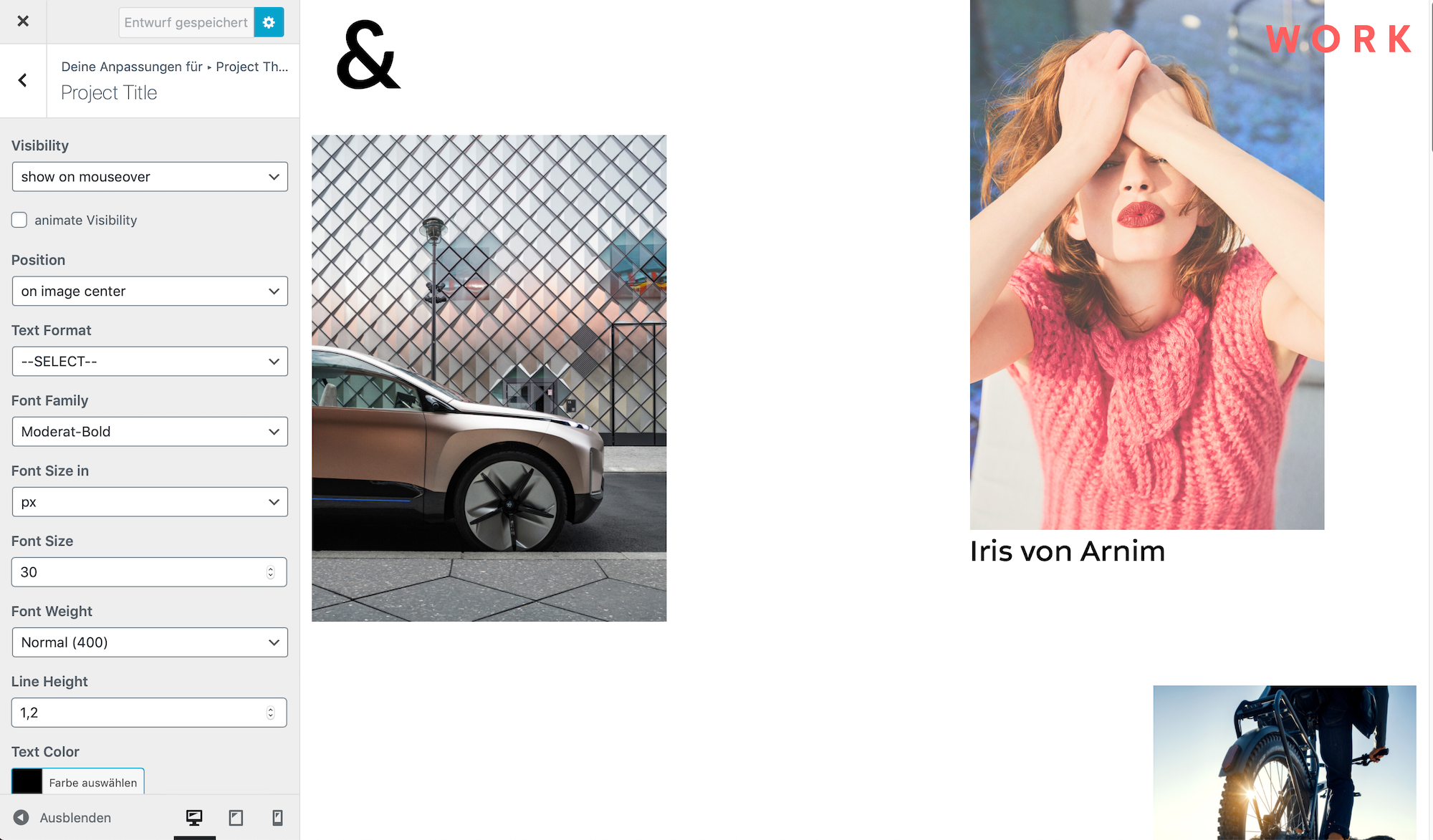
    Dear @j-varela When selecting "do not show mouseover state" for mobile did you check on a smartphone - Mobile cannot Mouseover so it shouldn't be possible - Are the video's still playing? if checking on a Desktop but at a small mobile browser width the mouseover will work. Best Richard
  • This topic is deleted!

    1
    0 Votes
    1 Posts
    1 Views
    No one has replied
  • Position tagline in bottom left corner

    4
    0 Votes
    4 Posts
    415 Views
    RichardR
    Dear @watersigils No worries! :) Best of luck with your website Sincerely Richard
  • Thumbnail title doesn’t appear on image center

    6
    1
    0 Votes
    6 Posts
    377 Views
    RichardR
    Dear Paula @paulapetersen No worries at all, just glad that things are working for you know and you can progress with your project! Best wishes and have a wonderful day :) Richard
  • Background Colour error; Remove Popups

    4
    3
    0 Votes
    4 Posts
    495 Views
    RichardR
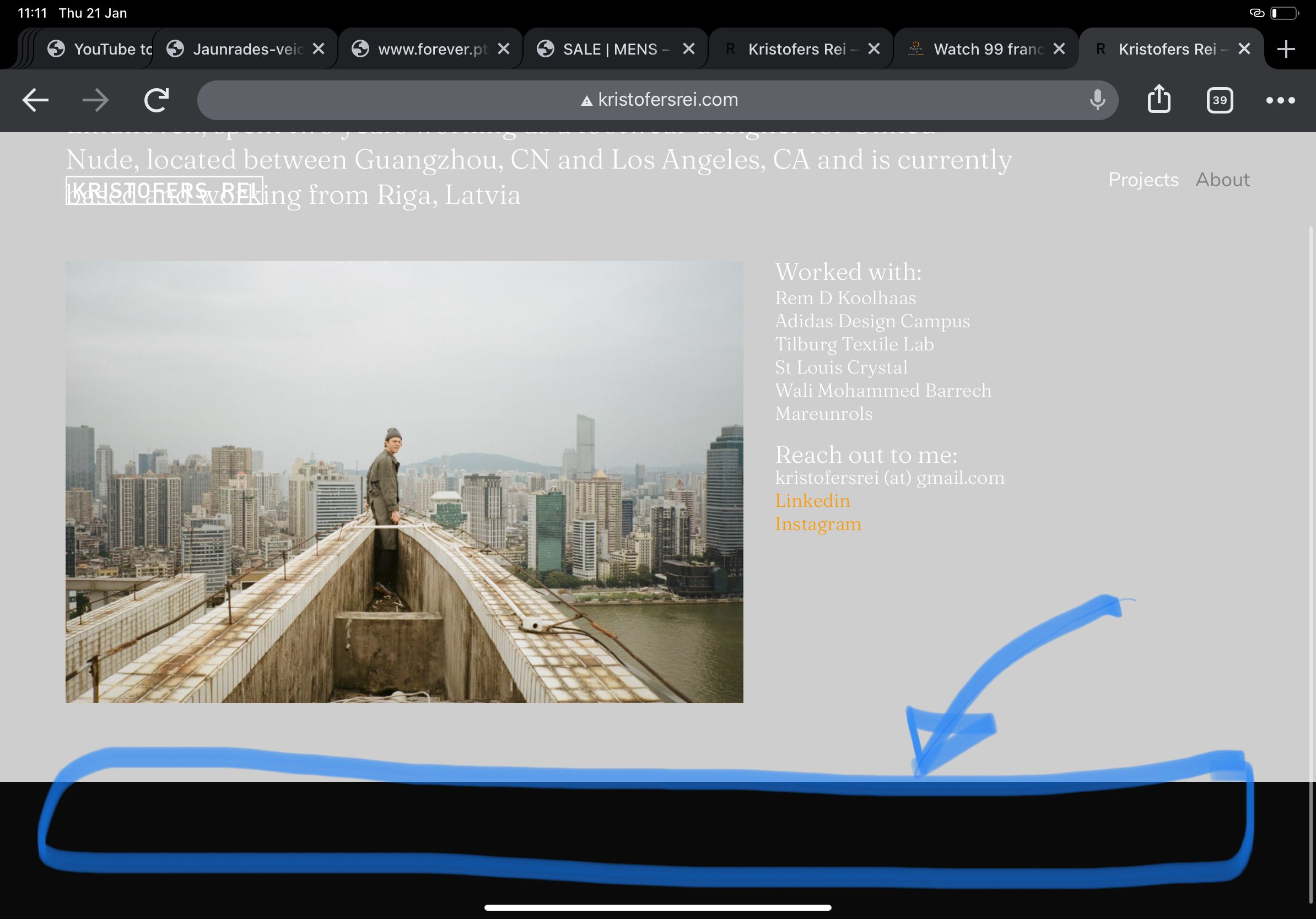
    Dear Kristofers @kristofersrei In > Customizer > Background > Try setting your background colour to grey: #c6c6c6 Currently it is set to black. Let me know if this solves the issue :) Best Richard
  • change site-title link

    7
    0 Votes
    7 Posts
    2k Views
    RichardR
    Dear @MaxWinter No worries :) Good luck with your project & talk soon Best Richard
  • This topic is deleted!

    1
    3
    0 Votes
    1 Posts
    3 Views
    No one has replied
  • Youtube Portrait (flipped Ratio) not working

    11
    0 Votes
    11 Posts
    968 Views
    RichardR
    Dear @gala In this where i don't really know whats going wrong until i can have a better look: Could you please send your wp-admin/ website & log-in details via 'Chats' ( if you feel comfortable doing so) & i will try to find out what the issue is! :) Best Richard
  • Scrolling Error / Loading Error

    6
    0 Votes
    6 Posts
    366 Views
    RichardR
    Dear @Lewis-Darlow This is great to hear :) If you have any further questions feel free & best of luck with the rest of your project! Sincerely Richard
  • Newsletter signup form

    mailchimp popup newsletter
    7
    0 Votes
    7 Posts
    2k Views
    RichardR
    Dear Georgia @georgiaharizani Sorry for the delay these past days! So you just need that when on Mobile the Ninja Forms - Font size changes to suit the Mobile Layout ( which it currently doesnt do ) If that is so, i can help you with this :) Talk soon and best wishes Georgia Richard
  • This topic is deleted!

    1
    0 Votes
    1 Posts
    2 Views
    No one has replied
  • Scroll on iFrame (vimeo)

    2
    0 Votes
    2 Posts
    1k Views
    BaptisteB
    Ok I'll answer to my own question for people who ask or have the same issue haha. If you use the iframe, using the vimeo api is, for the moment, the best way I found to solve that problem for Firefox and Chrome. Insert the iframe : <div class="iframeVimeo" style="padding:56.25% 0 0 0;position:relative;"><iframe src="yourvideocolor=ffffff&title=0&byline=0&portrait=0" style="position:absolute;top:0;left:0;width:100%;height:100%;" frameborder="0" allow="autoplay; fullscreen; picture-in-picture" allowfullscreen></iframe></div> Add css to block the pointer event on that iframe : .iframeVimeo iframe { pointer-events: none; } And then add the JS for the api and the click on the play button : <script src="https://player.vimeo.com/api/player.js"></script> <script type="text/javascript"> var player = new Vimeo.Player(document.querySelector('.iframeVimeo iframe')); var iframe = document.querySelector('.iframeVimeo').addEventListener('click', function() { player.getPaused().then(function(paused) { if (paused) { player.play(); } else { player.pause(); } }).catch(function(error) { }); });</script> It should works ✌️
  • Custom burger colour change on page?

    7
    0 Votes
    7 Posts
    774 Views
    S
    @aarondawkins said in Custom burger colour change on page?: Hey @suzyy thank you, but I'm sorry this doesn't work. Maybe if take a look at the site you will get a clearer idea. https://poesis-oracle.com This is the page that needs a white burger on mobile: https://poesis-oracle.com/library - just so you know the burger is custom. @mariusjopen @arminunruh a little help here? :) Thank you. Aaron would've been helpful at the start, as richard stated you've uploaded an .SVG for the hamburger so my code won't work (it was made for the default). try this in your custom javascript: <script> document.querySelector(".slug-library .burger-inner img").src = "url of white hamburger svg file here"; </script>
  • This topic is deleted!

    1
    0 Votes
    1 Posts
    3 Views
    No one has replied
  • 0 Votes
    6 Posts
    346 Views
    RichardR
    Dear @julianbauer Great ! :) best of luck with your project, its looking great Sincerely Richard
  • Anchorscroll Speed Adjustable?

    2
    0 Votes
    2 Posts
    116 Views
    RichardR
    Dear Henning @Henning This is not possible i believe from built in options,but has something to do with the: transition-delay: 100ms; CSS property that is attached to the Element you are scrolling to, you would need to add some Custom Code to alter this. Best wishes Richard
Online Users
Forgot your key, lost your files, need a previous Lay Theme or Addon version? Go to www.laykeymanager.com