Skip to content

General Discussion

A place to talk about anything Lay Theme related
5.0k Topics 21.6k Posts
  • Line hight on Lightbox Caption

    2
    0 Votes
    2 Posts
    200 Views
    mariusjopenM
    Dear @TheFriendlyGhost with CUSTOM CSS you could for example. Or with Text Formats. Best! Marius
  • Custom Previous/Next-Buttons for Fullscreen Slider Addon

    3
    0 Votes
    3 Posts
    314 Views
    mariusjopenM
    Dear @lars ah great! Thank you for sharing! Best! Marius
  • Single button on a two page website

    4
    0 Votes
    4 Posts
    188 Views
    mariusjopenM
    Dear @scottmacc no worries! Best! Marius
  • Align Shortcodes for social plugin

    2
    0 Votes
    2 Posts
    219 Views
    mariusjopenM
    Dear @Johannes-Meger this is just CUSTOM CSS. You will manage :-D Best! Marius
  • Custom project page with overlapping text and image on hover

    15
    1
    0 Votes
    15 Posts
    2k Views
    mariusjopenM
    Nice! It is not that difficult! Best! Marius
  • how to hide youtube controls and make the videos autoplay?

    4
    0 Votes
    4 Posts
    731 Views
    mariusjopenM
    No worries!
  • Making a Project Thumbnail unclickable, but still need the hover

    4
    0 Votes
    4 Posts
    426 Views
    mariusjopenM
    Dear @StudioBureau ah great! Thank you for sharing! Marius
  • Intro on mobile

    8
    0 Votes
    8 Posts
    764 Views
    arminunruhA
    hey @dingdong so not 100 percent sure what happened here but as u can see there are two files that need to be set for the intro: portrait and landscape so if ur browser is portrait but u only put a landscape video/image in there, then no intro will be shown at all or the other way around [image: 1593423430786-screenshot-2020-06-29-at-11.36.46.png] i guess thats how i coded it

  • Insert image as background - only for one page

    2
    0 Votes
    2 Posts
    180 Views
    mariusjopenM
    Dear @rubensousaborges you can make a right click on the gridder and select an image. Best! Marius
  • 0 Votes
    2 Posts
    109 Views
    mariusjopenM
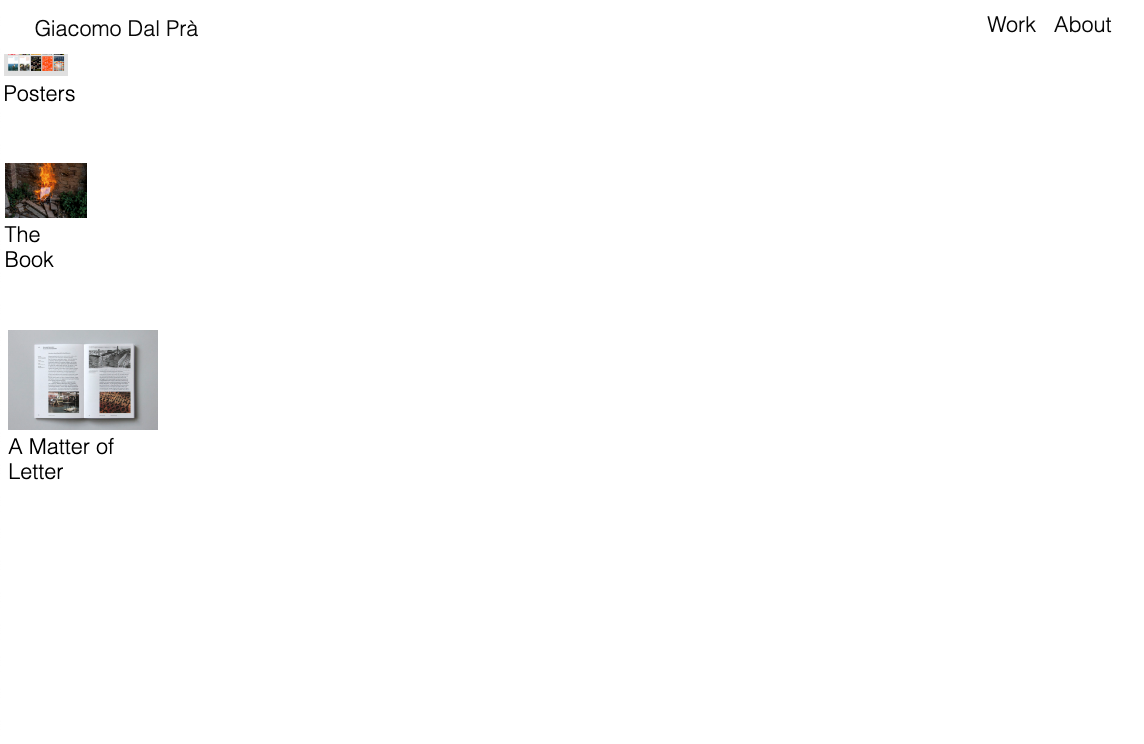
    Dear @giacomo_dalpra welcome to LayTheme! mhm.- It looks different now on your website! Best! Marius
  • Center mobile menu (vertical and horizontal)

    7
    1
    0 Votes
    7 Posts
    489 Views
    mariusjopenM
    Dear @Hayo-Gebauer nice! Best! Marius
  • This topic is deleted!

    1
    0 Votes
    1 Posts
    4 Views
    No one has replied
  • Custom Phone Layout - Frame Top in Pixel?

    3
    0 Votes
    3 Posts
    274 Views
    mariusjopenM
    Dear @kappe Nice! Thank you for letting us know! Yes, we will write that down. Best and have a wonderful day! Marius
  • Equal Height Project Images / Lazysizes Fixed Ratio ?

    image size thumbnail
    11
    0 Votes
    11 Posts
    3k Views
    mariusjopenM
    Dear @benjamin_ mhm. There is not really a good solution for this. You can try to do some CSS magic or even use jQuery to force them all to be the same height… Best! Marius
  • Childtheme Required?

    2
    0 Votes
    2 Posts
    111 Views
    mariusjopenM
    Dear @we-concept you can use child themes. They need to get adjusted when a LayTheme update comes. If you do not like LayTheme we are happy to give you a refund. Have a nice day. Best! Marius
  • Spinner while lazy loading

    4
    0 Votes
    4 Posts
    183 Views
    mariusjopenM
    Dear @we-concept we do our best to help people here in the forum. You can try to find a plugin or code a spinner yourself. You can find help on various websites like Codeacademy and others. Best! Marius
  • Very new to this

    2
    0 Votes
    2 Posts
    97 Views
    mariusjopenM
    Dear @keivan put this into your CUSTOM CSS section: span.title { display: none !important; } Best! Marius
  • Prevent scrolling

    2
    0 Votes
    2 Posts
    186 Views
    mariusjopenM
    Dear @josehoudini no. If you use the about like this, you will need to be able to scroll… Best! Marius
  • Anchor on mobile

    2
    0 Votes
    2 Posts
    95 Views
    mariusjopenM
    Dear @doorofperception it works for me on mobile. But the names are too close to each other so it is difficult to click. Best! Marius
  • Text over image

    2
    1
    0 Votes
    2 Posts
    290 Views
    mariusjopenM
    Dear @jnemeck you can set the image as a background image and then just place the text on it. With CSS you could remove the element. Are you familiar with CSS and a bit of jQuery? If not I would recommend to have a look into some tutorials at Codeacademy https://www.codecademy.com/. It is for free for the basics. The effect you are trying to achieve requires some knowledge and brainpower :-) Best! Marius
Online Users
Forgot your key, lost your files, need a previous Lay Theme or Addon version? Go to www.laykeymanager.com