Dear @leoncc
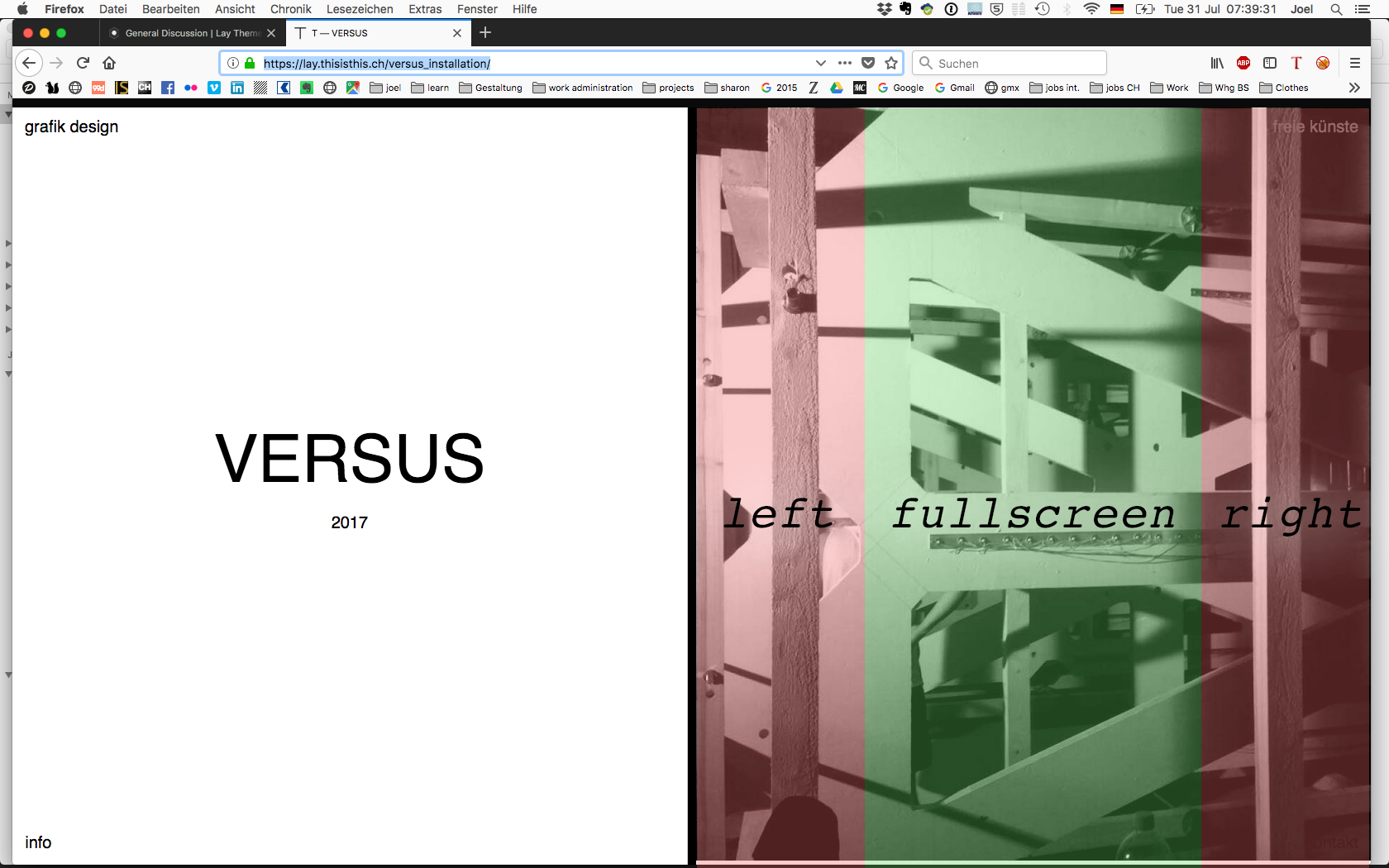
I made a very rough sketch to give you an idea.
.thumb:hover .thumb-rel {
display: block;
}
.thumb-rel {
display: none;
position: fixed;
left: 10vw;
top: 10vh;
width: 80vw;
height: 80vh;
overflow: hidden;
pointer-events: none;
}
Hope that helps!
I used project thumbnails.
Best!
Marius
Hey @this
can you update this CSS class?
.col .lay-carousel img.h100 {
height: 100vh !important;
top: 0;
object-fit: cover !important;
width: 100%;
}
Let me know if that worked out :-)
Best!
Marius
@paul_moxie to make your code valid you need a semicolon after 1px in your css:
.line {
stroke-width: 1px;
}
On the other hand I'm not quite sure if stroke-width will work at all for an hr-element. I’d try something along these lines:
.my-hr .lay-hr {
height: 1px;
}
Then add the class my-hr (call it whatever you fancy) to the hr-elements in the gridder. Unfortunately I can’t really explain why the lay-hr class needs to be there – But it needs to be – It’s something about that CSS-parent-child-thing I never really wrapped my head around.
Hope that helps!
Dear @this
there is no official way to do this.
What I could imagine is to place an image with CUSTOM CSS or some x- or y-offset.
Then make it invisible. But when you click it opens the slideshow.
I think this is not possible in a carousel though…
Let me know what you think.
Best!
Marius
Dear @michaelenglert
ah, this is what you mean.
The parallax effect in LayTheme is about the speed of specific elements when you scroll.
The thing you proposed is not possible yet. Maybe in the future.
Best!
Marius