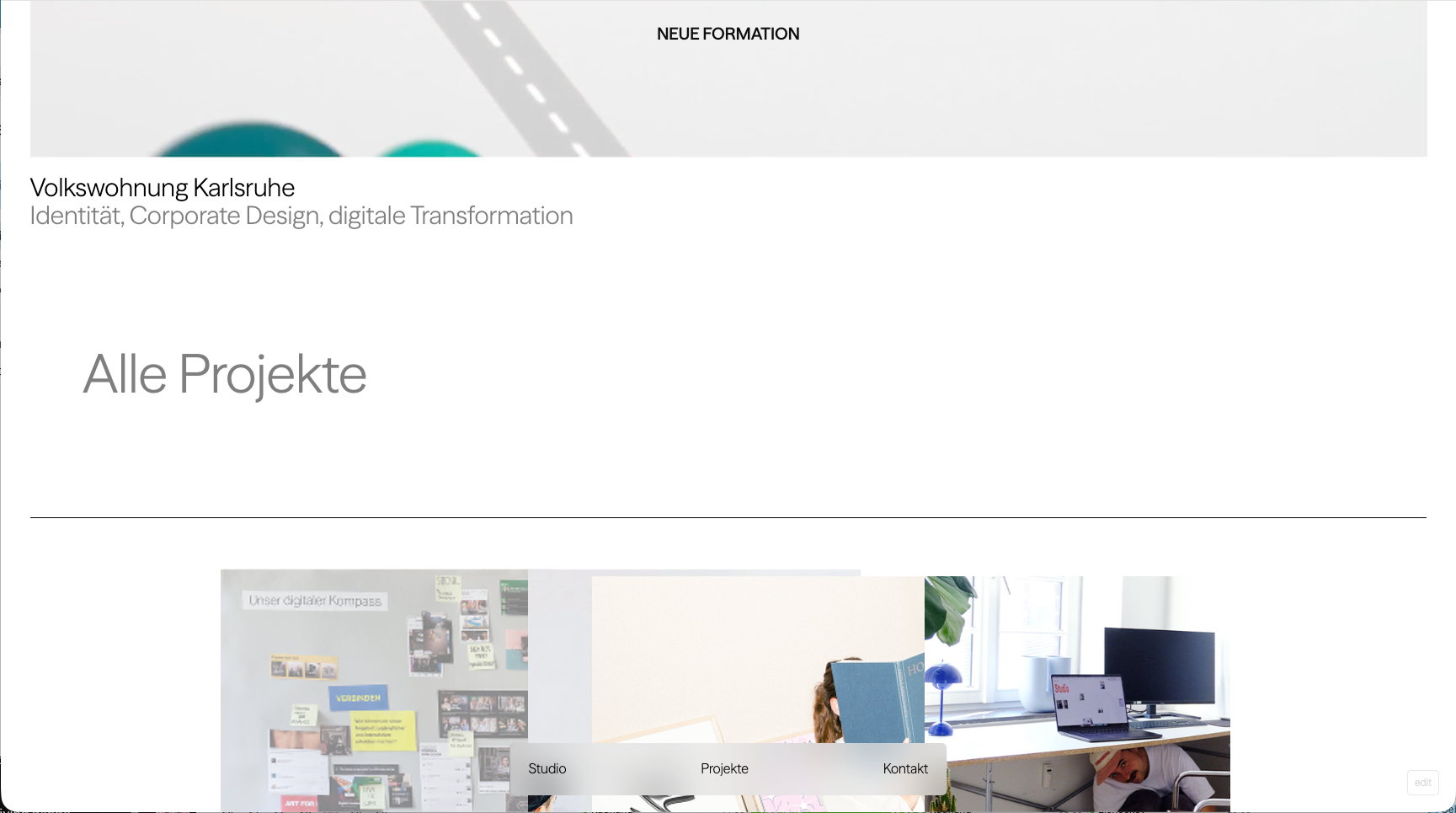
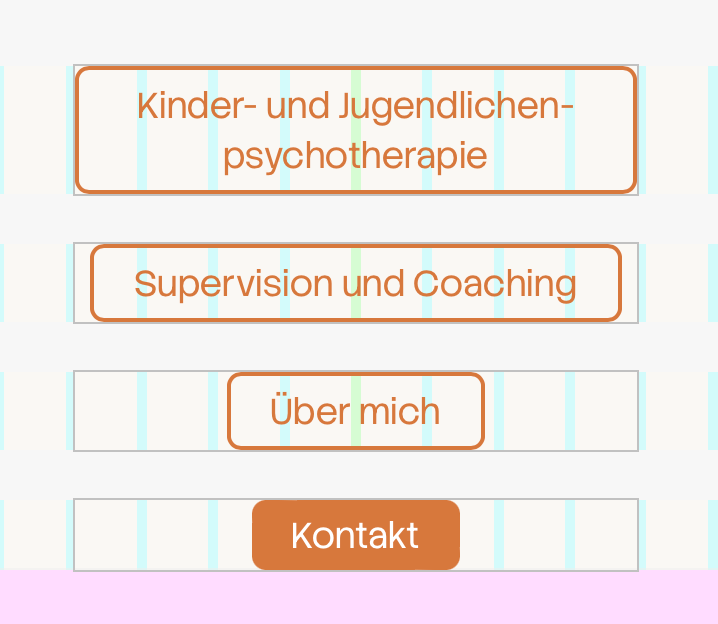
if you right click a element, there should be the "sync" button, there you can unsync it!
second image here:
https://laytheme.com/documentation/custom-phone-layouts.html#how-syncing-works
its when you edit a page!
when you edit your categeory, (not in the customizer)
you can click "copy to pages"
then on the right side when you edit that page, you will find that setting.
make sure you put that page in the menu then, instead of the category page.
Could you run the page through Screaming Frog with JavaScript rendering and “Extract Images From IMG SRCSET” enabled? That will provide an export of all image URLs found in the rendered page. The Rich Results screenshot alone cannot provide that list.
https://www.screamingfrog.co.uk/seo-spider/
hey, in my last answer I described how to recreate the typewriter effect.
with all the settings that you have in the text animation section, you can recreate the same typewriter effect and then just click Save As and then just save it as typewriter.
<3
hey @lulu.ask., thanks for testing again. could you share the workaround you found? the original anchor should still work inside the Project Overlay, so i’d like to understand what is still different on your site and fix the underlying issue.
hey @arminunruh no problem. Thank you for your offer - maybe i come back to it :) to be honest the option would be cool, but i only need it on a site i'm working on right now (so only once in the last few years). I think i can manage to get results with custom code to hide the overlay on a certain page and vice versa... if i can't figure a way - i come back to you...
hey, so in every Gridder modal, those are the windows that you open when you insert an element. For example, you now have this button here. That's what it means.
[image: 1785235520935-186aeb64-84d9-487e-9271-dfe172633885-grafik.png]
There is no night mode for the Gridder itself, and there are no plans for that.
hey, please check the pricing on their website.
no dont use gifs I think GIFs are the worst thing you can do. Quality and file size-wise, it's just the worst and oldest thing that you can do.
yes its a great idea!
something similar is this:
https://laytheme.com/documentation/gridder-rows.html#collapse-and-expand-rows
but of course its only for rows
[image: 1784799483945-1c8172b7-f914-4714-9c36-ccf50d0bc453-grafik.png]
you can play around with these settings to make it work right in the new button element
[image: 1784799577020-38ed04d1-c1a0-476c-8741-c99017d4de85-grafik.png]
yea its a cool idea! makes sense.
if you have a second menu with the next version this will be possible:
[image: 1784713575239-b44ea6f8-97fe-477d-8af0-1e7926c4453f-grafik.png]
hey, did you read the text underneath where you set the image quality? Only changing the image quality doesn't do anything. You actually need to regenerate the images for the quality change to take effect. If you read that text or you set the image quality, you will see how to do that