yea thats true
.fixed{
position: fixed!important;
top: 50px!important;
width: 50%!important;
left: 20%!important;
z-index: 20!important;
}
you can play around with the width and left parameters to change the width and the space to the left
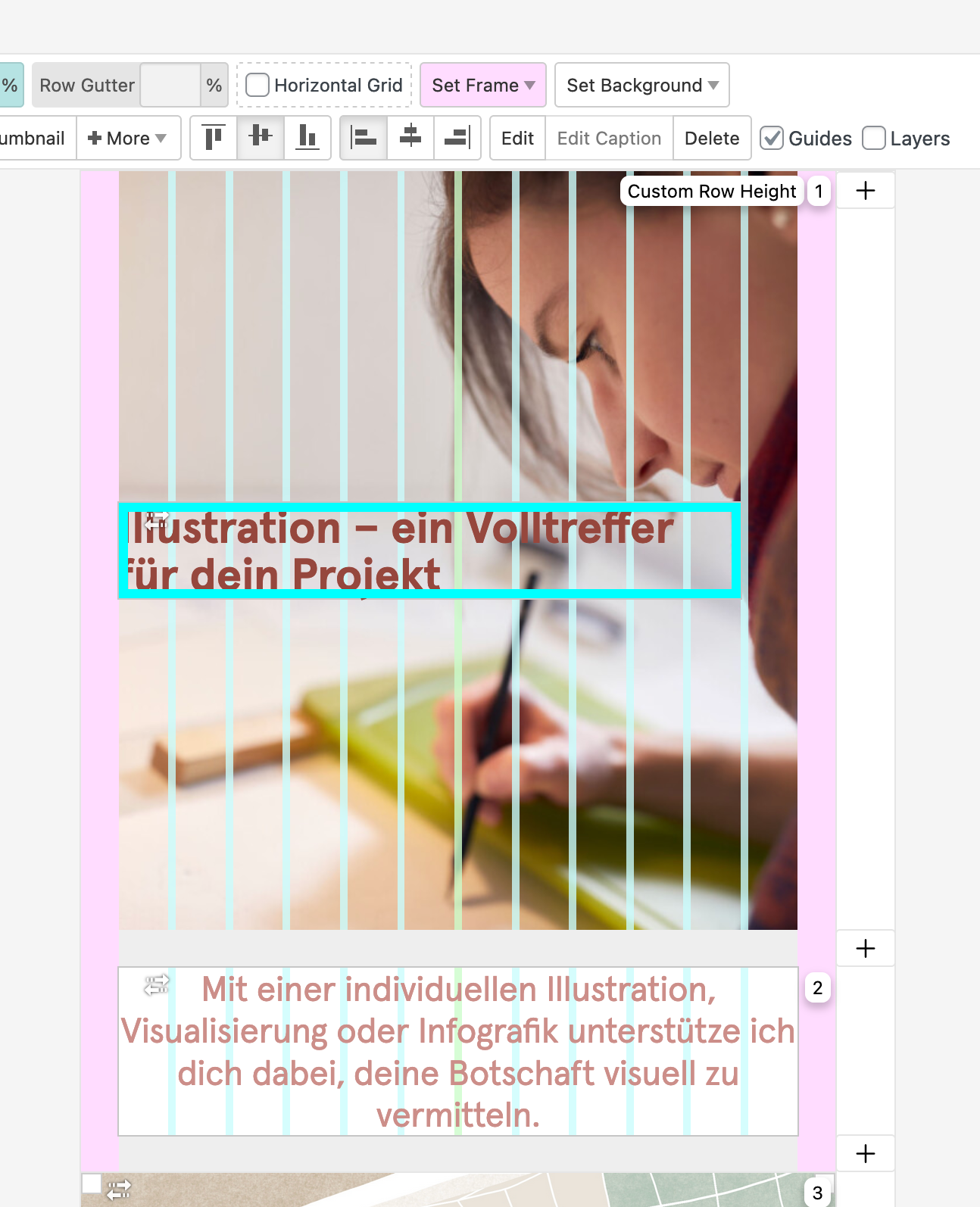
you might want to remove the "fixed" class from your element, and add the "fixed" class to a row that contains only your text. right click an empty spot of the row, and choose "set html class and id"
if the whole row gets fixed, it might still respect the column left and width of the gridder