Skip to content

Addons

Got a question about an Addon?
898 Topics 4.1k Posts
  • Continuous and smooth autoplay of carousel

    3
    0 Votes
    3 Posts
    347 Views
    M
    Thanks for answering @mariusjopen
  • Lightbox funktioniert nicht (mehr)

    4
    1
    0 Votes
    4 Posts
    172 Views
    mariusjopenM
    Dear @Micha can you just deactivate them for testing? The settings wont get deleted. Also do you have the right settings in the Lightbox options page? Best! Marius
  • Lay Theme options are not showing up on the left wordpress panel

    4
    1
    0 Votes
    4 Posts
    173 Views
    mariusjopenM
    Dear @Joana-Cardoso Best is if you write an email to info@laytheme.com and include a link to this conversation. Many wishes! Marius
  • This topic is deleted!

    1
    0 Votes
    1 Posts
    1 Views
    No one has replied
  • Lightbox only showing the first image

    9
    0 Votes
    9 Posts
    307 Views
    arminunruhA
    mh yea probably it did use that html class "hide"
  • Fullscreen slider

    3
    0 Votes
    3 Posts
    165 Views
    mariusjopenM
    Dear @Joeg this is not really possible. But you could use the Carousel and have it fullscreen. Best! Marius
  • fullscreen slider addon for thumbnails

    2
    0 Votes
    2 Posts
    173 Views
    mariusjopenM
    Dear @almah this is because the image is a link and you need to click on it to open it. Best! Marius
  • Full screen slider problem

    12
    0 Votes
    12 Posts
    1k Views
    mountainsuperstdM
    I think I can bring a bit more info about this problem. It's also sometimes visible on Carousel slideshow. I could narrow it to Safari running on MacOs Catalina, in my case at least. It does not happen on Safari running on Sierra, which I have installed on my laptop, or under Chrome, both on Sierra and Catalina. Seems to be a Safari/Catalina specific problem.
  • Resize Fullscreen Slider Custom Mouse Cursor

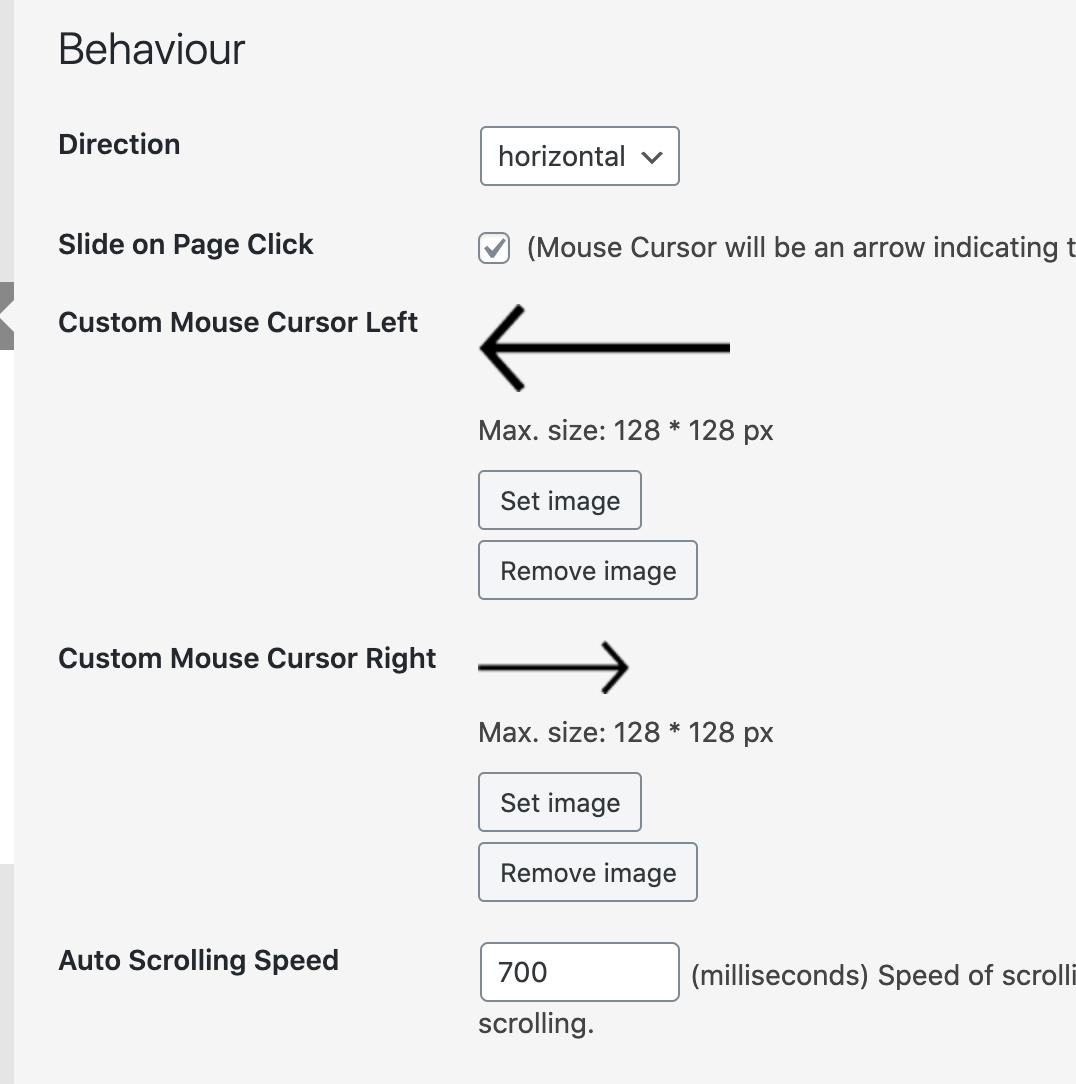
    4
    1
    0 Votes
    4 Posts
    203 Views
    mariusjopenM
    Dear @jefflouie if I open this page : http://jefflouie.co/full-screen-slider-test in Chrome. I can see two different sizes. Best! Marius
  • carousel - option to stop?

    2
    0 Votes
    2 Posts
    110 Views
    mariusjopenM
    Dear @mpgf there is no such option :-/ Best! Marius
  • Image hover when passing (mouse) on text/ links

    4
    2
    0 Votes
    4 Posts
    312 Views
    mariusjopenM
    Dear @dannyfaria no :-) I meant to write him an email :-) Best! Marius
  • lighbox add-on

    2
    0 Votes
    2 Posts
    52 Views
    mariusjopenM
    Dear @hystan currently we only have the options available, which you can see in the slideshow settings. You can always use CUSTOM CSS to modify the styling. Best! Marius
  • Carousel Addon – Urgent

    2
    0 Votes
    2 Posts
    71 Views
    mariusjopenM
    Dear @degrau Best is if you write an email to info@laytheme.com and include a link to this conversation. Many wishes! Marius
  • Caption under all my photos in carousel

    2
    0 Votes
    2 Posts
    116 Views
    mariusjopenM
    Dear @Sarahstaal Can you post a link to your website? We will then have a look and inspect that! Also, you need to open a slide and add a caption to each image. Many wishes! Marius

  • show from project overview more project images via lightbox

    2
    0 Votes
    2 Posts
    94 Views
    mariusjopenM
    Dear @BenFuchs still not possible The website of Studio Amos Fricke is custom made. Best! Marius
  • Carousel not showing up when put up

    9
    1
    0 Votes
    9 Posts
    491 Views
    mariusjopenM
    Dear @sarahguenes Perfect! Glad to hear! Many wishes! Marius
  • 0 Votes
    5 Posts
    345 Views
    mariusjopenM
    Dear @Eeva you can deactivate the fullscreen slider for this page. Best! Marius
  • Pinch/Zoom on Mobile

    5
    0 Votes
    5 Posts
    197 Views
    mariusjopenM
    Dear @alasdair17 Nice! Thank you for letting us know! Best and have a wonderful day! Marius
  • 0 Votes
    2 Posts
    92 Views
    mariusjopenM
    Dear @thomasmaier Can you post a link to your website? We will then have a look and inspect that! Many wishes! Marius
  • where do i select Lightbox addon?

    2
    1
    0 Votes
    2 Posts
    238 Views
    mariusjopenM
    Dear @beadegiacomo you need to activate the lightbox in the LayOptions. Then each image on the page is a part of the lightbox automatically. Best! Marius

For paid 1-on-1 Lay Theme Coaching, contact Audrey (audrey@cyberslayers.work) or me (info@laytheme.com).

We also code custom websites or bespoke Lay features. Drop me a line at info@laytheme.com or check out my work at arminunruh.com.

Want to support my work? paypal.me/arminunruh

Before you post:
  1. When using a WordPress Cache plugin, disable it or clear your cache.
  2. Update Lay Theme and all Lay Theme Addons
  3. Disable all Plugins
  4. Go to Lay Options → Custom CSS & HTML, click "Turn Off All Custom Code", click "Save Changes"

This often solves issues you might run into

When you post:
  1. Post a link to where the problem is
  2. Does the problem happen on Chrome, Firefox, Safari or iPhone or Android?
  3. If the problem is difficult to explain, post screenshots / link to a video to explain it
Online Users
Forgot your key, lost your files, need a previous Lay Theme or Addon version? Go to www.laykeymanager.com