Front/Back end is gone. Gridder is dead
-
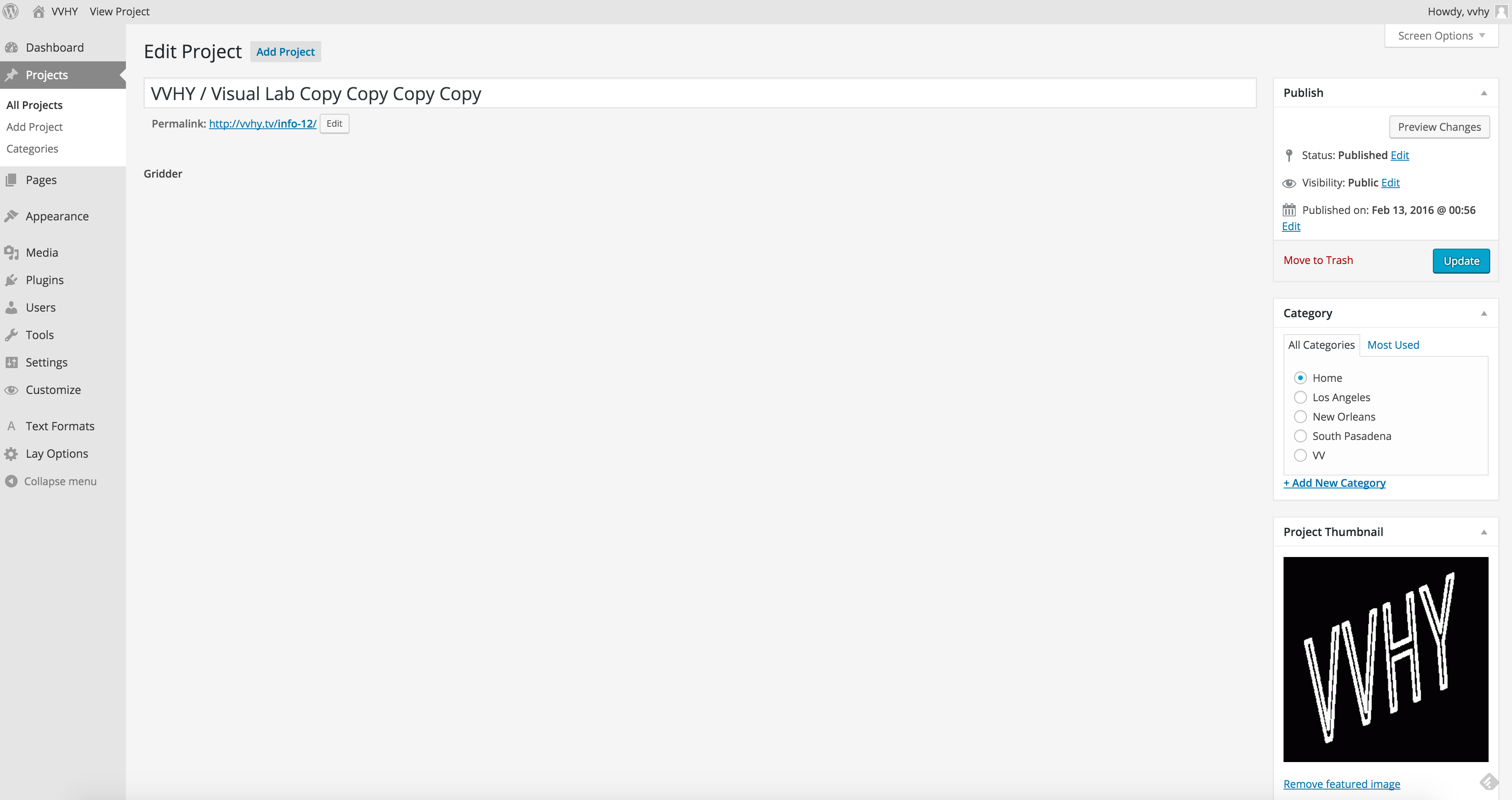
Hello. Laytheme is brilliant. But it’s very unstable for me. I redone my project from scratch about 20 times now and still get the same error – everything works as it should on a draft stage of project creation, but as soon as I publish my project front end disappears, so as Gridder on a backend (After project is published I see no Gridder in the project editing page anymore). I have dozens of duplicated projects for backup purposes now, but none of those copies could be published without everything getting invisible.
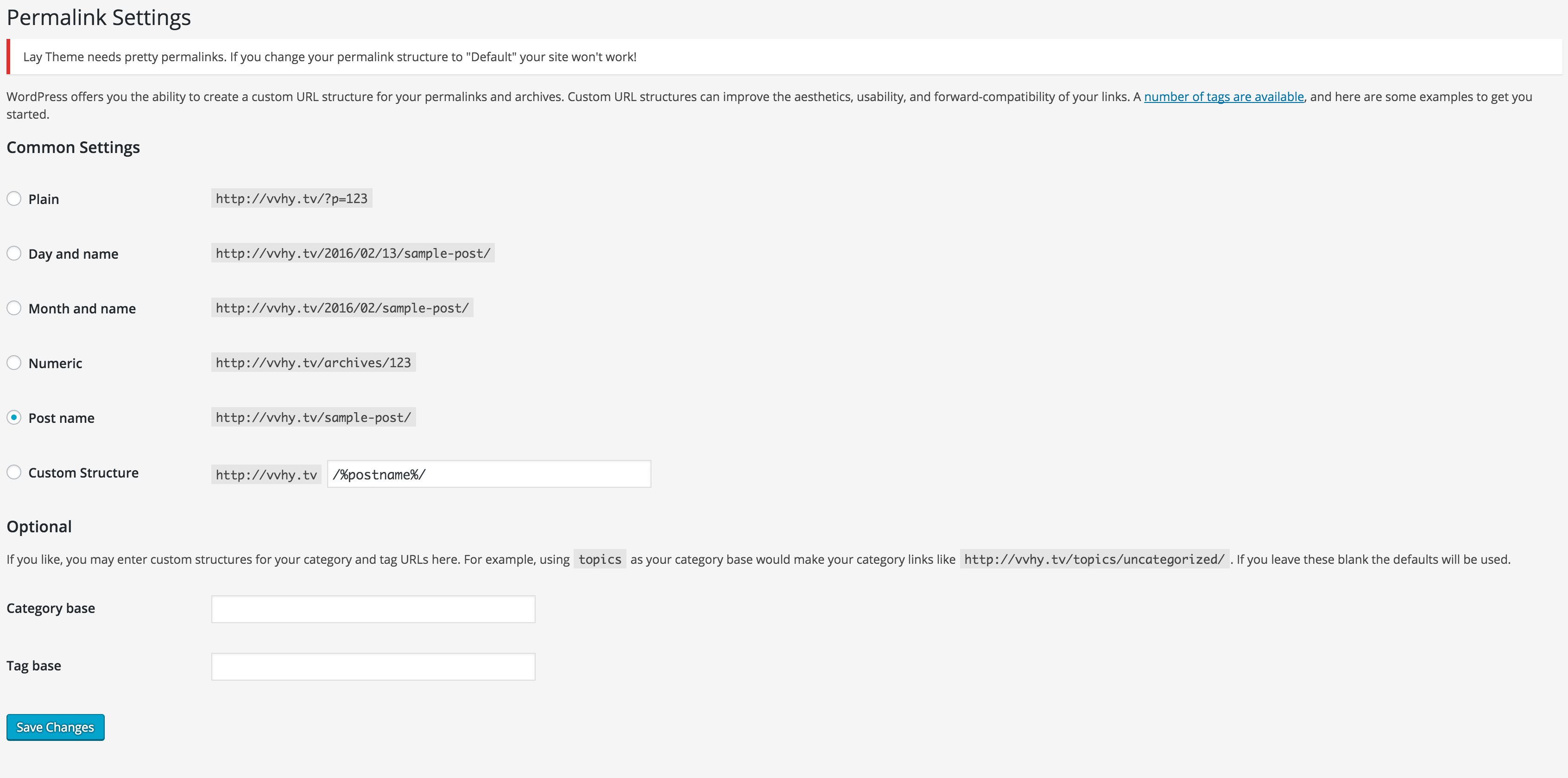
My permalink settings are set on a Post Name, but I can’t see any "If your .htaccess file were writable…” line mentioned in a Troubleshooting (there is a line “Lay Theme needs pretty permalinks. If you change your permalink structure to "Default" your site won't work!”). I check my .htaccess fil e on FTP and permalink rewrite code there is correct (same as provided here https://codex.wordpress.org/Using_Permalinks).
Here is one my published project I plan to use as a home page… being empty after I published it: http://vvhy.tv/info-12/
If you look in the source, content is still there, but for some reason didn’t appears.
What’s wrong with it and how to fix it?
Thanks.
-
Can you try to not click "preview" or "save draft" but only use "publish" and "save"?
Let me know if that works please.I had "preview" and "save draft" hidden always, cause it caused exactly what you're describing. WordPress saves the gridder data in a weird way only when u press preview/save draft. I thought it would work now but probably I was wrong.
-
-
Thanks a lot!!
I'm really sorry 4 you that the preview buttons caused your layout to disappear :/. I deactivated them in the latest update. I thought they would work now :/

Hello! It looks like you're interested in this conversation, but you don't have an account yet.
Getting fed up of having to scroll through the same posts each visit? When you register for an account, you'll always come back to exactly where you were before, and choose to be notified of new replies (either via email, or push notification). You'll also be able to save bookmarks and upvote posts to show your appreciation to other community members.
With your input, this post could be even better 💗
Register Login