Skip to content
  • Recent
  • Tags
  • Popular
  • Users
  • Search
Skins
  • Light
  • Brite
  • Cerulean
  • Cosmo
  • Flatly
  • Journal
  • Litera
  • Lumen
  • Lux
  • Materia
  • Minty
  • Morph
  • Pulse
  • Sandstone
  • Simplex
  • Sketchy
  • Spacelab
  • United
  • Yeti
  • Zephyr
  • Dark
  • Cyborg
  • Darkly
  • Quartz
  • Slate
  • Solar
  • Superhero
  • Vapor

  • Default (No Skin)
  • No Skin
Collapse

Lay Theme Forum

  1. Home
  2. Bug Reports
  3. Grey Line Around Images


Grey Line Around Images
Scheduled Pinned Locked Moved Bug Reports
11 Posts 4 Posters 1.8k Views 1 Watching
  • Oldest to Newest
  • Newest to Oldest
  • Most Votes
Reply
  • Reply as topic
Log in to reply
This topic has been deleted. Only users with topic management privileges can see it.
  • M
    M
    Madeleine
    wrote on last edited by
    #1

    Hi!

    Website: http://studioskulptur.com/
    Chrome

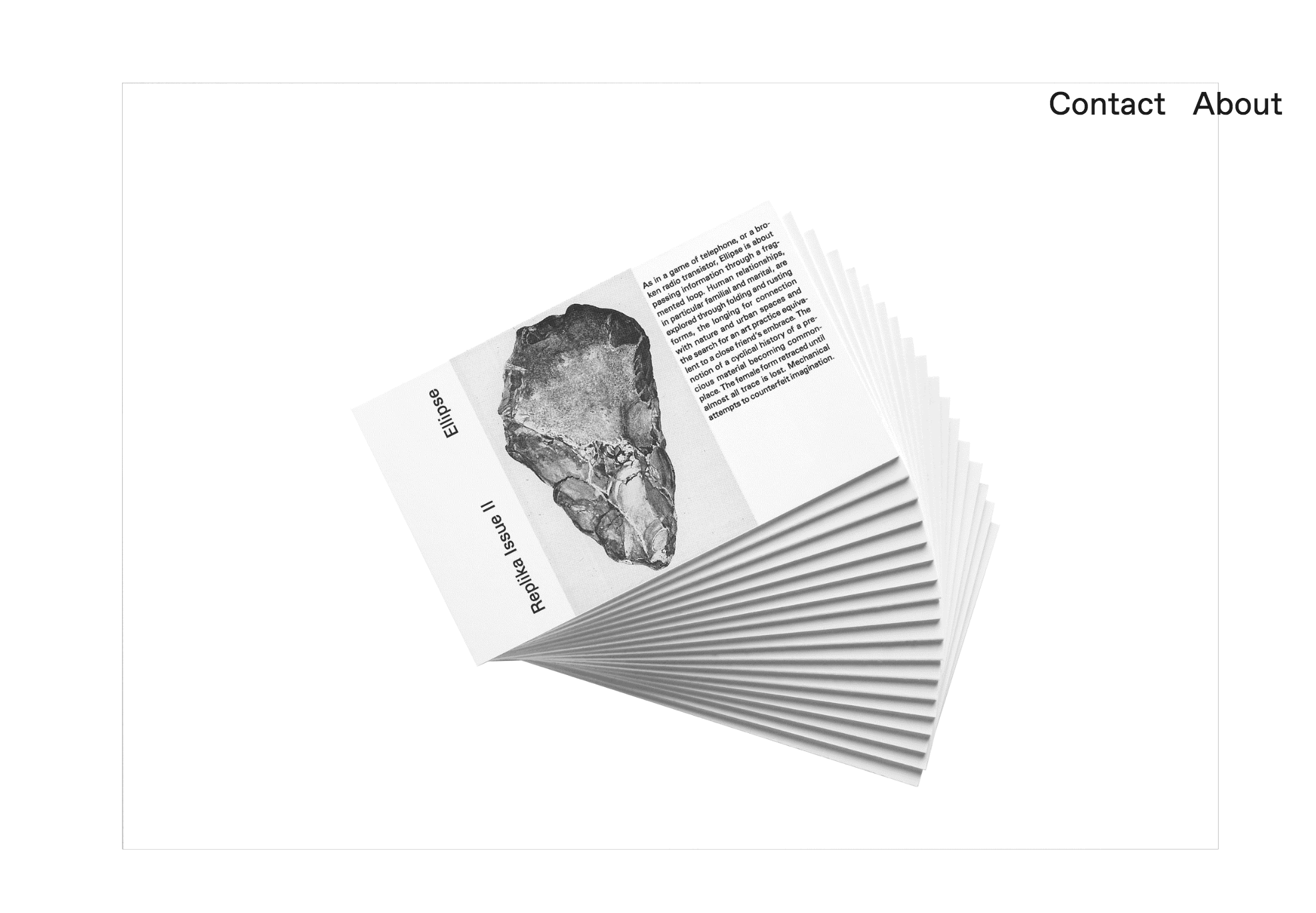
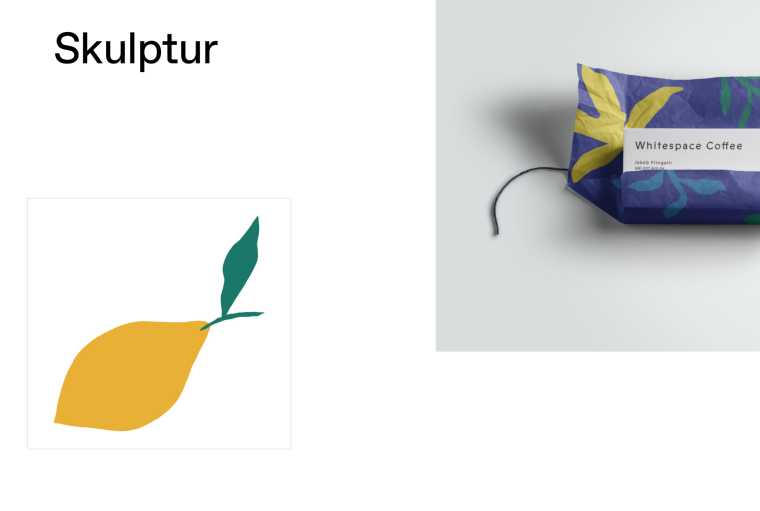
    I am experiencing a mysterious grey line around some of my images, they are more noticable on the ones with a white background. The lines are not there in the original file but only visible when I have uploaded them onto the lay theme. Sometimes it is around the whole image, other times just along one side. How do I get rid of these? !3_1536240662092_Screen Shot 2018-09-06 at 15.22.56.png 2_1536240662092_Screen Shot 2018-09-06 at 15.23.05.png 1_1536240662092_Screen Shot 2018-09-06 at 15.22.26.png 0_1536240662091_Screen Shot 2018-09-06 at 15.21.47.png

    I have attached screenshots.

    Thanks in advance!

    Madeleine

    1 Reply Last reply
    0
    • mariusjopenM
      mariusjopenM
      mariusjopen
      Global Moderator
      wrote on last edited by
      #2

      Hi @Madeleine
      in which browser do you experience them?

      Best!

      Marius

      www.mariusjopen.world

      1 Reply Last reply
      0
      • S
        S
        sebastianpetrov
        wrote on last edited by
        #3

        Hi, I am getting this issue also - especially noticeable on some new pages I am testing for a fresh layout.

        Please see URL below, password is: "bro"

        http://sebastianpetrovski.com/out-for-duel-magazine

        I get the lines in chrome and safari.

        Look forward to hearing from you :)

        Best,

        Sebastian

        1 Reply Last reply
        0
        • E
          E
          emilnolde
          wrote on last edited by
          #4

          Hi!

          I had the same issue. In my case it occurred when I was using simultaneously Image Placeholder Background Color and Max-width and max-height of elements option at Fullsreen Slider plugin. The only solution I've found so far is avoiding the Max-width... option.

          Cheers.

          1 Reply Last reply
          0
          • S
            S
            sebastianpetrov
            wrote on last edited by
            #5

            A work-around is to make the "Image Placeholder Background Color" same as the site/page background colour.

            1 Reply Last reply
            0
            • mariusjopenM
              mariusjopenM
              mariusjopen
              Global Moderator
              wrote on last edited by
              #6

              I cannot see the issue.
              Can you resend the link where the issue is visible?

              Best!

              Marius

              www.mariusjopen.world

              1 Reply Last reply
              0
              • S
                S
                sebastianpetrov
                wrote on last edited by
                #7

                Hi Marius,

                Thanks for getting back to me!

                I have changed the "Image Placeholder Background Color" to black - now the issue is visible again.

                Please see URL below, password is: "bro"

                http://sebastianpetrovski.com/out-for-duel-magazine

                1 Reply Last reply
                0
                • mariusjopenM
                  mariusjopenM
                  mariusjopen
                  Global Moderator
                  wrote on last edited by
                  #8

                  Dear @sebastianpetrov
                  ok, it looks like the placeholder-color does not 100% align with the image.

                  We will get back to that.

                  Best!

                  Marius

                  www.mariusjopen.world

                  1 Reply Last reply
                  0
                  • S
                    S
                    sebastianpetrov
                    wrote on last edited by
                    #9

                    Hi Marius,

                    Ok, in the meantime I will change the placeholder colour to the background colour so its not seen.

                    Look forward to hearing from you.

                    Best,

                    Sebastian :)

                    1 Reply Last reply
                    1
                    • E
                      E
                      emilnolde
                      wrote on last edited by
                      #10

                      Hi, Marius,
                      Any solutions for proper aligning images and placeholder-color so far?
                      Thanks!

                      1 Reply Last reply
                      0
                      • mariusjopenM
                        mariusjopenM
                        mariusjopen
                        Global Moderator
                        wrote on last edited by
                        #11

                        Dear @emilnolde

                        can you show an example link?
                        Thank you!!

                        Marius

                        www.mariusjopen.world

                        1 Reply Last reply
                        0

                        Hello! It looks like you're interested in this conversation, but you don't have an account yet.

                        Getting fed up of having to scroll through the same posts each visit? When you register for an account, you'll always come back to exactly where you were before, and choose to be notified of new replies (either via email, or push notification). You'll also be able to save bookmarks and upvote posts to show your appreciation to other community members.

                        With your input, this post could be even better 💗

                        Register Login
                        Reply
                        • Reply as topic
                        Log in to reply
                        • Oldest to Newest
                        • Newest to Oldest
                        • Most Votes


                        Online Users
                        R
                        robertobarbes
                        Forgot your key, lost your files, need a previous Lay Theme or Addon version? Go to www.laykeymanager.com
                        laytheme.com
                        • Login

                        • Don't have an account? Register

                        • Login or register to search.
                        • First post
                          Last post
                        0
                        • Recent
                        • Tags
                        • Popular
                        • Users
                        • Search