Text not able to Algin in the Middle after Update
-
After the last Update, on pages using fullscreen slider add-on, when set on "user browser height a row height" text is no more aligned in the middle but on the bottom. "Top" and "Bottom" still work normal, "Bottom" doing the same as "Middle". Anyone with the same problem?
this is the link: http://www.hahn-hartung.com
-
Dear @miguelhahn
to get you right:the content in this image for example should be vertically aligned?
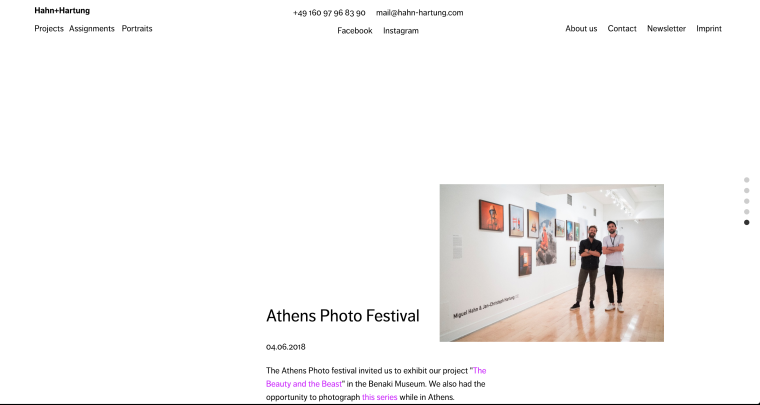
Did you move the boxes up with an offset?
Best!
Marius
-
Hi Marius,
Thanks for our answer!
On your example there his some offset. But look here:
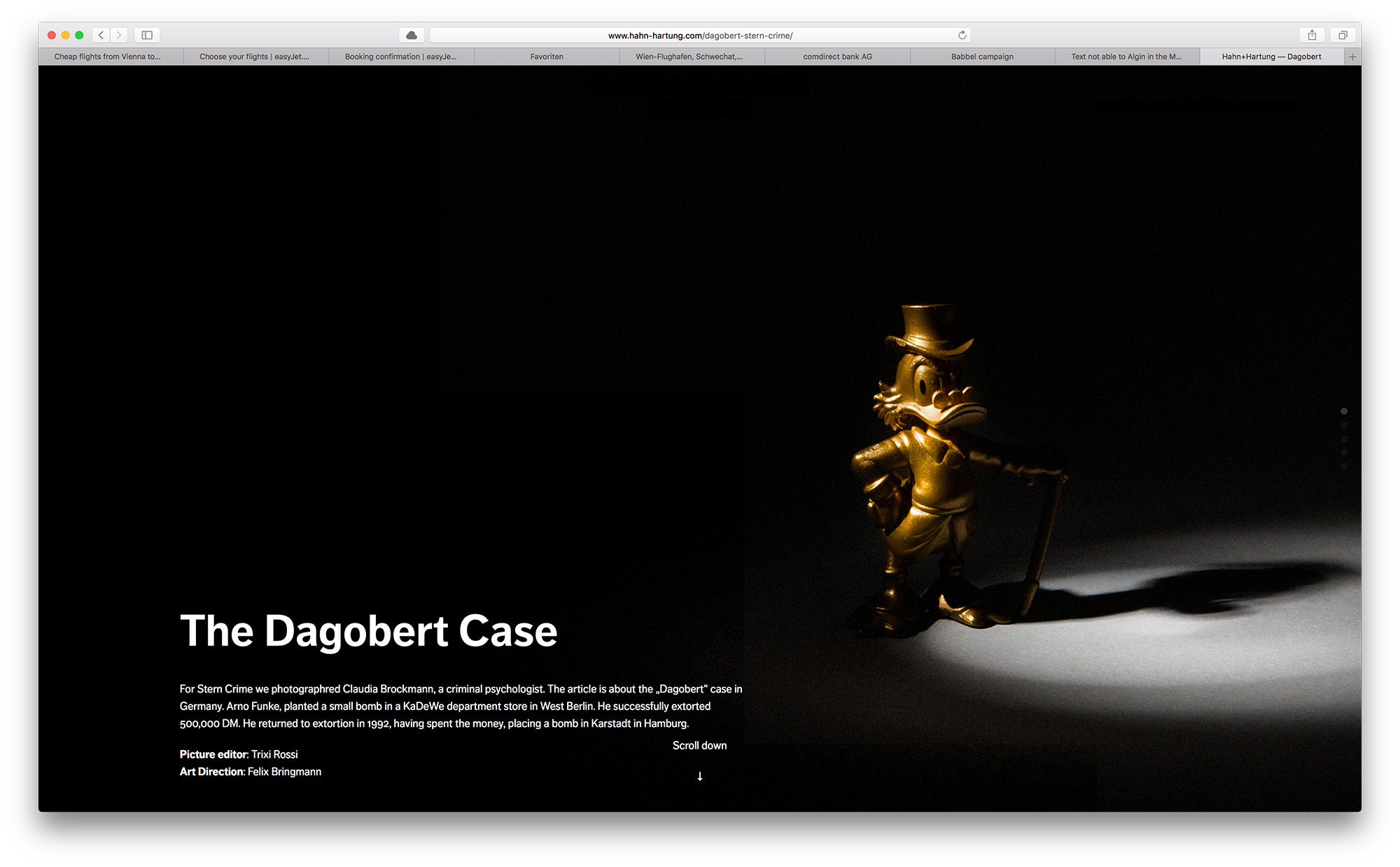
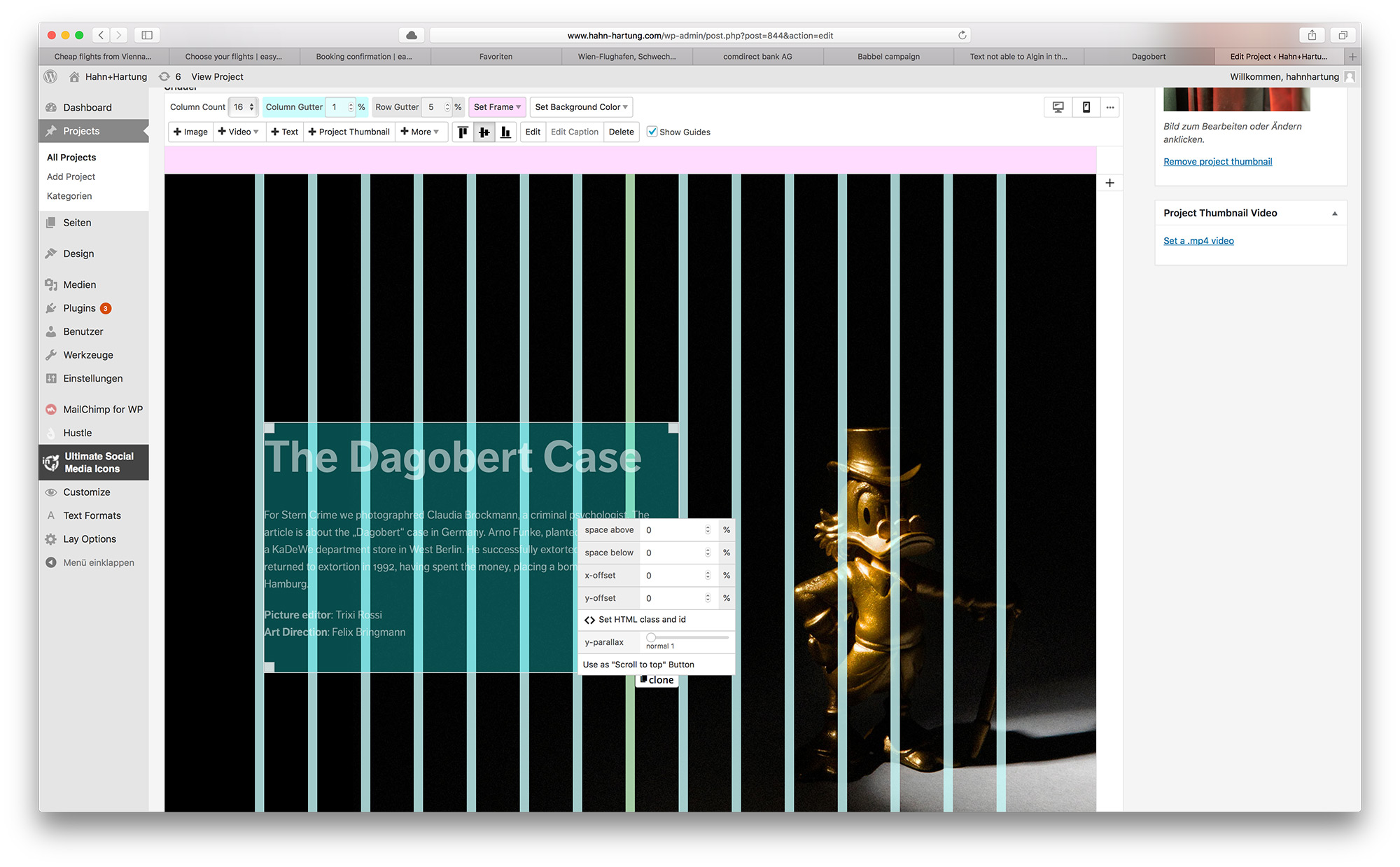
Here for example the text should be aligned in the middle. There is no offset selected, yet it reacts like you would select "Align Bottom".
All the best,
Miguel -
When in Firefox Webdeveloper tools, if I turn of the top:50% property here:
_100vh :not(.stack-element) > .col[data-type="text"].align-middle {
top: 50%;It behaves like it should…
-
Ok, it's solved, I deactivated a bunch of plugins, one of them was causing the problem, thanks!
-

Hello! It looks like you're interested in this conversation, but you don't have an account yet.
Getting fed up of having to scroll through the same posts each visit? When you register for an account, you'll always come back to exactly where you were before, and choose to be notified of new replies (either via email, or push notification). You'll also be able to save bookmarks and upvote posts to show your appreciation to other community members.
With your input, this post could be even better 💗
Register Login