Skip Button (reversed back to top button script)
-
Hey guys,
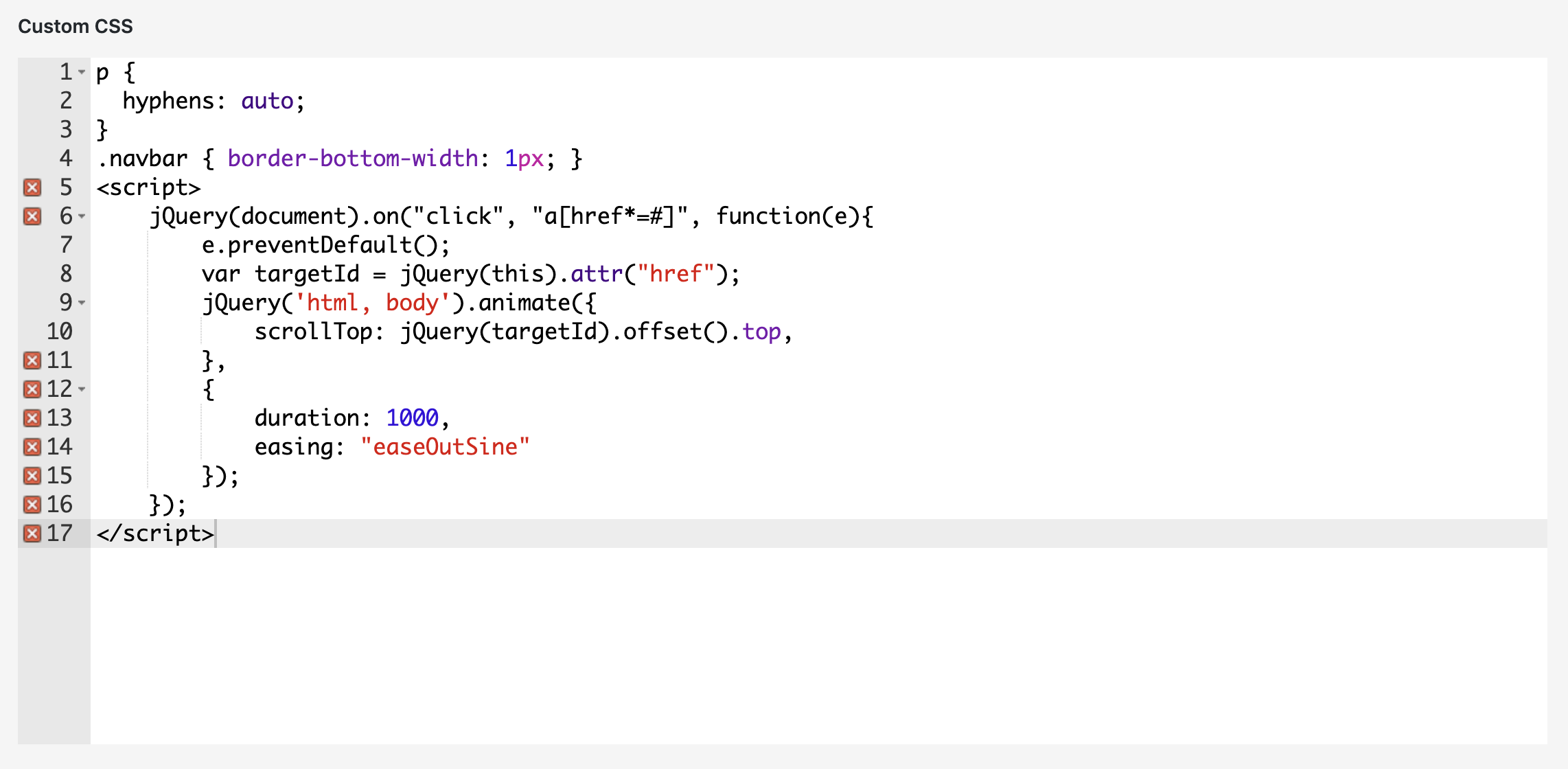
Could you provide a script for the same "scroll up" animation used with the "back to top button" only in reversed direction? I want to add a "skip" button that uses the same "scroll" animation. I tried what you've posted in this thread (Oct 11, 2016) but it doesn't work properly. I've implemented ID and links but when I click the "skip" button it quickly skips over to the target and then back up again. It doesn't stay on the target location. Also, did I place the script in the right place (See attached photo) and is this still the right script? Haven't found a new thread.
Thanx a lot and kind regards,
Alexandre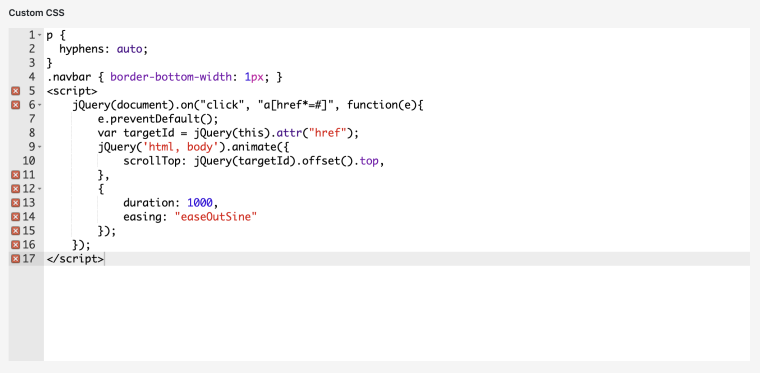
-
-
Hey @mariusjopen
Ah thanx a lot. Unfortunately the script doesn't seem to work. Clicking the button resolves in an instant switch to its assigned destination without any scroll animation..
this is the script i used:
<script>
jQuery(document).on("click", "a[href*=#]", function(e){
e.preventDefault();
var targetId = jQuery(this).attr("href");
jQuery('html, body').animate({
scrollTop: jQuery(targetId).offset().top,
},
{
duration: 2000,
easing: "easeOutSine"
});
});
</script>Cheers,
Alexandre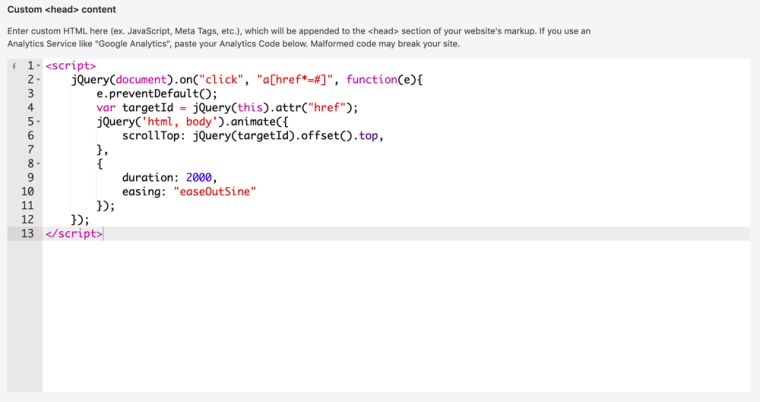
-
Dear @alexandre
can you test the animation on a different browser?
Best!Marius
-
-

Hello! It looks like you're interested in this conversation, but you don't have an account yet.
Getting fed up of having to scroll through the same posts each visit? When you register for an account, you'll always come back to exactly where you were before, and choose to be notified of new replies (either via email, or push notification). You'll also be able to save bookmarks and upvote posts to show your appreciation to other community members.
With your input, this post could be even better 💗
Register Login