Captions bug in carousel plugin (mobile)
-
Hello,
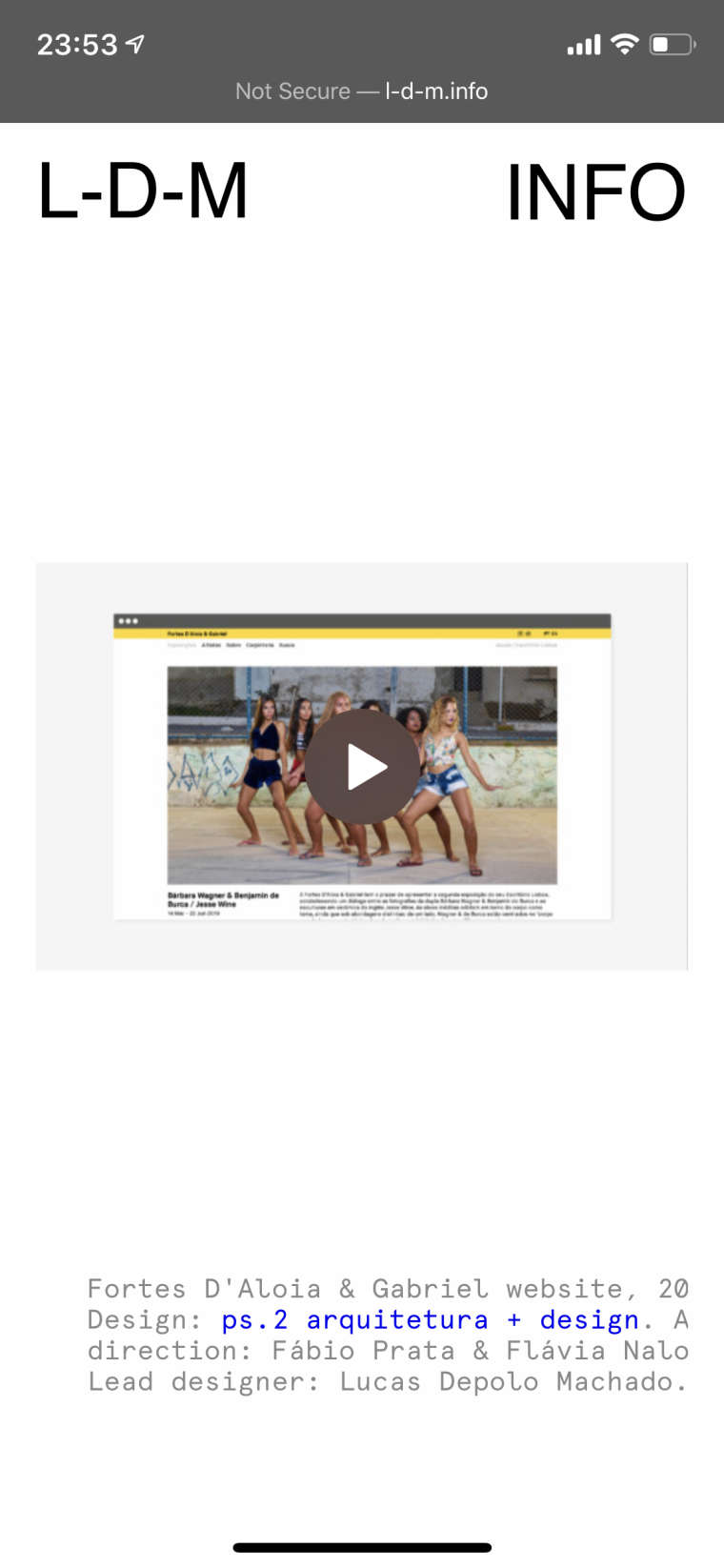
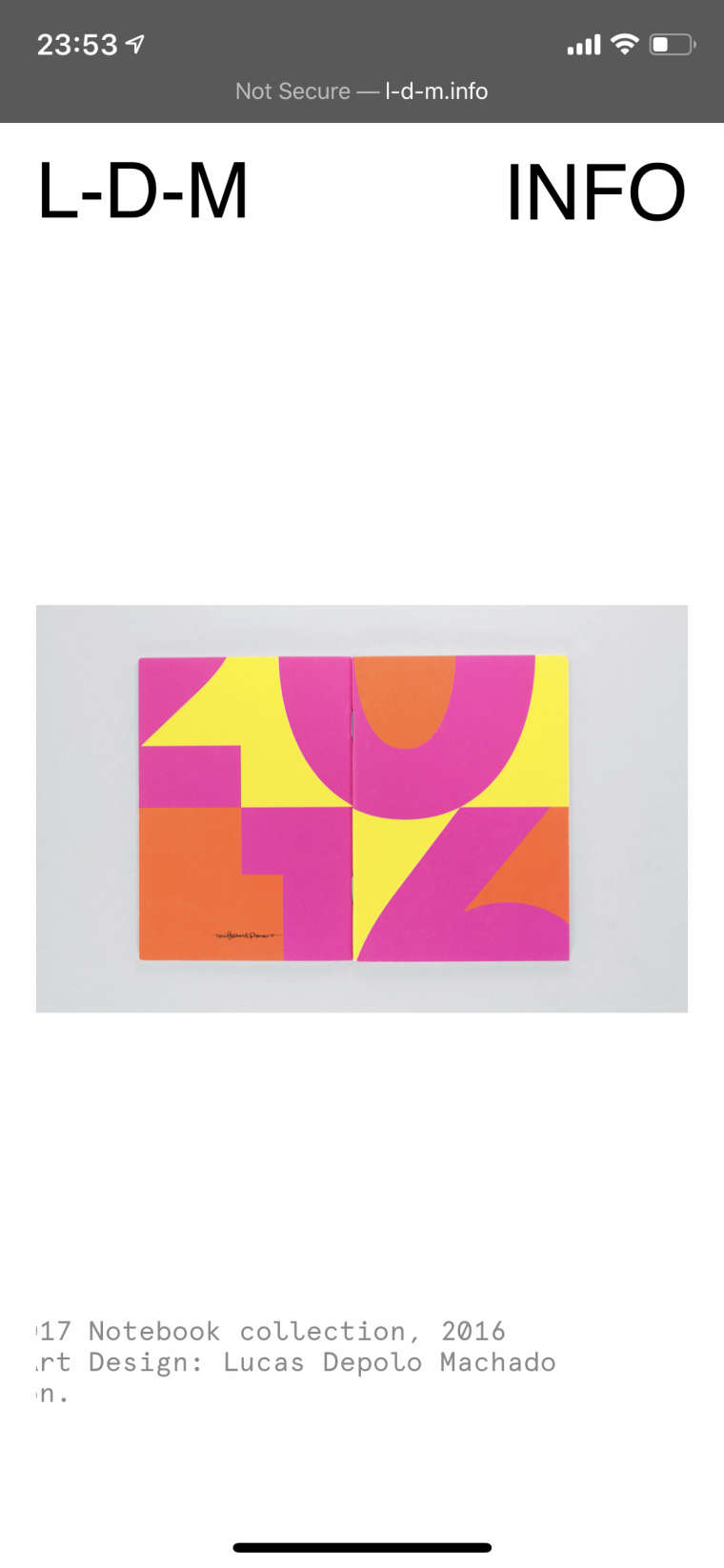
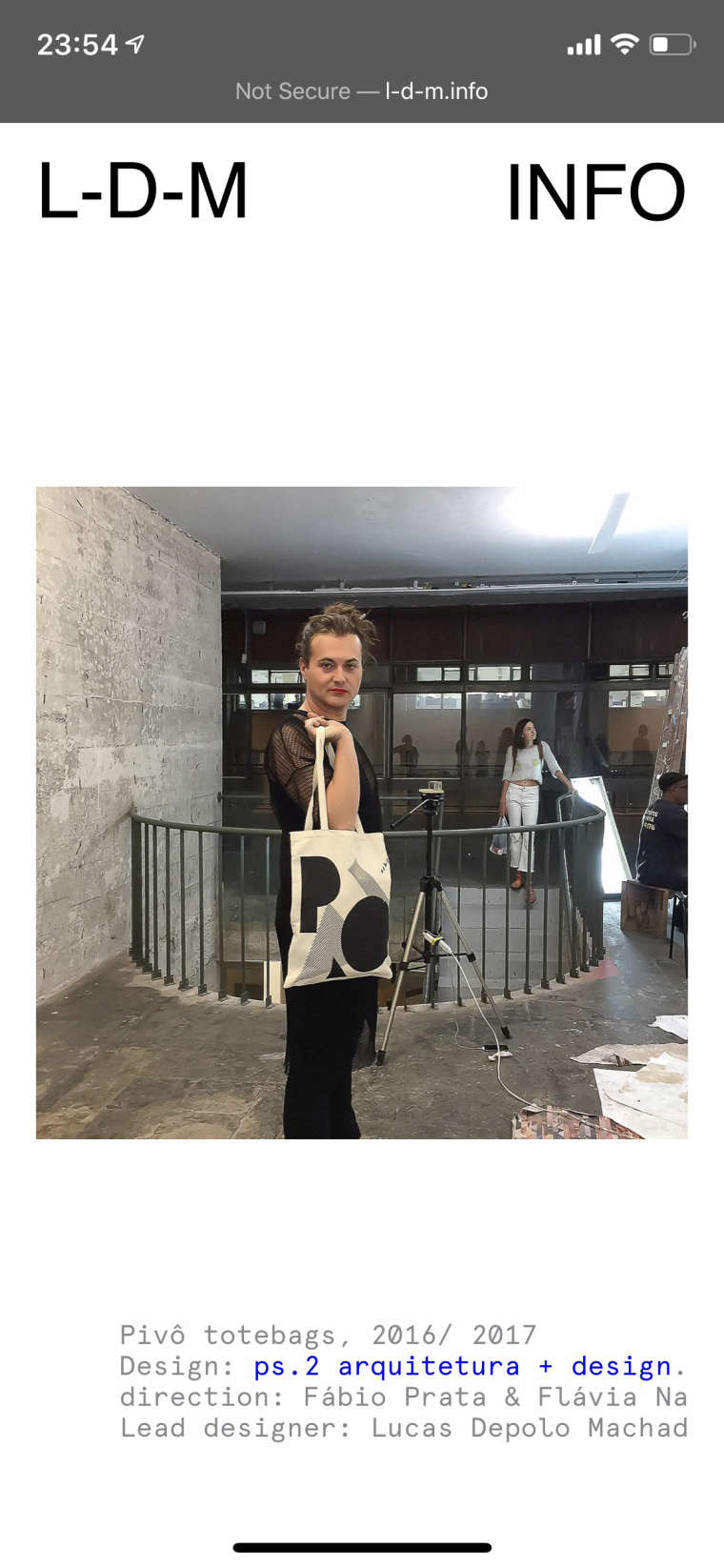
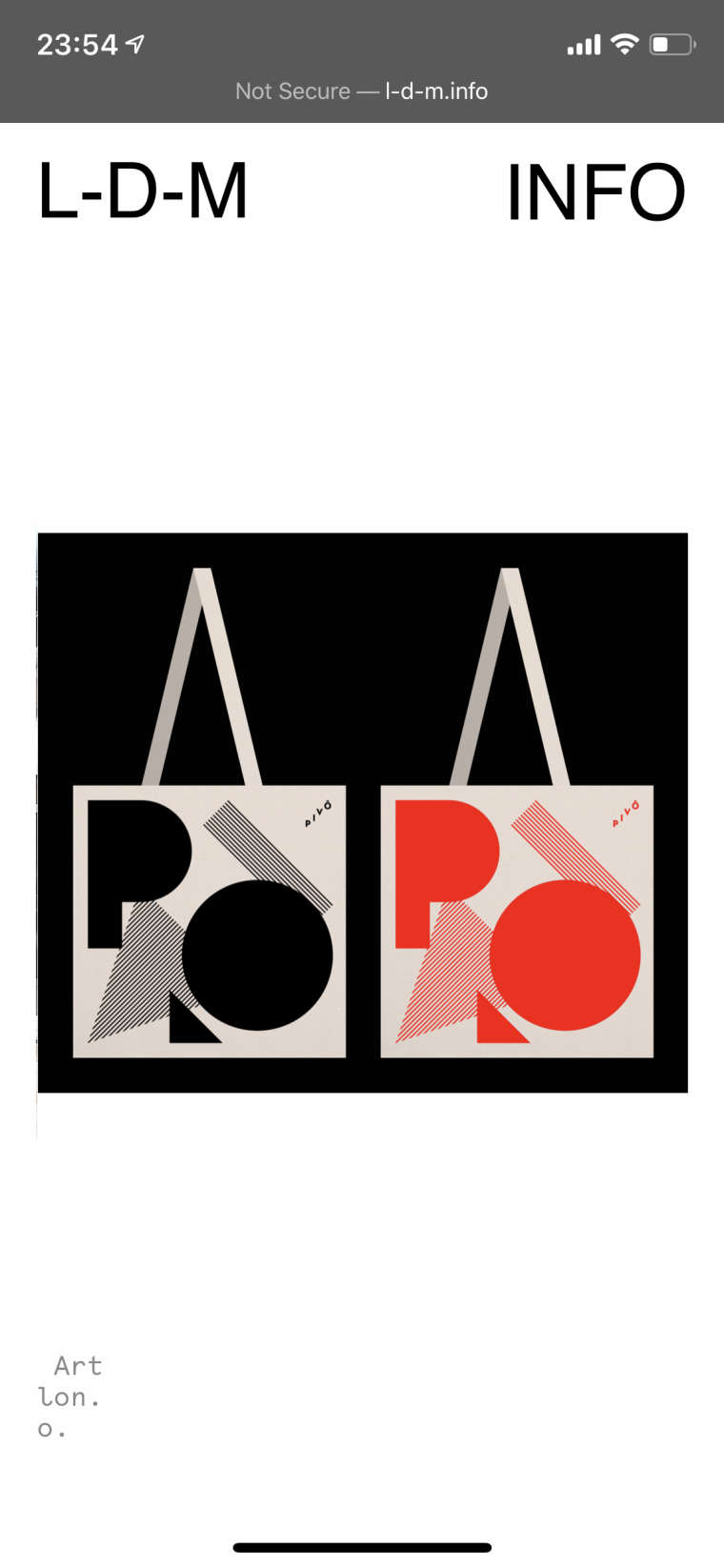
I'm having a problem with the captions in the mobile version of my website. Captions are not respecting the width of the page, they are cut and part of the text move to the other image of the carousel. They are also not aligned left the way I defined. How can I solve this?
Here is the link of the website: l-d-m.info
Thank you.
-
Beleza @lucasdm
can you show a screenshot of the wrong displayed captions? I cannot reproduce it.Best!
Marius
-
-
Hi to everyone,
Same problem for me with the last update!
The caption looks like they "slide" from an image to another…
A -
@lucasdm You should try to change the Settings in Custom > Mobile…
Looks like the problem come from the “space” settings in % on mobile version. On my website it makes gutter 14.25px (3%) then image 325.5px and this is why my captions does not fit anymore (may be with the new Carroussel version? @mariusjopen)
A friend makes me edit the mobile CSS this way (with fixed pixels) and it works;
.nocustomphonegrid .row {
padding-right: 10px;
padding-left: 10px;
} -
-
Hey please update the carousel addon and let me know if it works now :O


Hello! It looks like you're interested in this conversation, but you don't have an account yet.
Getting fed up of having to scroll through the same posts each visit? When you register for an account, you'll always come back to exactly where you were before, and choose to be notified of new replies (either via email, or push notification). You'll also be able to save bookmarks and upvote posts to show your appreciation to other community members.
With your input, this post could be even better 💗
Register Login