Row text not vertically aligned in the footer
-
Hi guys,
I have a problem of vertical alignment of the texts in my footer. I tried to center them both with a central alignment in the gridder, and with the css:
.row {
-webkit-align-self: center! important;
align-items: center! important;
align-content: center! important;
}#footer-region {position: fixed;
bottom: 60px;
background-color: rgba (255, 255, 255, 0)! important;
z-index: 12;
left: 60px;
align-items: center! important;
align-content: center! important;
-webkit-align-self: center! important;
}but unfortunately the text aligns to the baseline. This is the page: link text
The alignment that I would like to achieve is this in the sketch:

Thank you for your time
-
-
hi @mariusjopen
I would like to see the texts aligned in the center between them vertically as in this image:
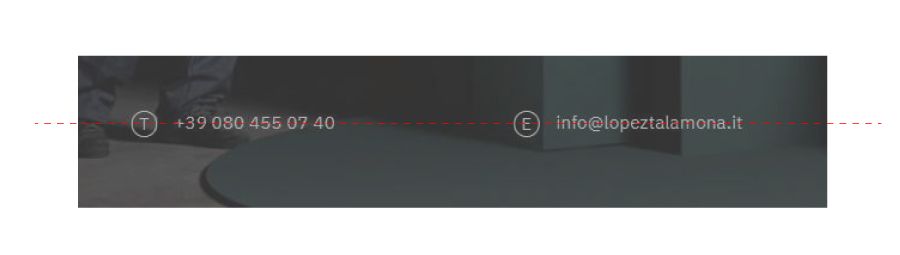
unfortunately in the browser I see them aligned to the baseline, I am attaching screen:
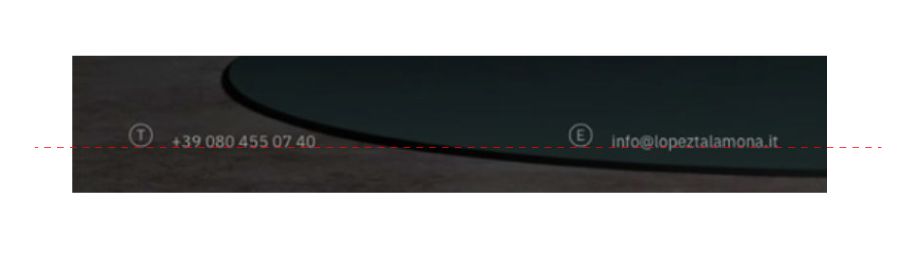
I don't know if it was wrong to set the CSS in the footer
Thank you for your time

Hello! It looks like you're interested in this conversation, but you don't have an account yet.
Getting fed up of having to scroll through the same posts each visit? When you register for an account, you'll always come back to exactly where you were before, and choose to be notified of new replies (either via email, or push notification). You'll also be able to save bookmarks and upvote posts to show your appreciation to other community members.
With your input, this post could be even better 💗
Register Login