Skip to content
  • Recent
  • Tags
  • Popular
  • Users
  • Search
Skins
  • Light
  • Brite
  • Cerulean
  • Cosmo
  • Flatly
  • Journal
  • Litera
  • Lumen
  • Lux
  • Materia
  • Minty
  • Morph
  • Pulse
  • Sandstone
  • Simplex
  • Sketchy
  • Spacelab
  • United
  • Yeti
  • Zephyr
  • Dark
  • Cyborg
  • Darkly
  • Quartz
  • Slate
  • Solar
  • Superhero
  • Vapor

  • Default (No Skin)
  • No Skin
Collapse

Lay Theme Forum

  1. Home
  2. Bug Reports
  3. Some images are blurred on the slider add-on with update
Some images are blurred on the slider add-on with update

Scheduled Pinned Locked Moved Bug Reports
11 Posts 3 Posters 839 Views 1 Watching
  • Oldest to Newest
  • Newest to Oldest
  • Most Votes
Reply
  • Reply as topic
Log in to reply
This topic has been deleted. Only users with topic management privileges can see it.
  • S
    S
    saullogan
    wrote on last edited by
    #1

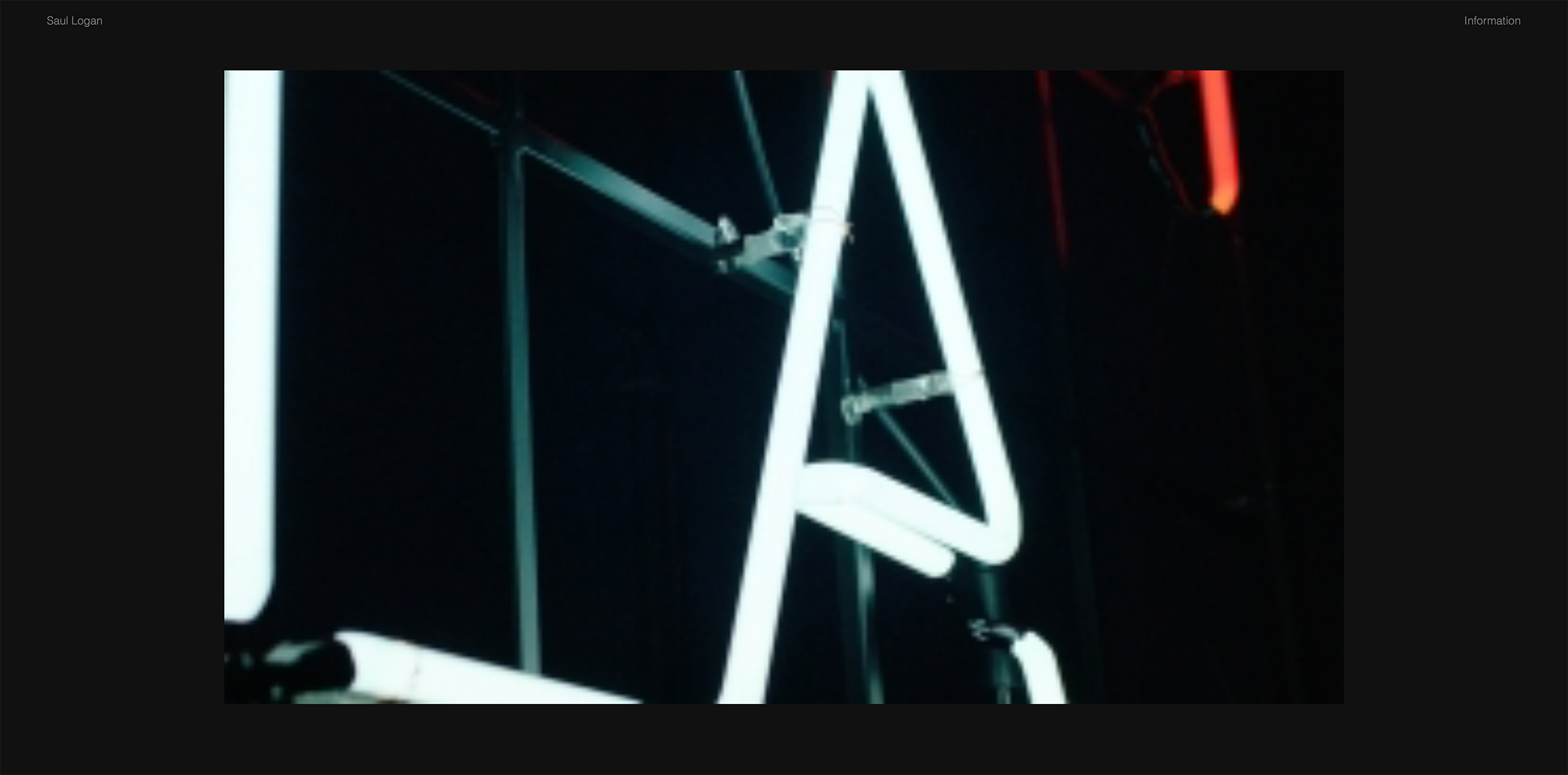
    Some images are blurred on the slider add-on after the update, all plugins have been updated. Anyone know of a fix?

    Screen Shot 2020-04-19 at 08.54.17.png

    1 Reply Last reply
    0
    • arminunruhA
      arminunruhA
      arminunruh
      Global Moderator
      wrote on last edited by
      #2

      hey can u update everything again?
      do you have a link please?

      1 Reply Last reply
      0
      • S
        S
        saullogan
        wrote on last edited by
        #3

        Hey, I've tried re-uploading the imagery from scratch to see if that helps – I've only tried one or two images so far but it doesn't seem to be making a difference.

        http://www.saullogan.co.uk

        1 Reply Last reply
        0
        • S
          S
          saullogan
          wrote on last edited by
          #4

          I've also re-updated the theme

          1 Reply Last reply
          0
          • arminunruhA
            arminunruhA
            arminunruh
            Global Moderator
            wrote on last edited by
            #5

            Ok, I just tried to reproduce this but can't.

            First try this:
            Edit one of your carousels and like remove the images, and reinsert them, save the project and then take a look.

            If that doesn't do it use one of these plugins to rebuild all of your image sizes:

            use this plugin:
            https://wordpress.org/plugins/regenerate-thumbnails/

            or this one:
            https://wordpress.org/plugins/ajax-thumbnail-rebuild/

            If that doesn't work please send a link to this topic and your website address and /wp-admin/ username and password to info@laytheme.com

            1 Reply Last reply
            0
            • A
              A
              A184
              wrote on last edited by
              #6

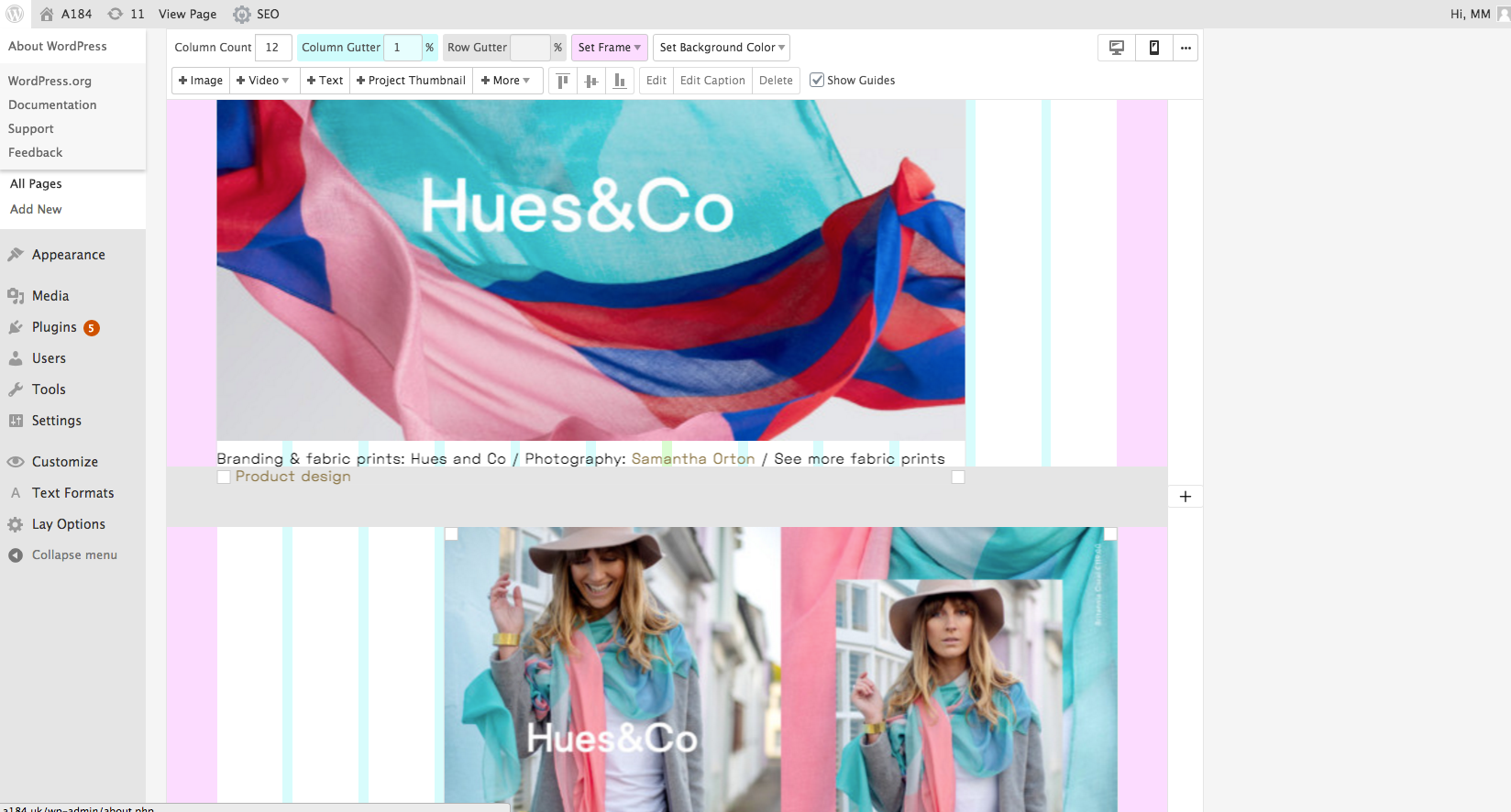
              Having the same issue here with low-res images.
              Site URL: http://a184.uk/design

              Looks like it's pulling thumbnails in rather than the high-res.
              Image as placed on screen in the grid not in a slider.

              I've not relinked to alternative images, just since update have they all gone blurry.

              BackEnd
              Screen shot 2020-04-20 at 18.48.31.png

              FrontEnd
              Screen shot 2020-04-20 at 18.53.21.png

              Image link it's using.
              http://a184.uk/wp-content/uploads/2019/02/A184.Site_.Images_20199-265x166.jpg

              Image in the Media library it should be using..
              http://a184.uk/wp-content/uploads/2019/02/A184.Site_.Images_20199.jpg

              1 Reply Last reply
              0
              • A
                A
                A184
                wrote on last edited by
                #7

                I also tried the the Thumbnail plugin app. With no luck.
                If I re-uploaded and replace an images It still shows as low-res.

                Also just to say, great theme.

                1 Reply Last reply
                0
                • arminunruhA
                  arminunruhA
                  arminunruh
                  Global Moderator
                  wrote on last edited by
                  #8

                  Mh I see there is no srcset set , can you please re-insert the image in the gridder?

                  Also just to say, great theme.

                  Thanks!!

                  1 Reply Last reply
                  0
                  • A
                    A
                    A184
                    wrote on last edited by
                    #9

                    Hi. Yeah. I tried that. A re-apply doesn’t solve it.

                    1 Reply Last reply
                    0
                    • arminunruhA
                      arminunruhA
                      arminunruh
                      Global Moderator
                      wrote on last edited by
                      #10

                      ok sorry to hear about this, can you send your /wp-admin/ login to info@laytheme.com and a link to this topic? then I'll take a look and fix this

                      1 Reply Last reply
                      0
                      • arminunruhA
                        arminunruhA
                        arminunruh
                        Global Moderator
                        wrote on last edited by
                        #11

                        Hey if you update lay theme now this should be fixed
                        1 Reply Last reply
                        0

                        Hello! It looks like you're interested in this conversation, but you don't have an account yet.

                        Getting fed up of having to scroll through the same posts each visit? When you register for an account, you'll always come back to exactly where you were before, and choose to be notified of new replies (either via email, or push notification). You'll also be able to save bookmarks and upvote posts to show your appreciation to other community members.

                        With your input, this post could be even better 💗

                        Register Login
                        Reply
                        • Reply as topic
                        Log in to reply
                        • Oldest to Newest
                        • Newest to Oldest
                        • Most Votes


                        Online Users
                        Forgot your key, lost your files, need a previous Lay Theme or Addon version? Go to www.laykeymanager.com
                        laytheme.com
                        • Login

                        • Don't have an account? Register

                        • Login or register to search.
                        • First post
                          Last post
                        0
                        • Recent
                        • Tags
                        • Popular
                        • Users
                        • Search