Embed live stream audio feed
-
Hello Armin,
Thanks for Laytheme.
I am using some live feeding widgets with success on a website i am working on. Simply by feeding the HMTL code to Text > Source code.When it comes to embed a live stream feed, it does not seem to work.
I believe my update is supporting java.
This is the code. Could u tell me if this is supported? :disappointed:<script type="text/javascript" src="http://cdn.voscast.com/player/?key=5813540d2a3848320a3903b36067732a"></script> ****
-
hey!
Hm, seems this is a script tag. Typically those are added in the head: "Lay Options" -> "Custom CSS & HTML" -> "Custom <head> content"To embed a livestream maybe theres an iframe? Iframes should work.
-
Amazing, it works!
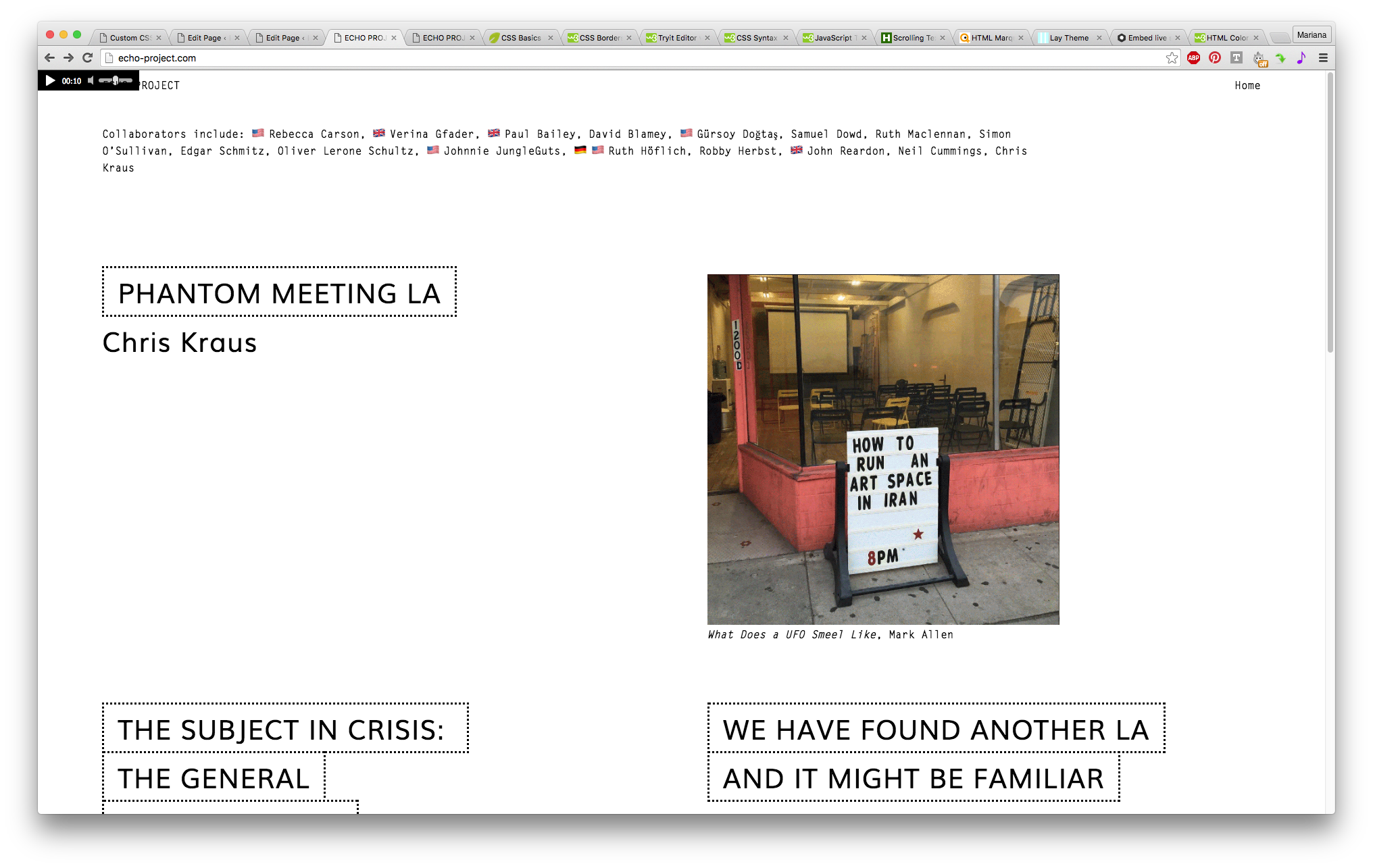
Is there any way to control where the media playdevice is displayed?
Eg., right now it is showing on top of the (temporary) website header.
-
Hm hmmm,
I guess you could maybe add that script tag using the gridder with '+More'->'+HTML'
Maybe that works. I think probably that may not work if you are navigating to the page from within the website cause I think <script> tags are not executed when the website replaces content using javascript which is the case with lay theme since lay themes frontend is a javascript app. Would be much better if you could embed an iframe instead of the script tag

Hello! It looks like you're interested in this conversation, but you don't have an account yet.
Getting fed up of having to scroll through the same posts each visit? When you register for an account, you'll always come back to exactly where you were before, and choose to be notified of new replies (either via email, or push notification). You'll also be able to save bookmarks and upvote posts to show your appreciation to other community members.
With your input, this post could be even better 💗
Register Login