Skip to content
  • Recent
  • Tags
  • Popular
  • Users
  • Search
Skins
  • Light
  • Brite
  • Cerulean
  • Cosmo
  • Flatly
  • Journal
  • Litera
  • Lumen
  • Lux
  • Materia
  • Minty
  • Morph
  • Pulse
  • Sandstone
  • Simplex
  • Sketchy
  • Spacelab
  • United
  • Yeti
  • Zephyr
  • Dark
  • Cyborg
  • Darkly
  • Quartz
  • Slate
  • Solar
  • Superhero
  • Vapor

  • Default (No Skin)
  • No Skin
Collapse

Lay Theme Forum

  1. Home
  2. General Discussion
  3. Fullscreen Slider Nav?

Fullscreen Slider Nav?

Scheduled Pinned Locked Moved General Discussion
18 Posts 3 Posters 2.2k Views 1 Watching
  • Oldest to Newest
  • Newest to Oldest
  • Most Votes
Reply
  • Reply as topic
Log in to reply
This topic has been deleted. Only users with topic management privileges can see it.
  • A
    A
    aarondawkins
    wrote on last edited by
    #4

    Hey @mariusjopen, could you please get back to me on this? Thank you :)

    1 Reply Last reply
    0
    • mariusjopenM
      mariusjopenM
      mariusjopen
      Global Moderator
      wrote on last edited by
      #5

      Dear @aarondawkins
      with CUSTOM CSS you can make the navigation smaller:

      .fp-slidesNav ul li a.active span,
      .fp-slidesNav ul li a span {
          height: 6px;
          width: 6px;
          margin: -5px 0 0 -5px;
      }
      

      Numbers are not possible in the Fullscreen Slider.

      Best!
      Marius

      www.mariusjopen.world

      A 1 Reply Last reply
      0
      • mariusjopenM mariusjopen

        Dear @aarondawkins
        with CUSTOM CSS you can make the navigation smaller:

        .fp-slidesNav ul li a.active span,
        .fp-slidesNav ul li a span {
            height: 6px;
            width: 6px;
            margin: -5px 0 0 -5px;
        }
        

        Numbers are not possible in the Fullscreen Slider.

        Best!
        Marius

        A
        A
        aarondawkins
        wrote on last edited by
        #6

        @mariusjopen said in Fullscreen Slider Nav?:

        .fp-slidesNav ul li a.active span,
        .fp-slidesNav ul li a span {
        height: 6px;
        width: 6px;
        margin: -5px 0 0 -5px;
        }

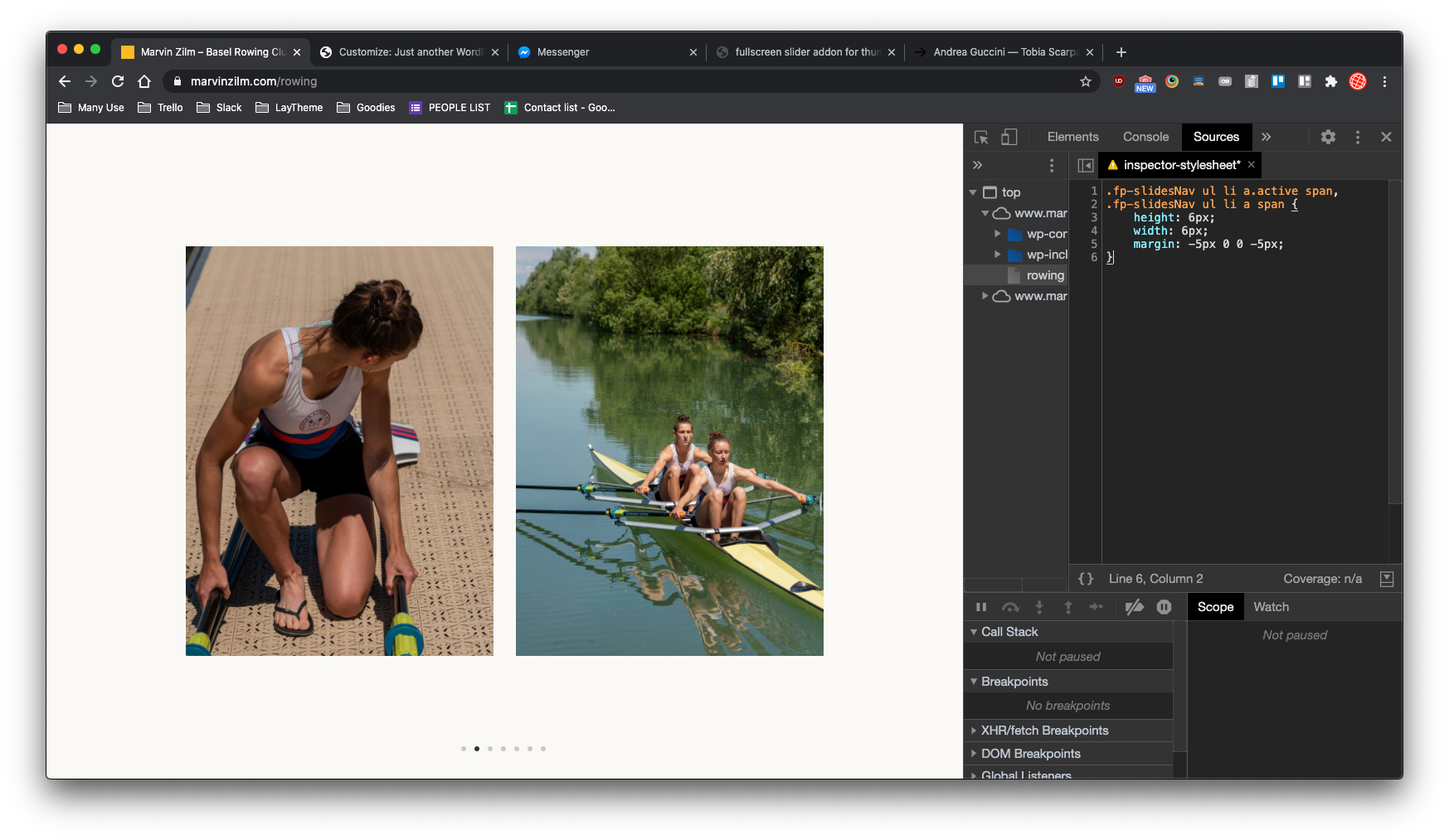
        Thank you! But I'm sorry @mariusjopen this doesn't seem to work? Can you please check this? Best.

        A 1 Reply Last reply
        0
        • A aarondawkins

          @mariusjopen said in Fullscreen Slider Nav?:

          .fp-slidesNav ul li a.active span,
          .fp-slidesNav ul li a span {
          height: 6px;
          width: 6px;
          margin: -5px 0 0 -5px;
          }

          Thank you! But I'm sorry @mariusjopen this doesn't seem to work? Can you please check this? Best.

          A
          A
          aarondawkins
          wrote on last edited by
          #7

          Hey @mariusjopen, could you please get back to me on this? Thank you.

          1 Reply Last reply
          0
          • mariusjopenM
            mariusjopenM
            mariusjopen
            Global Moderator
            wrote on last edited by
            #8

            Dear @aarondawkins
            now the buttons are removed. But did you try to play around with this code?
            Best!
            Marius

            www.mariusjopen.world

            1 Reply Last reply
            0
            • A
              A
              aarondawkins
              wrote on last edited by
              #9

              Hi @mariusjopen, thanks for the reply. Yeah, I tried a number of things. I can't get the dots to change, bigger or smaller. Do you have any ideas?

              Thank you, Aaron

              1 Reply Last reply
              0
              • mariusjopenM
                mariusjopenM
                mariusjopen
                Global Moderator
                wrote on last edited by
                #10

                Dear @aarondawkins
                well, when I added this code, it worked. Now I need to see the buttons again to test it again.
                Can you reactivate them?
                Best!
                Marius

                www.mariusjopen.world

                1 Reply Last reply
                0
                • A
                  A
                  aarondawkins
                  wrote on last edited by
                  #11

                  Hey @mariusjopen,
                  Navigation/Buttons are active, you can test it again.
                  Thanks!
                  Aaron

                  A 1 Reply Last reply
                  0
                  • A aarondawkins

                    Hey @mariusjopen,
                    Navigation/Buttons are active, you can test it again.
                    Thanks!
                    Aaron

                    A
                    A
                    aarondawkins
                    wrote on last edited by
                    #12

                    Hi @mariusjopen, can we please clear this up Today or Monday? This site is due go live next week and we have been talking for 10 days now.

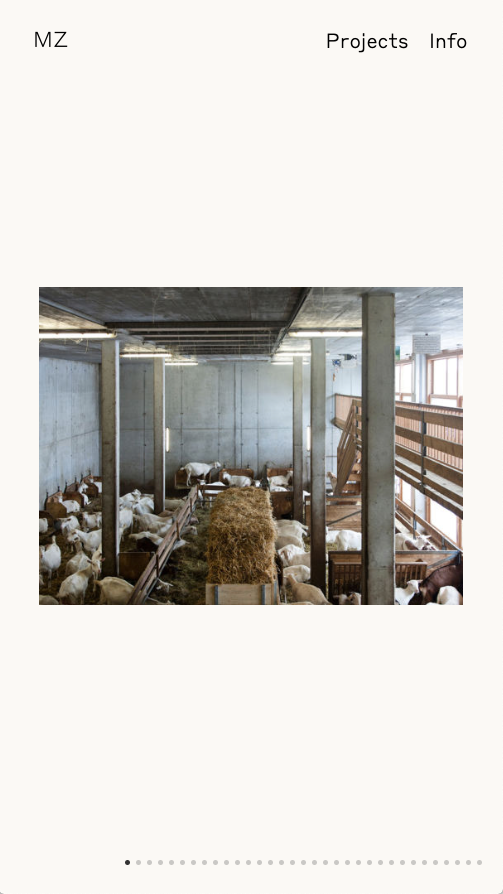
                    Can you please take a look at the code? Also the positioning isn't working correctly on Mobile?

                    Screenshot 2020-06-12 at 08.03.06.png

                    Would be good to get it to be like this:
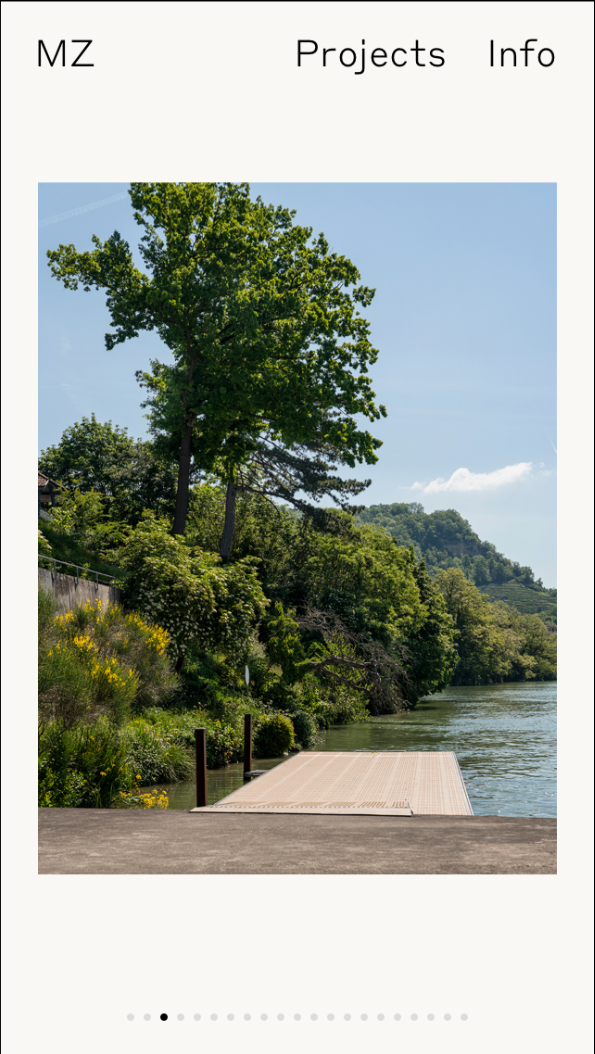
                    Screenshot 2020-06-12 at 08.03.20.png

                    If you need you get me direct: ad@aarondawkins.com

                    Thank you!
                    Best, Aaron

                    1 Reply Last reply
                    0
                    • mariusjopenM
                      mariusjopenM
                      mariusjopen
                      Global Moderator
                      wrote on last edited by
                      #13

                      Dear @aarondawkins
                      the code which I posted works.
                      Bildschirmfoto 2020-06-14 um 18.34.01.png

                      Best!

                      Marius

                      www.mariusjopen.world

                      1 Reply Last reply
                      0
                      • A
                        A
                        aarondawkins
                        wrote on last edited by
                        #14

                        Dear @mariusjopen, Ok, thanks. I have put the code in the Custom CSS area. There is still no change. Am I doing something wrong?

                        1 Reply Last reply
                        0
                        • A
                          A
                          aarondawkins
                          wrote on last edited by
                          #15

                          @mariusjopen I understand you must be very busy. Could you let me know what I haven’t understood?

                          1 Reply Last reply
                          0
                          • mariusjopenM
                            mariusjopenM
                            mariusjopen
                            Global Moderator
                            wrote on last edited by
                            #16

                            Dear @aarondawkins
                            did you put important behind?

                            .fp-slidesNav ul li a.active span,
                            .fp-slidesNav ul li a span {
                                height: 6px !important;
                                width: 6px !important;
                                margin: -5px 0 0 -5px !important;
                            }
                            

                            Best!

                            Marius

                            www.mariusjopen.world

                            1 Reply Last reply
                            0
                            • A
                              A
                              aarondawkins
                              wrote on last edited by
                              #17

                              @mariusjopen Uffff thank you! And the other issue? Is there a way to centre longer rows? This is messy.

                              Best!
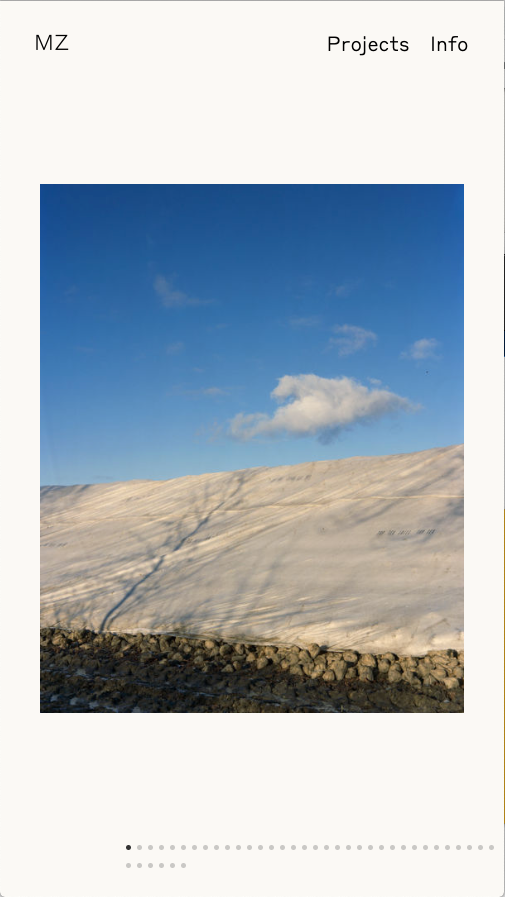
                              Screenshot 2020-06-18 at 08.41.16.png Screenshot 2020-06-18 at 08.41.01.png

                              1 Reply Last reply
                              0
                              • arminunruhA
                                arminunruhA
                                arminunruh
                                Global Moderator
                                wrote on last edited by
                                #18

                                this is the CSS that fixed that

                                .fp-slidesNav{
                                    transform: translateX(-50%);
                                    -webkit-transform: translateX(-50%);
                                    margin-left: 0!important;
                                    white-space: nowrap;
                                }

                                
                                1 Reply Last reply
                                0

                                Hello! It looks like you're interested in this conversation, but you don't have an account yet.

                                Getting fed up of having to scroll through the same posts each visit? When you register for an account, you'll always come back to exactly where you were before, and choose to be notified of new replies (either via email, or push notification). You'll also be able to save bookmarks and upvote posts to show your appreciation to other community members.

                                With your input, this post could be even better 💗

                                Register Login
                                Reply
                                • Reply as topic
                                Log in to reply
                                • Oldest to Newest
                                • Newest to Oldest
                                • Most Votes


                                Online Users
                                I
                                itsbadjujuju
                                Forgot your key, lost your files, need a previous Lay Theme or Addon version? Go to www.laykeymanager.com
                                laytheme.com
                                • Login

                                • Don't have an account? Register

                                • Login or register to search.
                                • First post
                                  Last post
                                0
                                • Recent
                                • Tags
                                • Popular
                                • Users
                                • Search