New on Lay Theme: HELP! Project thumbnails + images DOESNT SHOW UP correctly (only in the desktop version)
-
Hi, everybody!
My name is Giacomo and I'm new on Lay Theme.After installing the theme, I tried to redo step by step what I saw on the "getting started tutorial", but unfortunately I wasn't able to proceed.
I'm stuck in these two issues and I can't find solutions: in both cases what I see in my editor doesn't match what appears on my website.
-
in my homepage the project thumbnails (only in the desktop version) appear very small and of different sizes, even though in the editor they are all set to the maximum size.
-
in any page, project, section that I create the images are not displayed in the desktop version (the texts seem to work) but exclusively in the mobile version.
I enclose some screenshots
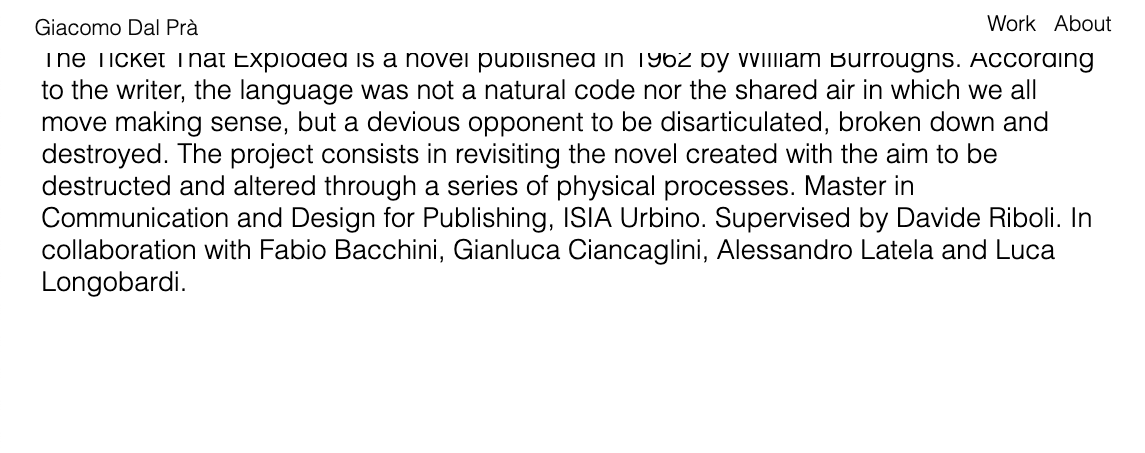
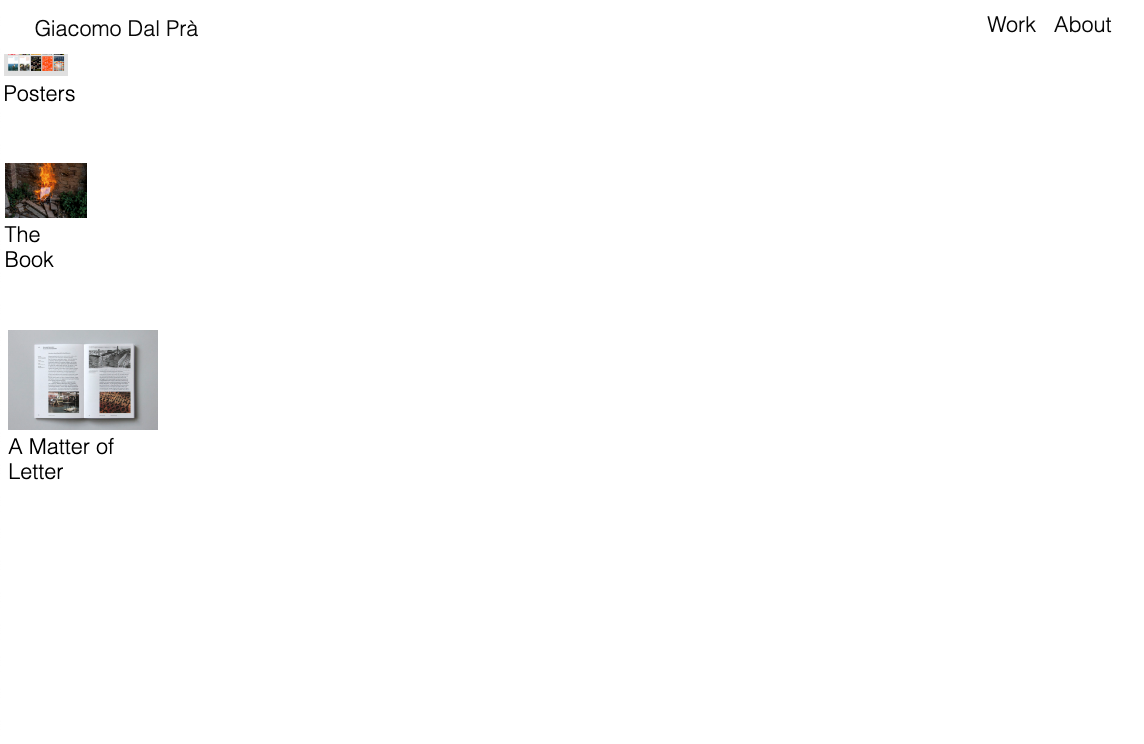
and if you want to take a look, this is my website:
www.giacomodalpra.comThank you all
-
-
Dear @giacomo_dalpra
welcome to LayTheme!
mhm.- It looks different now on your website!Best!
Marius

Hello! It looks like you're interested in this conversation, but you don't have an account yet.
Getting fed up of having to scroll through the same posts each visit? When you register for an account, you'll always come back to exactly where you were before, and choose to be notified of new replies (either via email, or push notification). You'll also be able to save bookmarks and upvote posts to show your appreciation to other community members.
With your input, this post could be even better 💗
Register Login