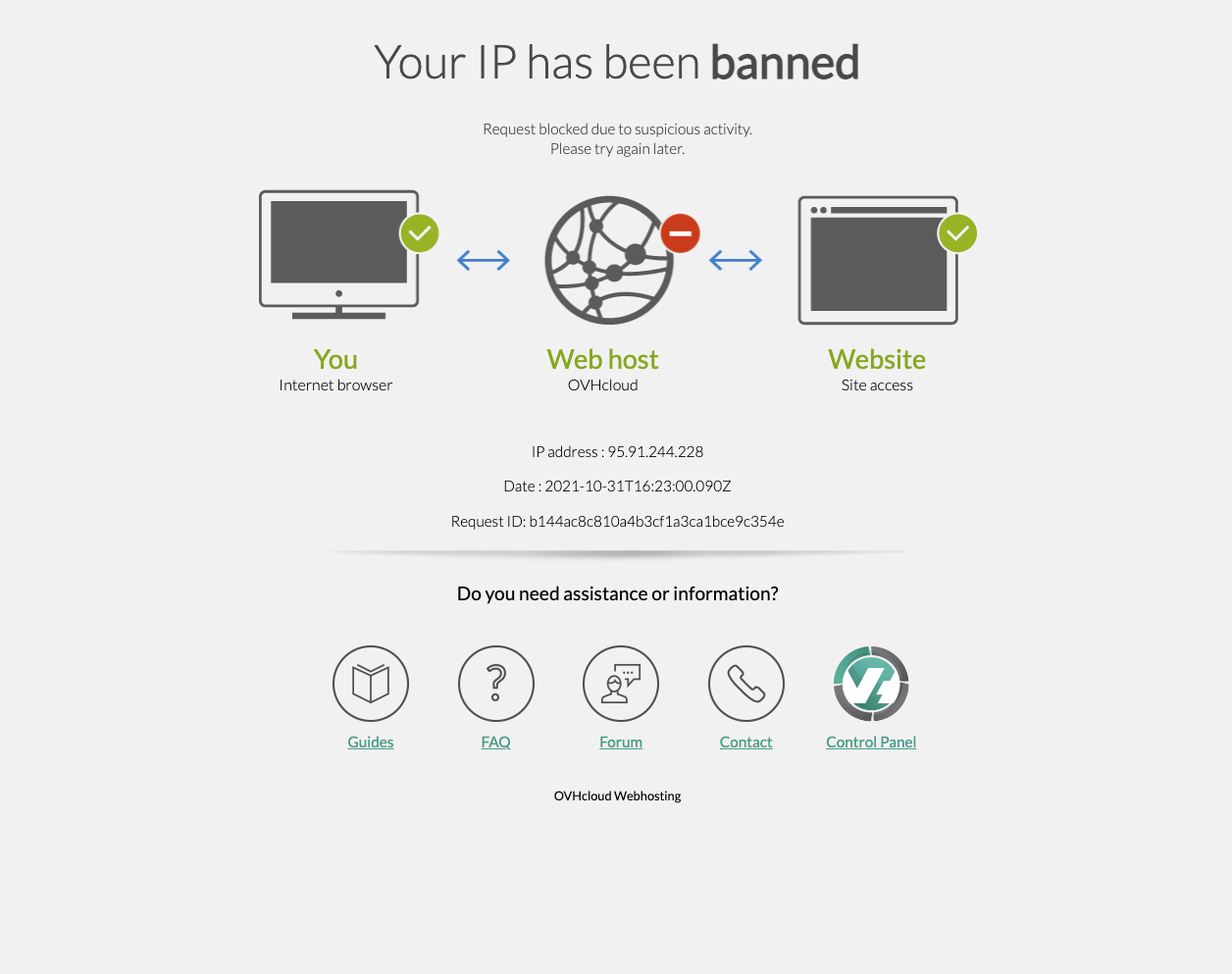
Your IP has been banned
-
Not too long after updating to LT 4.0.0 I get this when trying to access:
Can't login aswell. Contacted OVH, may this be caused by the update?
-
Nevermind, works again! (seemed to be a temporary issue)
-
Thanks @Hayo-Gebauer !!! glad its resolved & best wishes ✨
-
FYI: The plugin "Really Simple SSL" was the culprit
-
Dear Hayo
@Hayo-Gebauer
"The plugin "Really Simple SSL" was the culprit"
Noted. ✅
On Lay Theme's Shop page there is reference to "Really Simple SSL"2. SSL Make sure your website uses SSL/https. This is needed for the payment gateways to work properly.
If your website address does not start with "https://" but with "http://", you need to set your domain to use SSL.
After you have activated SSL for your website, you might need to use a Plugin like "Really Simple SSL" to make it work.You are using HTTPS i believe, do i need to notify Armin that Really Simple SSL is causing issue? 🤔
Would be great to know your thoughts & best wishes Hayo 🌼
Richard

