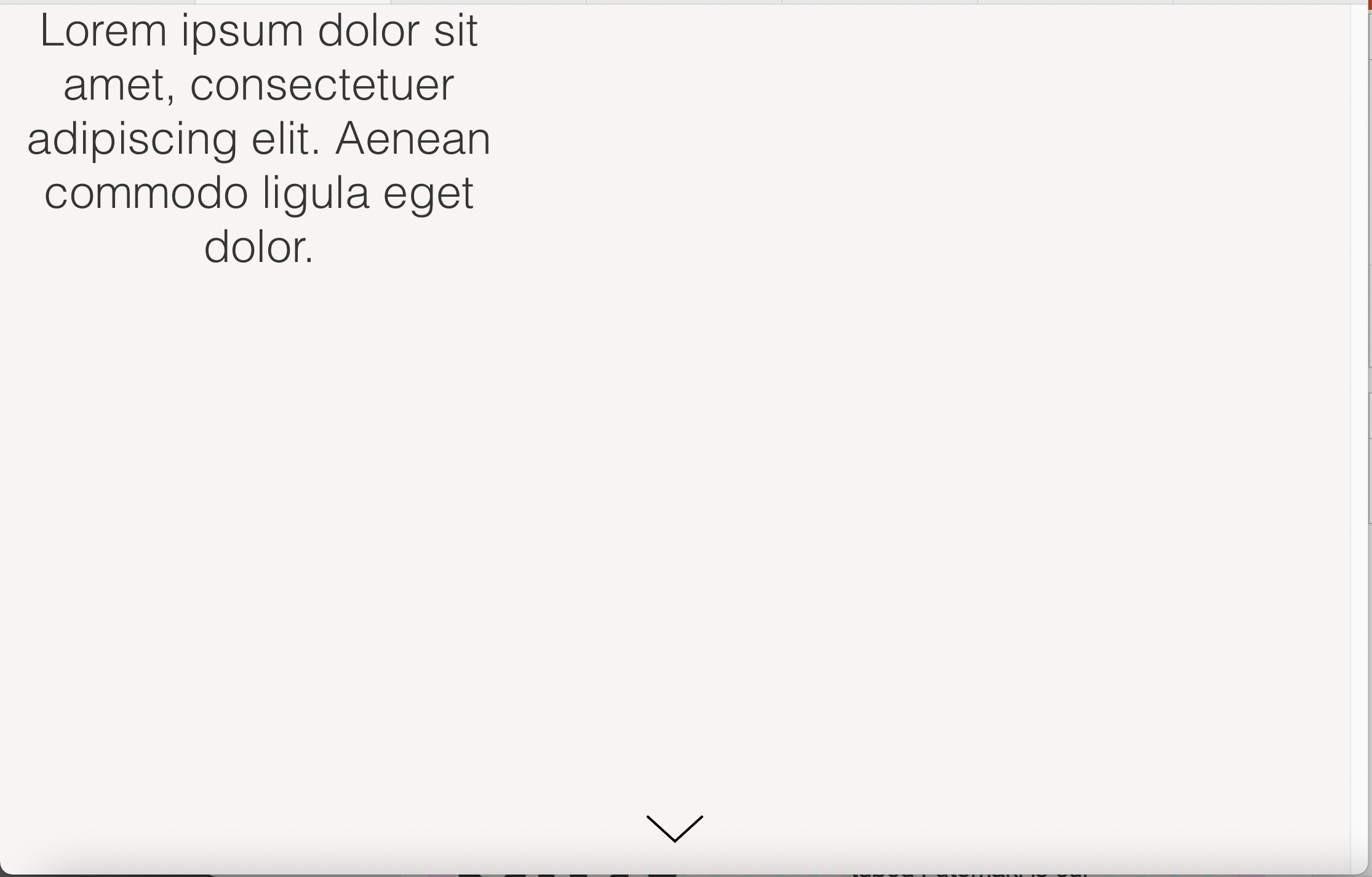
Text in cover always positioned on the left
-
Hey,
there seems to be a bug in the cover feature
The problem occurred after an update.
To double-check I updated another account and got the same problem :(The is the problem:
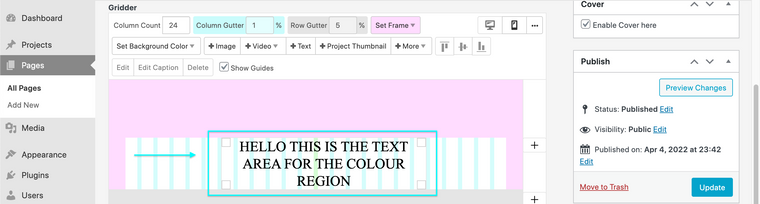
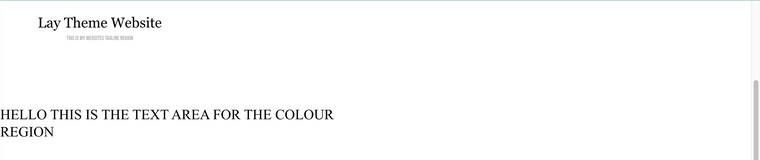
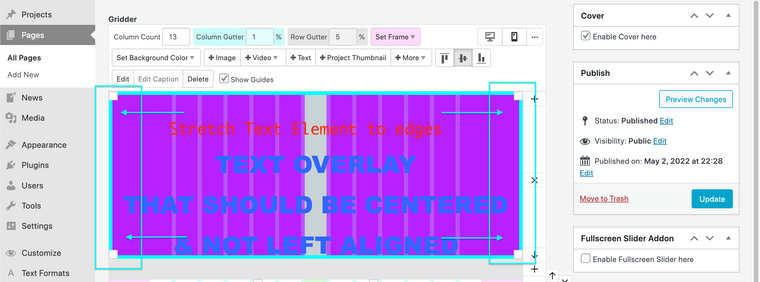
No matter where in the row, that is going to be the cover, I place text, it is always displayed on the left of the browser.
This doesn't happen with images though.Here are two screenshots to visualize what I am talking about…
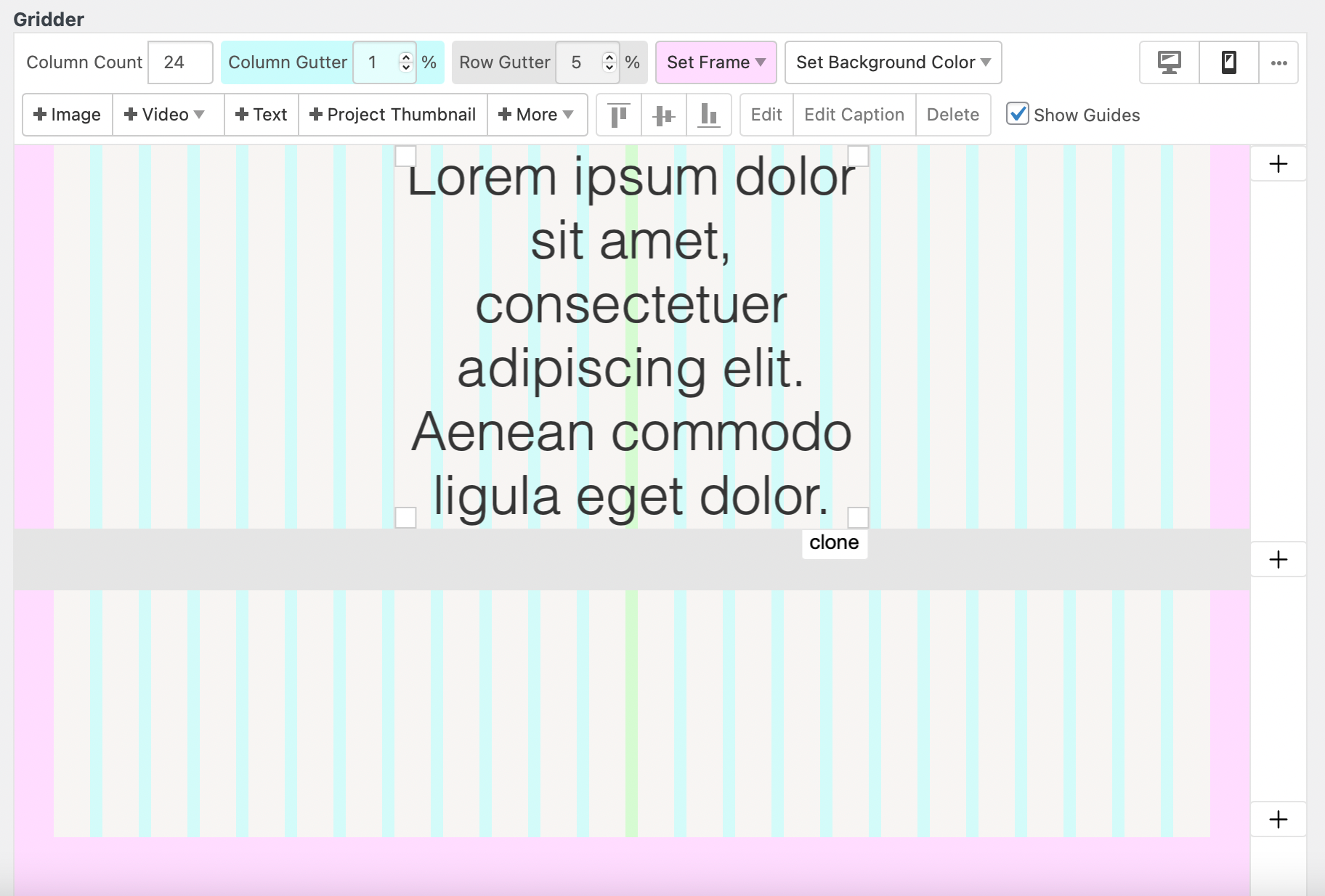
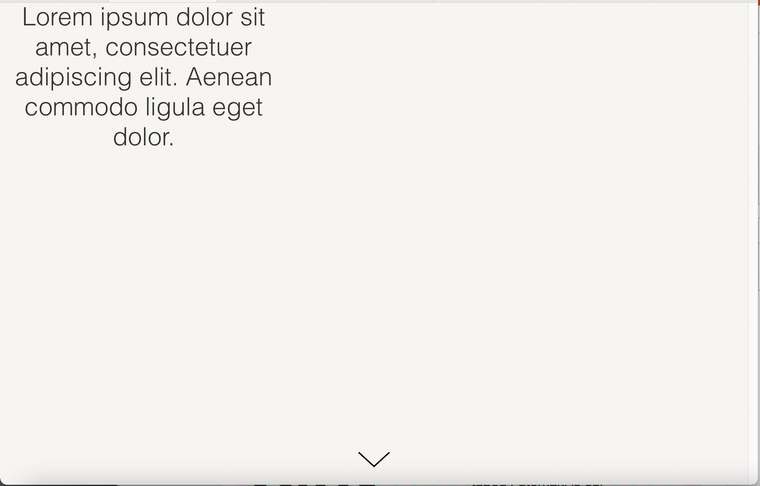
-
-
-

Hello! It looks like you're interested in this conversation, but you don't have an account yet.
Getting fed up of having to scroll through the same posts each visit? When you register for an account, you'll always come back to exactly where you were before, and choose to be notified of new replies (either via email, or push notification). You'll also be able to save bookmarks and upvote posts to show your appreciation to other community members.
With your input, this post could be even better 💗
Register Login