Font styling disabled
Bug Reports
3
Posts
2
Posters
126
Views
1
Watching
-
Hi there!
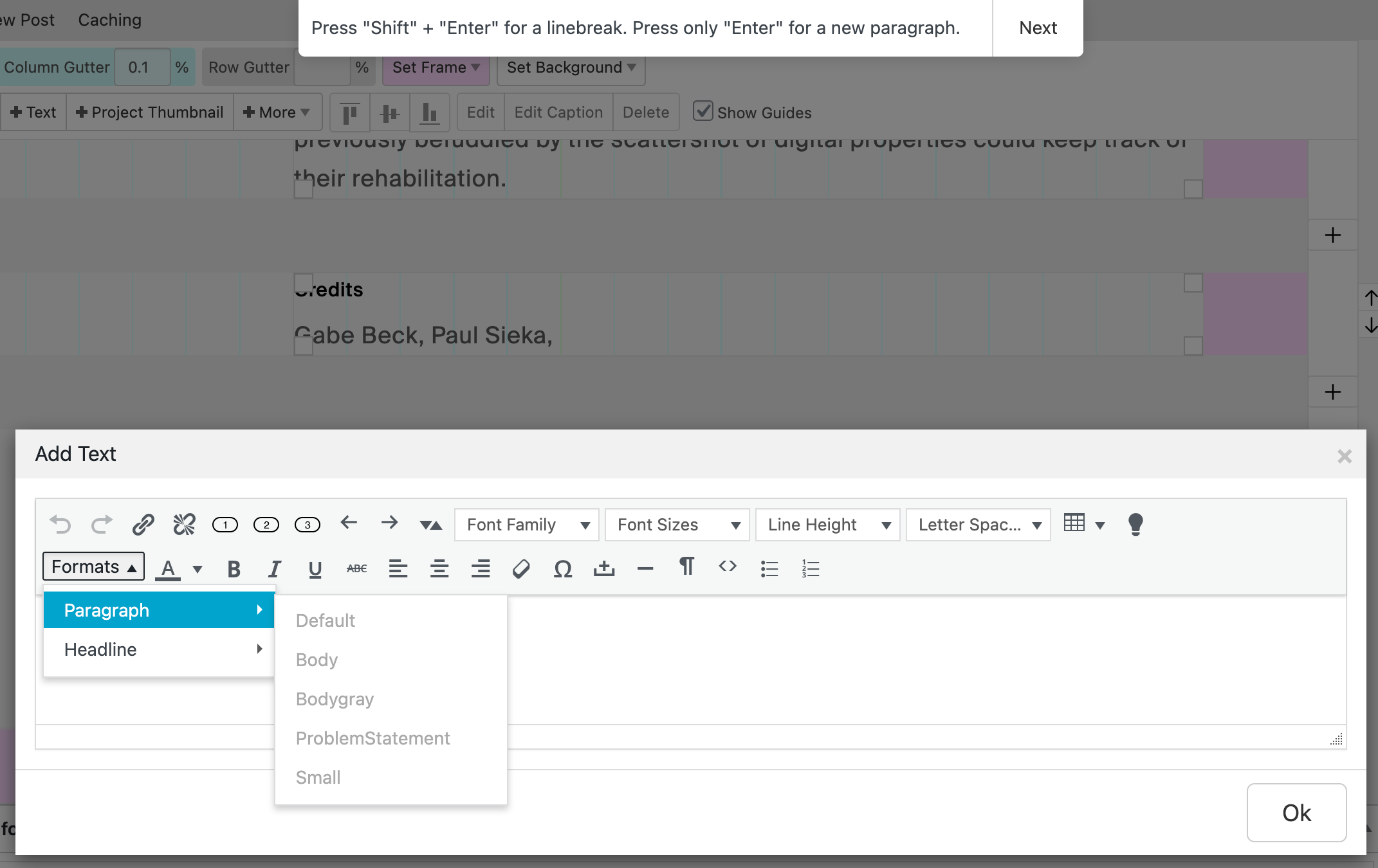
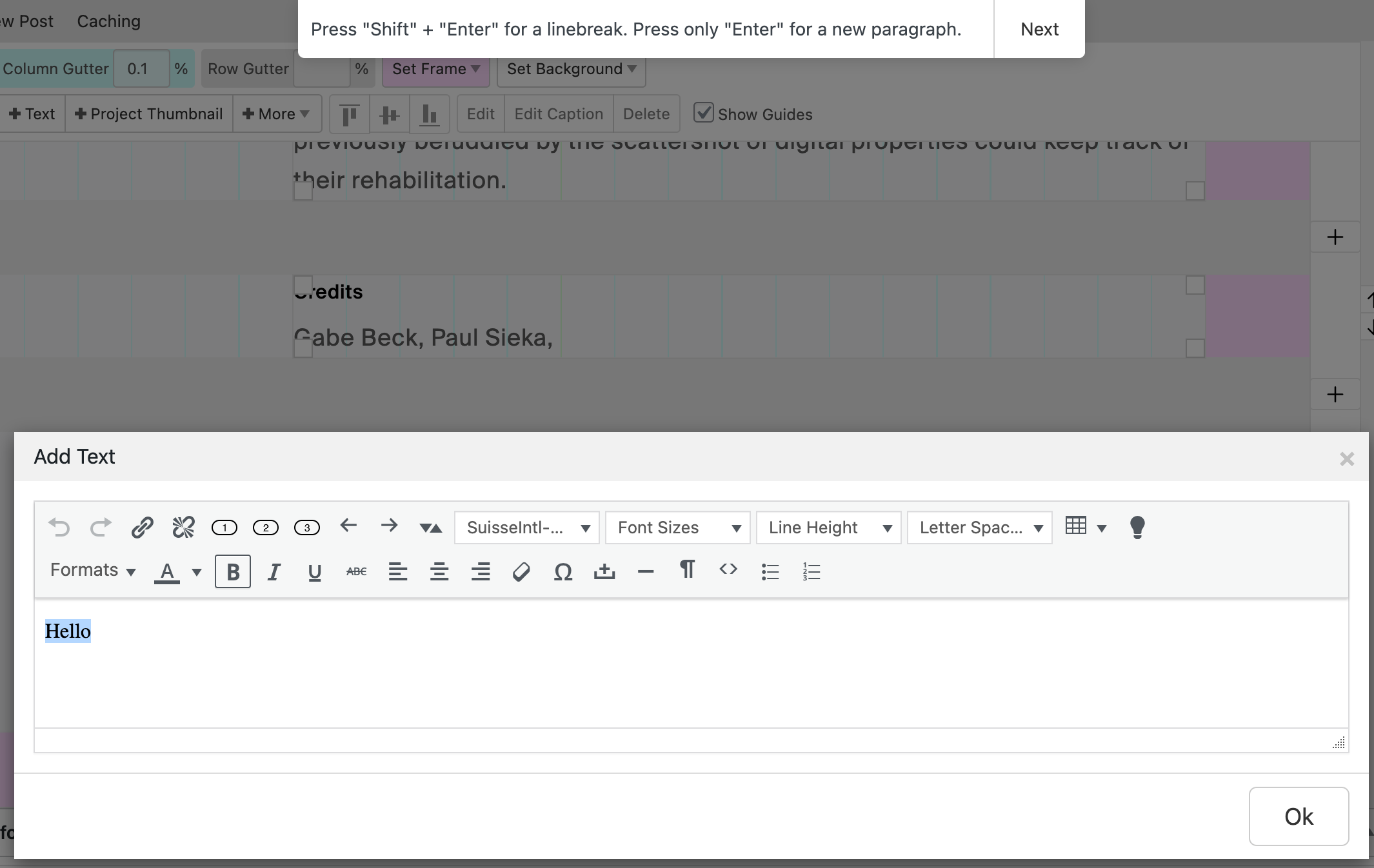
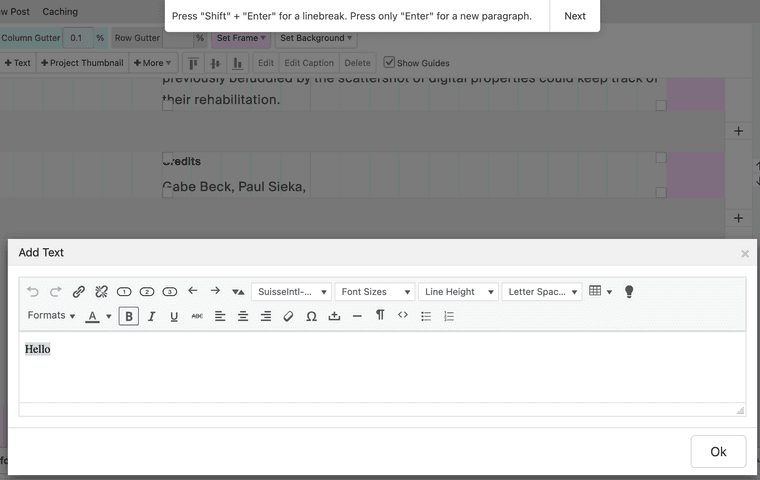
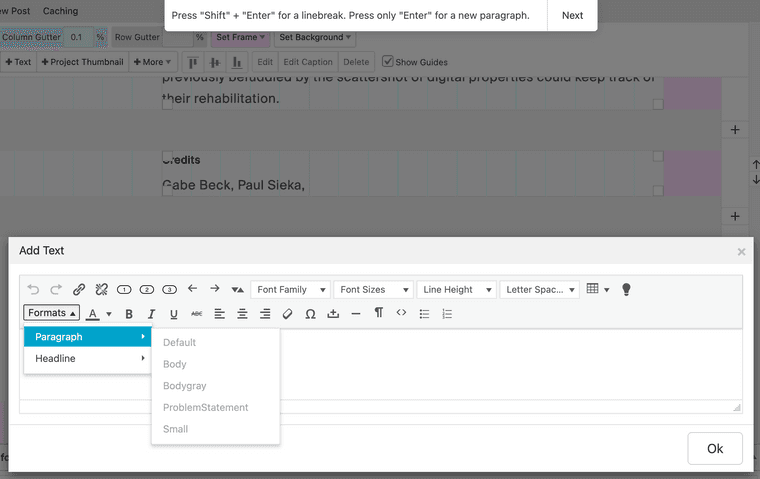
After updating my Lay theme, I am unable to edit font styling. My saved font styles are disabled and adding bolding, italics, etc is not applying. Any ideas? Thanks hugely!!
-
Hi! Has anyone else had this problem or have any ideas? SO close to making my site live, this is the only thing stopping me haha, thank u in advance for any and all tips!!
(forgot to mention - I have no custom code, have disabled all plugins etc :))
-
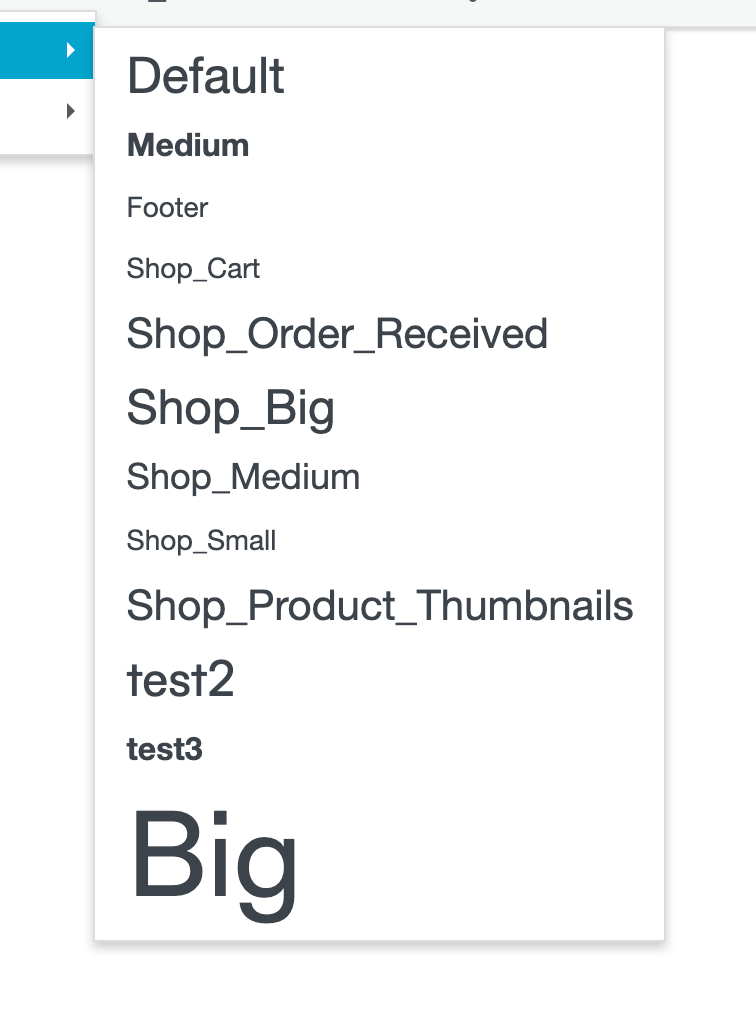
for me it works
can you send your website address, /wp-admin/ username and password and a link to this topic to info@laytheme.com?

Online Users
Forgot your key, lost your files, need a previous Lay Theme or Addon version?
Go to www.laykeymanager.com