fixed Marquee on top is invisible since update
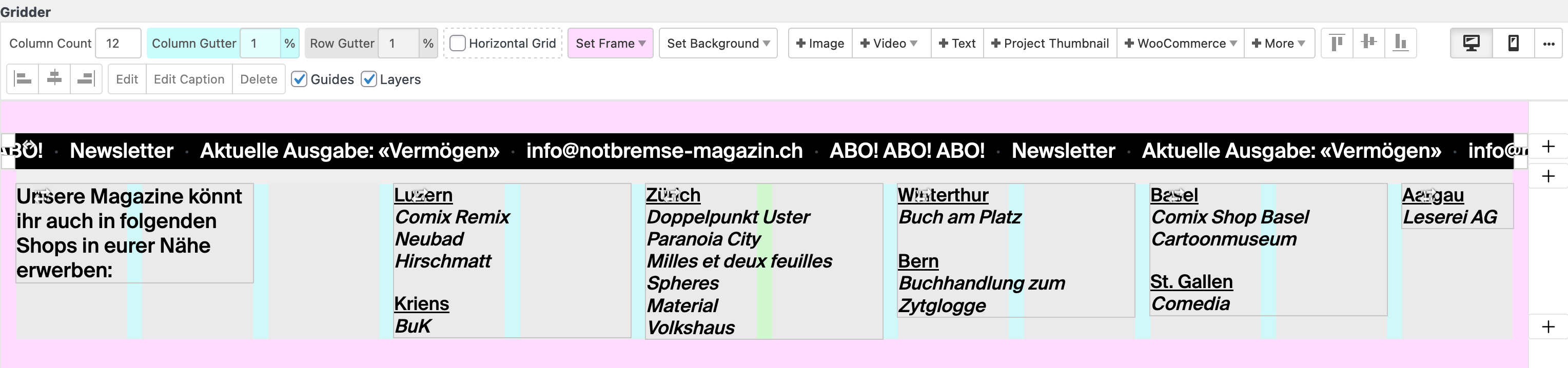
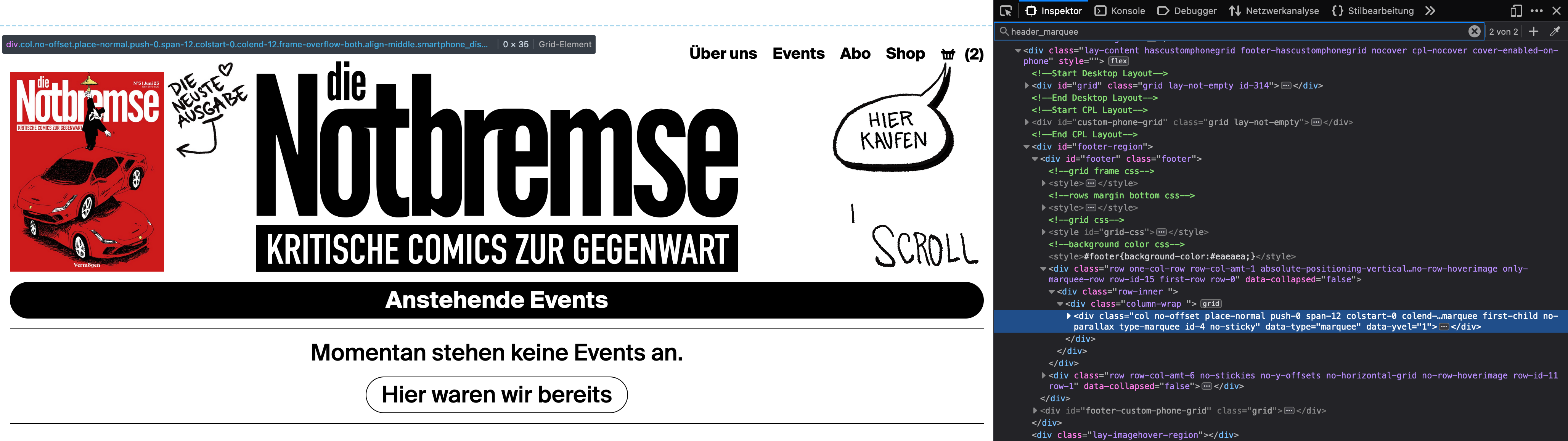
-
Hi folks and armin
I have a marquee in the footer which I fixed at the top. Since the update it is no longer visible. Neither in Safari nor in Firefox. It is still there but you can't see it. I have tried many things but nothing has worked so far. If I delete the css it is visible normally in the footer.
The element has the class header_marquee with these propertys:.header_marquee { position: fixed; top: 0; z-index: 999; }The website is: https://notbremse-magazin.ch/
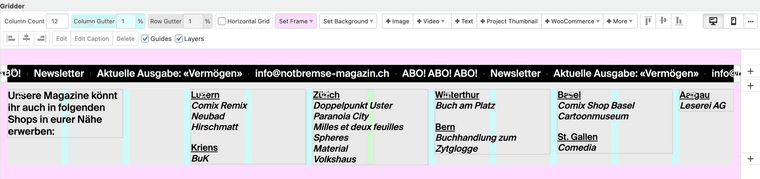
Footer:
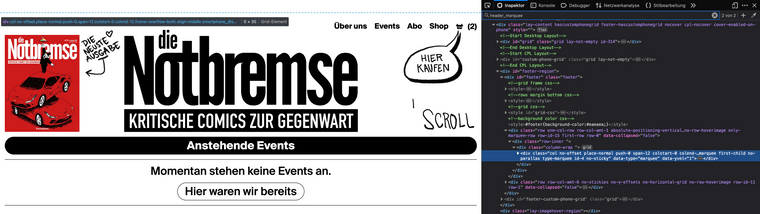
It's invisible but it's there on the top:
Greetings and thanks in advance for an answer
Luca -
.header_marquee {
position: fixed;
top: 0;
z-index: 999;
width: 100%;
}add width
-
.header_marquee {
position: fixed;
top: 0;
z-index: 999;
width: 100%;
}add width
@arminunruh Thank you Armin!
-
.header_marquee {
position: fixed;
top: 0;
z-index: 999;
width: 100%;
}add width
@arminunruh said in fixed Marquee on top is invisible since update:
.header_marquee {
position: fixed;
top: 0;
z-index: 999;
width: 100%;
}i ve the same problem, all marquee are at the top on every page and after update it don't show up.
how i can solve? thanks

-
can u post a link
-
can u post a link
-
just use the css on the row instead of on the column
position: fixed;
top: 16px;
z-index: 10;
width: 100%;give the row a class by right clicking an empty spot on the row
-
just use the css on the row instead of on the column
position: fixed;
top: 16px;
z-index: 10;
width: 100%;give the row a class by right clicking an empty spot on the row
@arminunruh said in fixed Marquee on top is invisible since update:
position: fixed;
top: 16px;
z-index: 10;
width: 100%;
give the row a class by right clicking an empty spot on the rowthank you so much, the problem is that now the marquee is over the logo and the menu
-
ok then use different values
i think you don't mean the z-index, i think you mean overlapping in general
top: 50px;
instead of top: 16px;

Hello! It looks like you're interested in this conversation, but you don't have an account yet.
Getting fed up of having to scroll through the same posts each visit? When you register for an account, you'll always come back to exactly where you were before, and choose to be notified of new replies (either via email, or push notification). You'll also be able to save bookmarks and upvote posts to show your appreciation to other community members.
With your input, this post could be even better 💗
Register Login