menu items to be distributed as in the gridder
-
Hi,
I was wondering, is there any way to make the menu items to be in the same grid as the overall content.
For example:
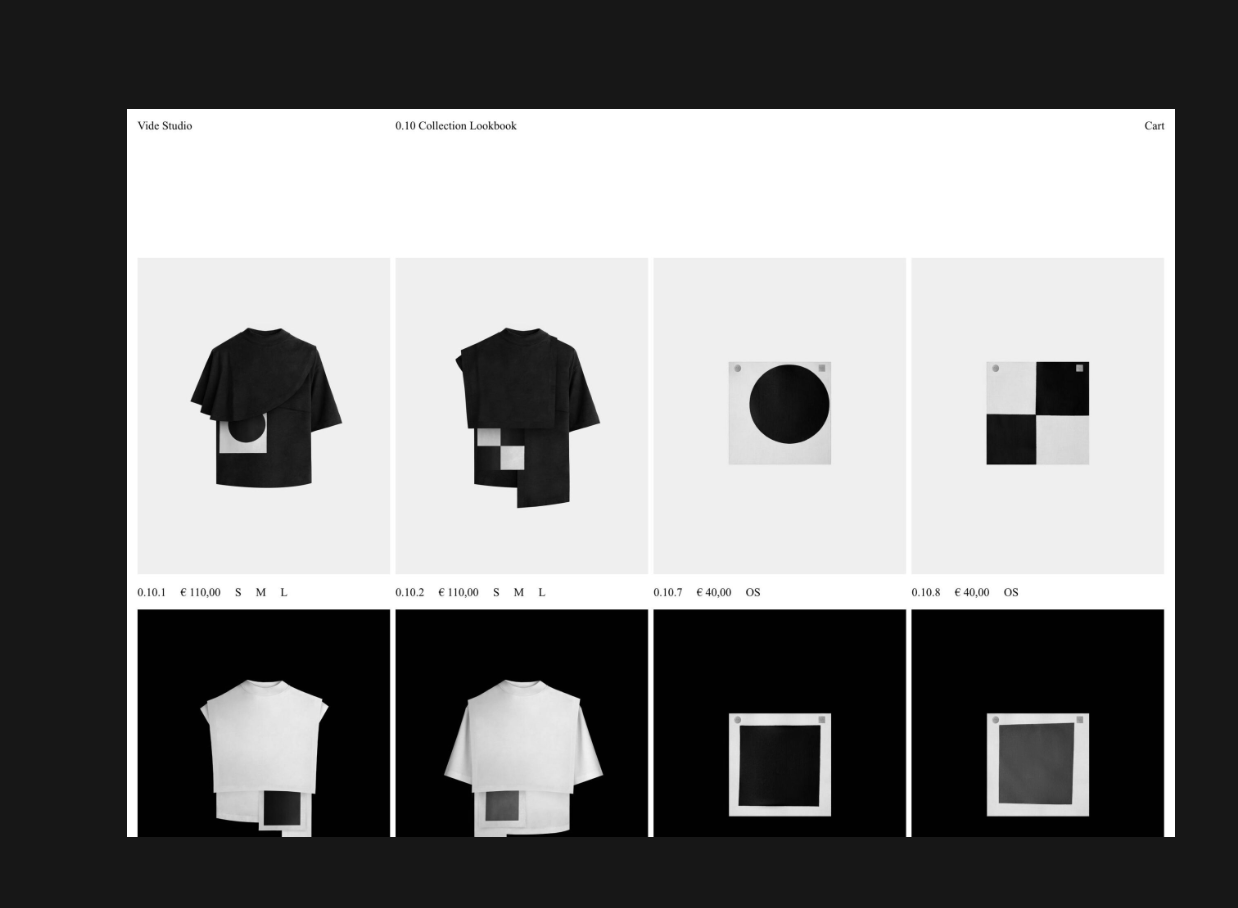 Screenshot 2023-10-18 at 4.23.45 PM
I was thinking probably the same way as the Footer works. So having a page with the menu items only, and then displaying it in every page sticked to the top.
Thanks, 🙏
-
true, working on a header feature is on my todo list, however its not high priority and has been on the list for a very long time
mmh but how about you do this using custom css
appearance → menus
→ screen options → css classes

then add css classes
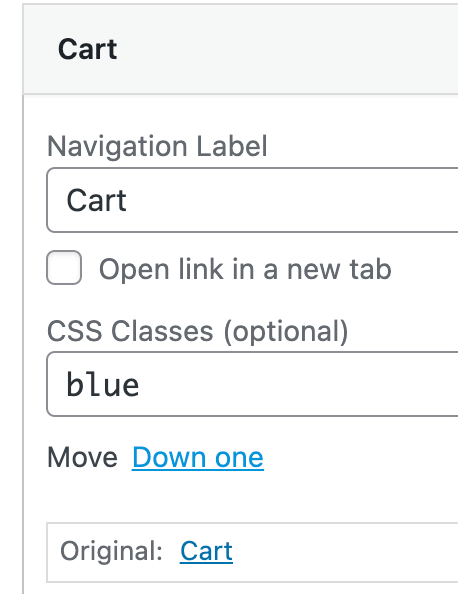
and use css to change the width of your menu points
-
 A arminunruh referenced this topic on
-
Found a way of doing it, not ideal but does the job.
Leaving the solution here in case somebody else may want to do the same.-
Create a row at the top of the page
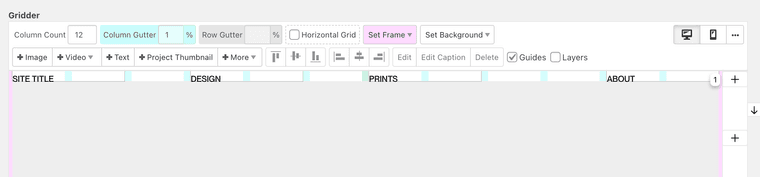
-
Right-Click to the row and add the class 'sticky'.
-
Add the following CSS Code
div.sticky {
  position: -webkit-sticky;
  position: sticky;
  top: 0.5%;
  z-index: 1;
}
You have to do it for every page tho' 😅
👊 -
-
you could also use lay options → custom css & custom html
and then add your html and css code to "html at top"
then that html is at the top of every page

Hello! It looks like you're interested in this conversation, but you don't have an account yet.
Getting fed up of having to scroll through the same posts each visit? When you register for an account, you'll always come back to exactly where you were before, and choose to be notified of new replies (either via email, or push notification). You'll also be able to save bookmarks and upvote posts to show your appreciation to other community members.
With your input, this post could be even better 💗
Register Login