Customized menu (Info/Close)
-
The "Info" link should be on the main page.
On the "Info" page the "Close" link back to the main page.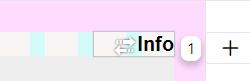
I have created this simply as a text file.
The problem. The different heights. Especially in the mobile version.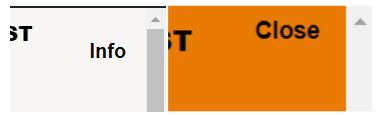
Can I also realize this with the menu setting?
Or if not. What does the CSS look like for this?
Thank you very much -
why dont u put the close button down more
right click-> space top, click the % to make it px
and then set space top to idk 5px
or just use the overlay feature:
https://laytheme.com/documentation/overlays.html -
yea sure u can show hide menu points
just read this:
https://laytheme.com/documentation/custom-css-styling.html#css-based-on-current-pageand
try to create the css yourself you can do it!
-
yea sure u can show hide menu points
just read this:
https://laytheme.com/documentation/custom-css-styling.html#css-based-on-current-pageand
try to create the css yourself you can do it!
@arminunruh Thanks Armin for the tip with the overlays!
Thanks for the links. I will work my way in -
why dont u put the close button down more
right click-> space top, click the % to make it px
and then set space top to idk 5px
or just use the overlay feature:
https://laytheme.com/documentation/overlays.html@arminunruh The overlay does not cover the entire screen (browser height). Finally, the option "Do not scroll while overlay is activated" does not seem to work on mobile devices.
-
both things should be fixed now if u update everything
lmk if it works
-
-
(update lay theme)
Hello Armin,
I have updated to 6.5.1 .
Unfortunately, the overlay still does not cover the entire screen (browser height).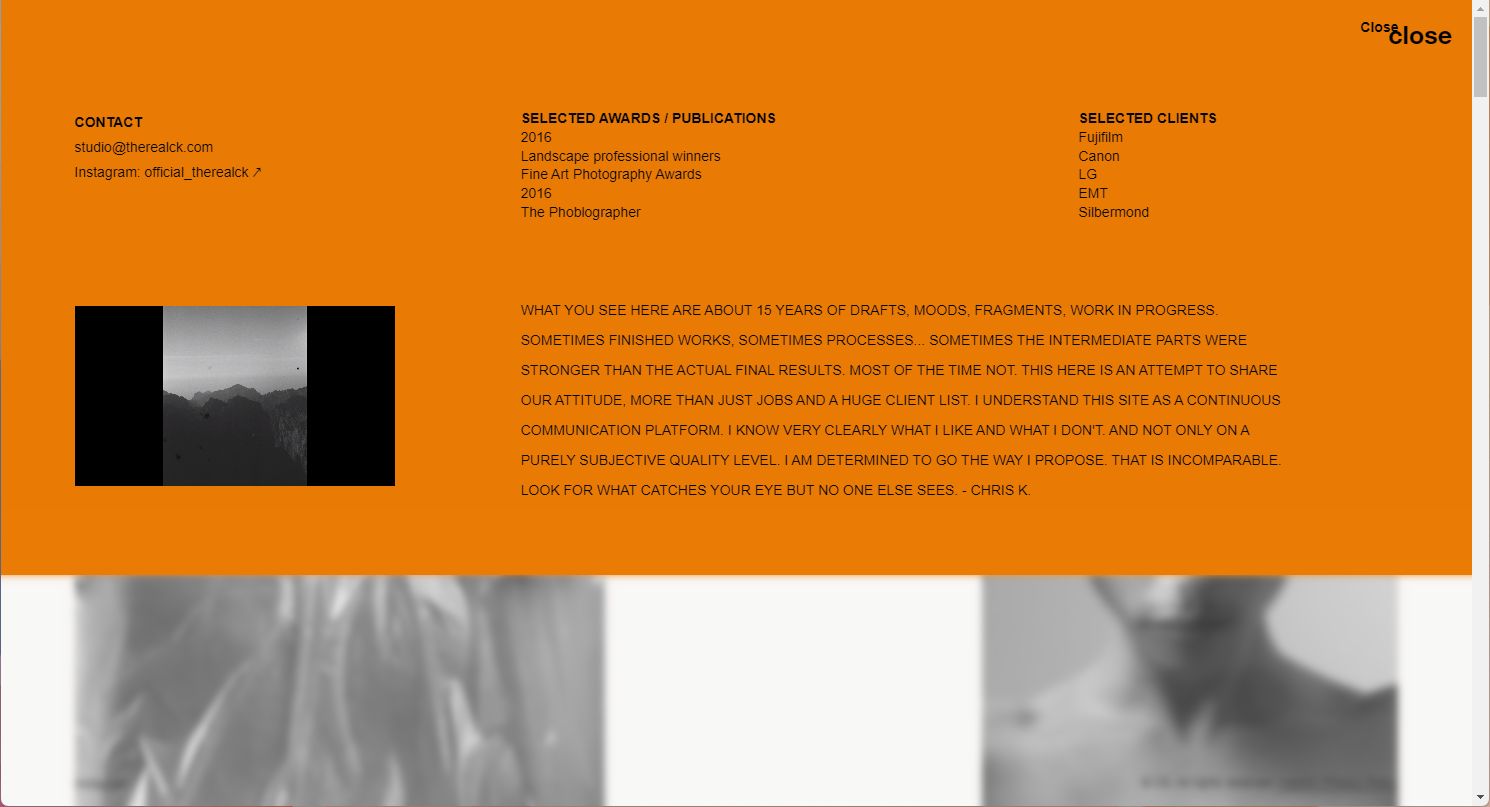
-
insert your text into one row, that row needs to have browser height


Hello! It looks like you're interested in this conversation, but you don't have an account yet.
Getting fed up of having to scroll through the same posts each visit? When you register for an account, you'll always come back to exactly where you were before, and choose to be notified of new replies (either via email, or push notification). You'll also be able to save bookmarks and upvote posts to show your appreciation to other community members.
With your input, this post could be even better 💗
Register Login