Messed up gridder layout in google Chrome
-
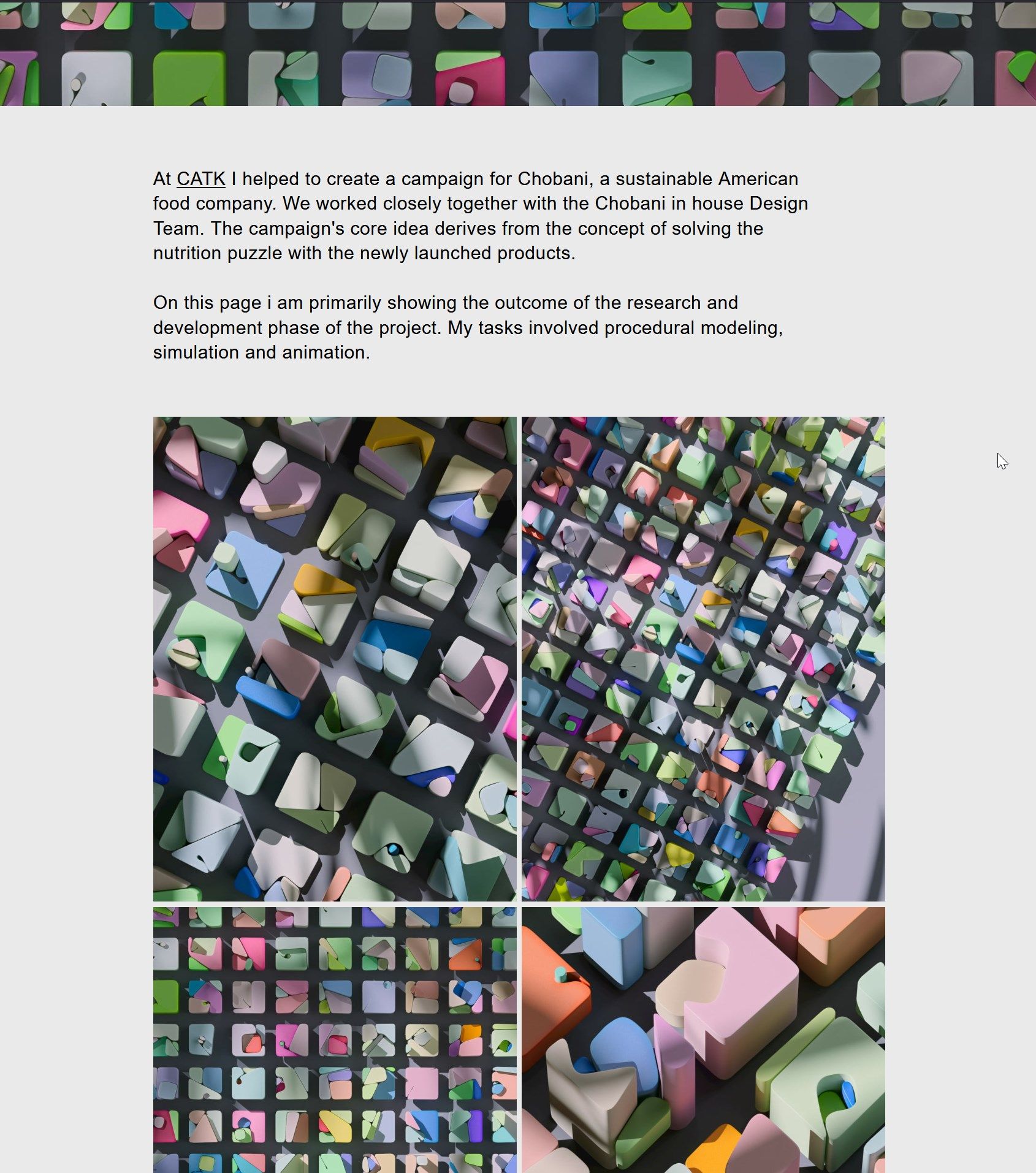
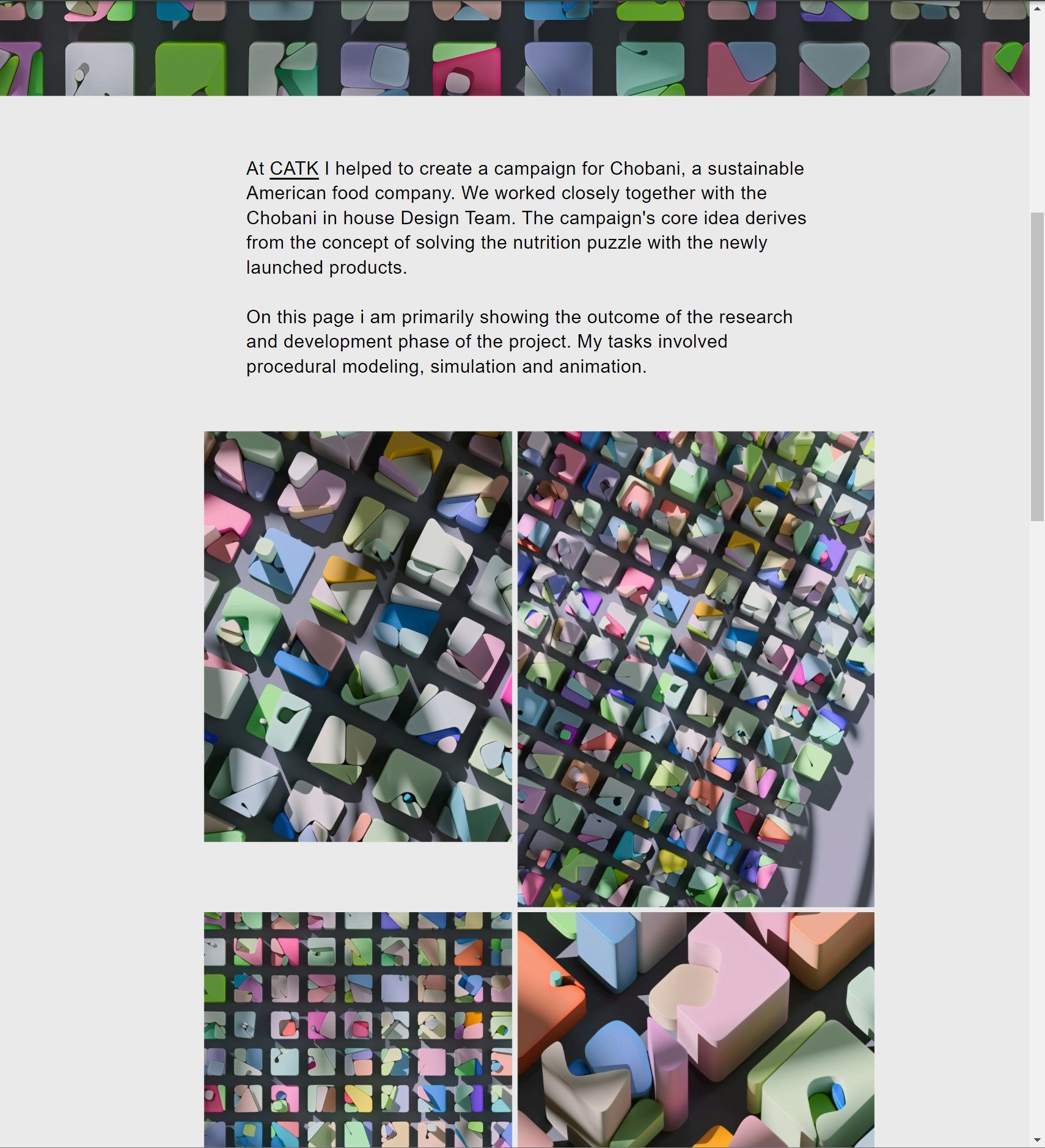
Experiencing very starnge layout shifts in Google chrome, tried purging the cache etc, please see this page:
-
Correct layout (Firefox/Safari)
-
Wrong layout of text and image/video sizes (Chrome)
-
-
hey please update lay theme, then clear your cache or disable your caching plugin
if u use a child theme or sth like that, disable it and use the normal lay theme
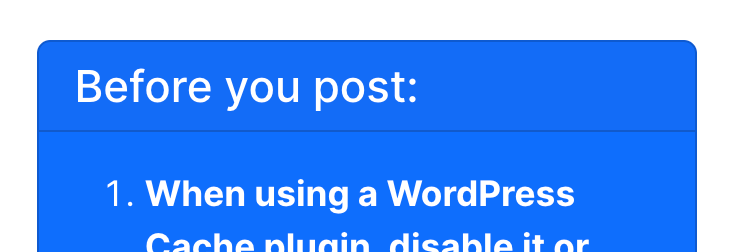
(always try the things in the blue box first )
on ur website it still uses push-* css which is sth i removed a long time ago thats why i think this could be the solution
lmk if it worked
-
thanks for the hint, but that didn't solve it.
-
laytheme is up to date
-
im using Litespeed Cache/QuicCloudCDN as it came with my digital ocean droplet. it has a "purge all" option that i always use when working on the website. i also just tried disabling it completely and then to enable it again but im still getting the same issue.
-
-

Hello! It looks like you're interested in this conversation, but you don't have an account yet.
Getting fed up of having to scroll through the same posts each visit? When you register for an account, you'll always come back to exactly where you were before, and choose to be notified of new replies (either via email, or push notification). You'll also be able to save bookmarks and upvote posts to show your appreciation to other community members.
With your input, this post could be even better 💗
Register Login