Project Thumbnail mouseover image - turn brightness change off?
-
Hi,
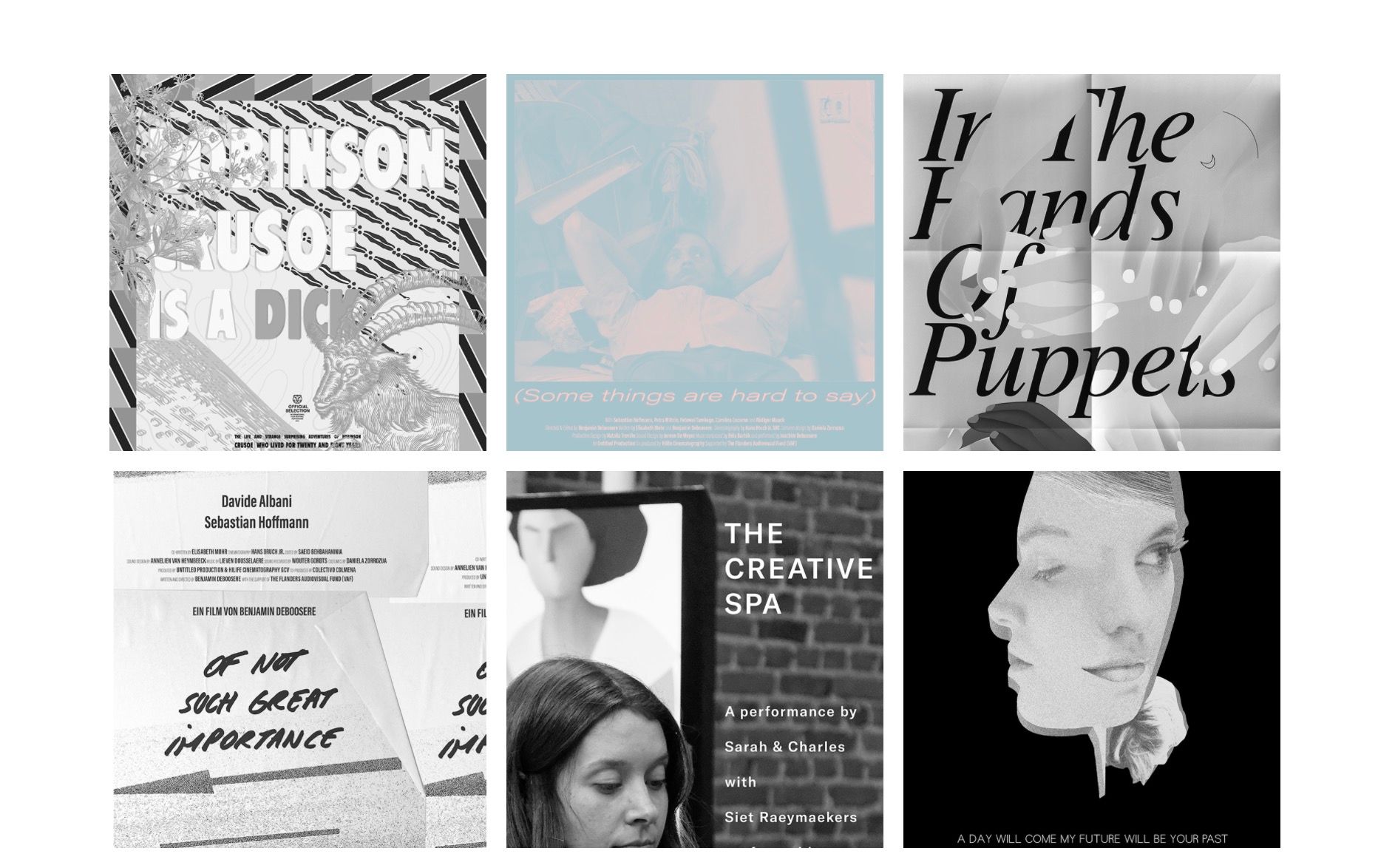
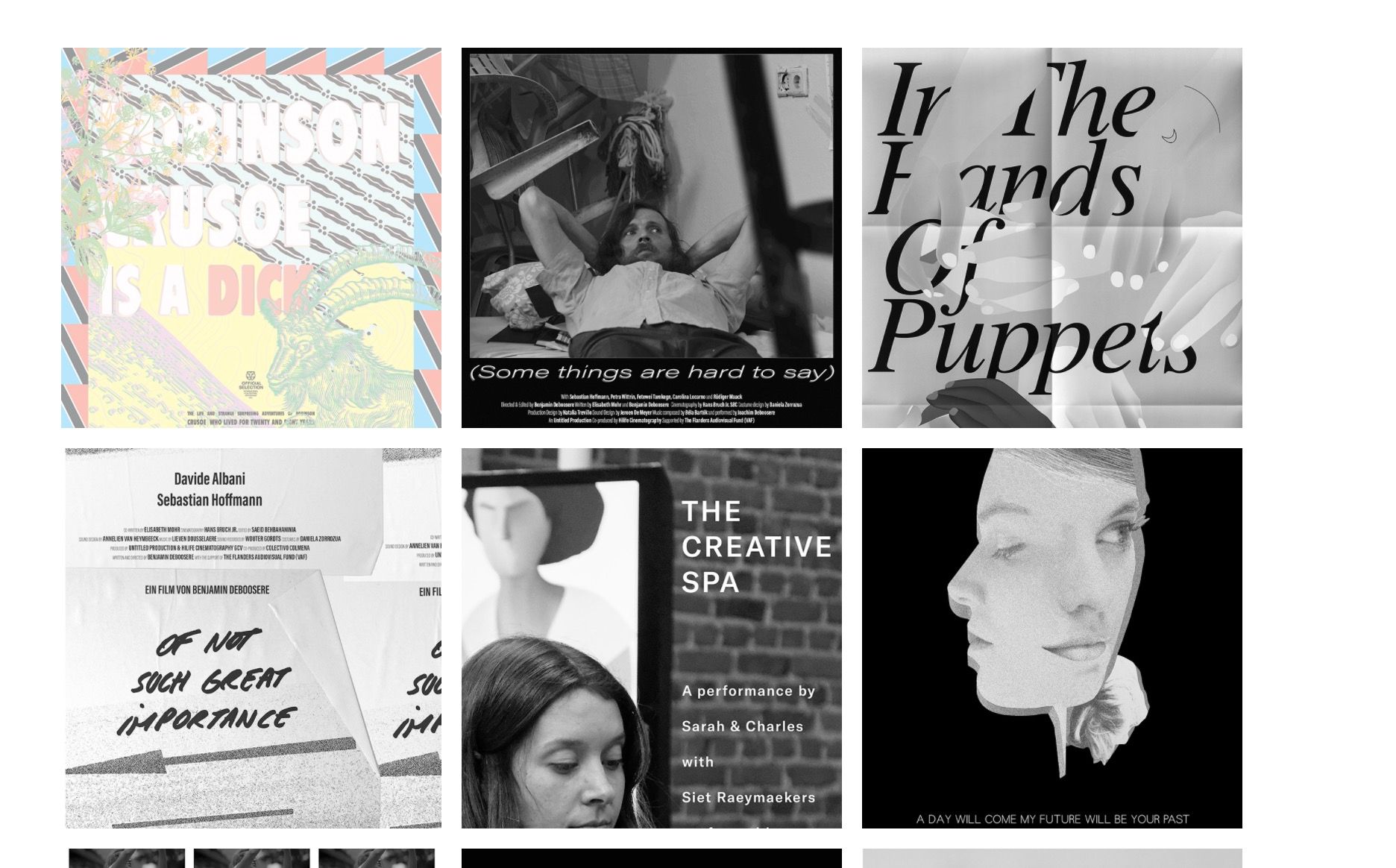
I'm using project thumbnail mouseover images and made a menu where all the images change from black and white to color when you hover over them. Only for some reason the brightness of the mousoverimage changes automatically as well. Is there a way to turn this off? To just keep the normal contrast of the mousover image? (see ss 1+2)
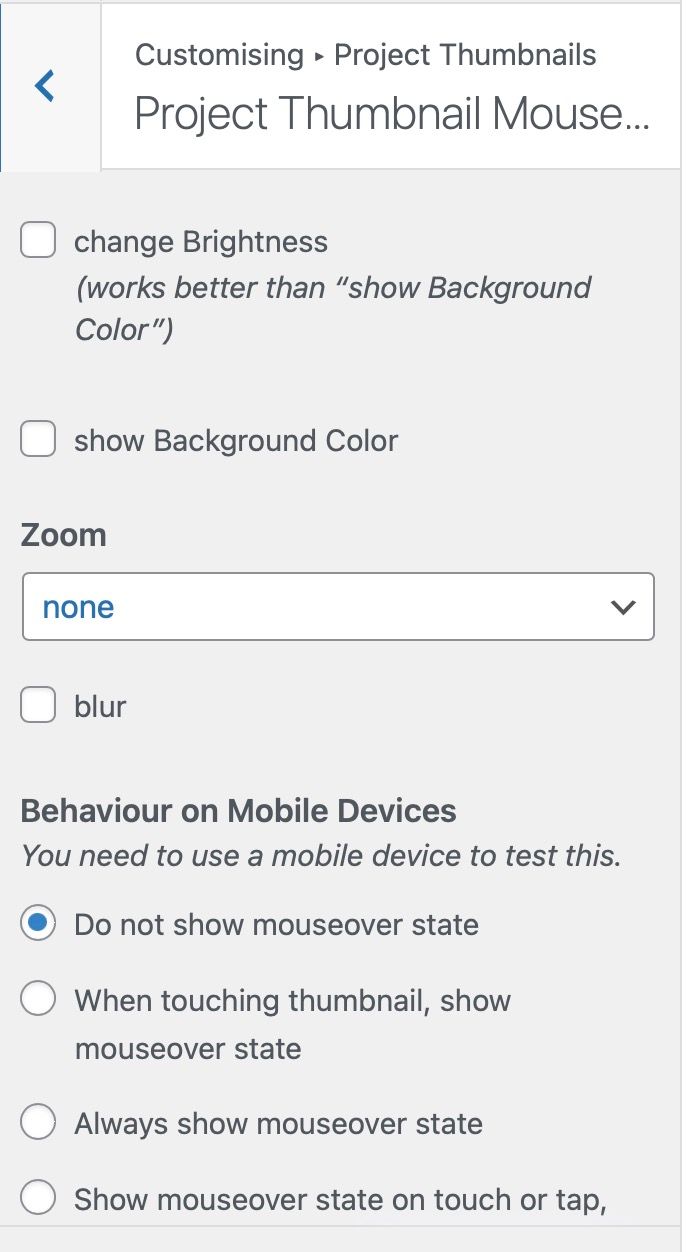
I turned everything off in the customize menu but that doesn't seem to change anything. (see ss3)
Thanks for your help!
-
maybe you have to disable your caching plugin or clear its cache? did u do the steps in the blue box to the right?
whats the website url?
-
Hi,
Thank you for your answer!
I'm sorry, I cleared the cache before but didn't follow all the steps through. Indeed that solved it on desktop. On mobile the mouseover image doesn't seem to work though. Only if I choose 'Always show mouseover state' it shows the color version. Otherwise it doesn't show up. Any idea what the issue might be here? The mobile setting is now on: "When touching thumbnail, show mouseover state" so you can test it->
url: http://www.untitledproduction.be/work-2/ -
if you update lay theme now it will be fixed!
-

Hello! It looks like you're interested in this conversation, but you don't have an account yet.
Getting fed up of having to scroll through the same posts each visit? When you register for an account, you'll always come back to exactly where you were before, and choose to be notified of new replies (either via email, or push notification). You'll also be able to save bookmarks and upvote posts to show your appreciation to other community members.
With your input, this post could be even better 💗
Register Login