categories as filters within menu

-
Answered my own question Armin, thanks anyway. The only thing I wonder is, do projects always need to be added individually as I have now to make it work or is there a way to do this in bulk/through thumbnail grids so that it is easier for my client to upload content in the future?
-
yes its better to use a thumbnailgrid, because it always displays all thumbnails of the chosen category
-
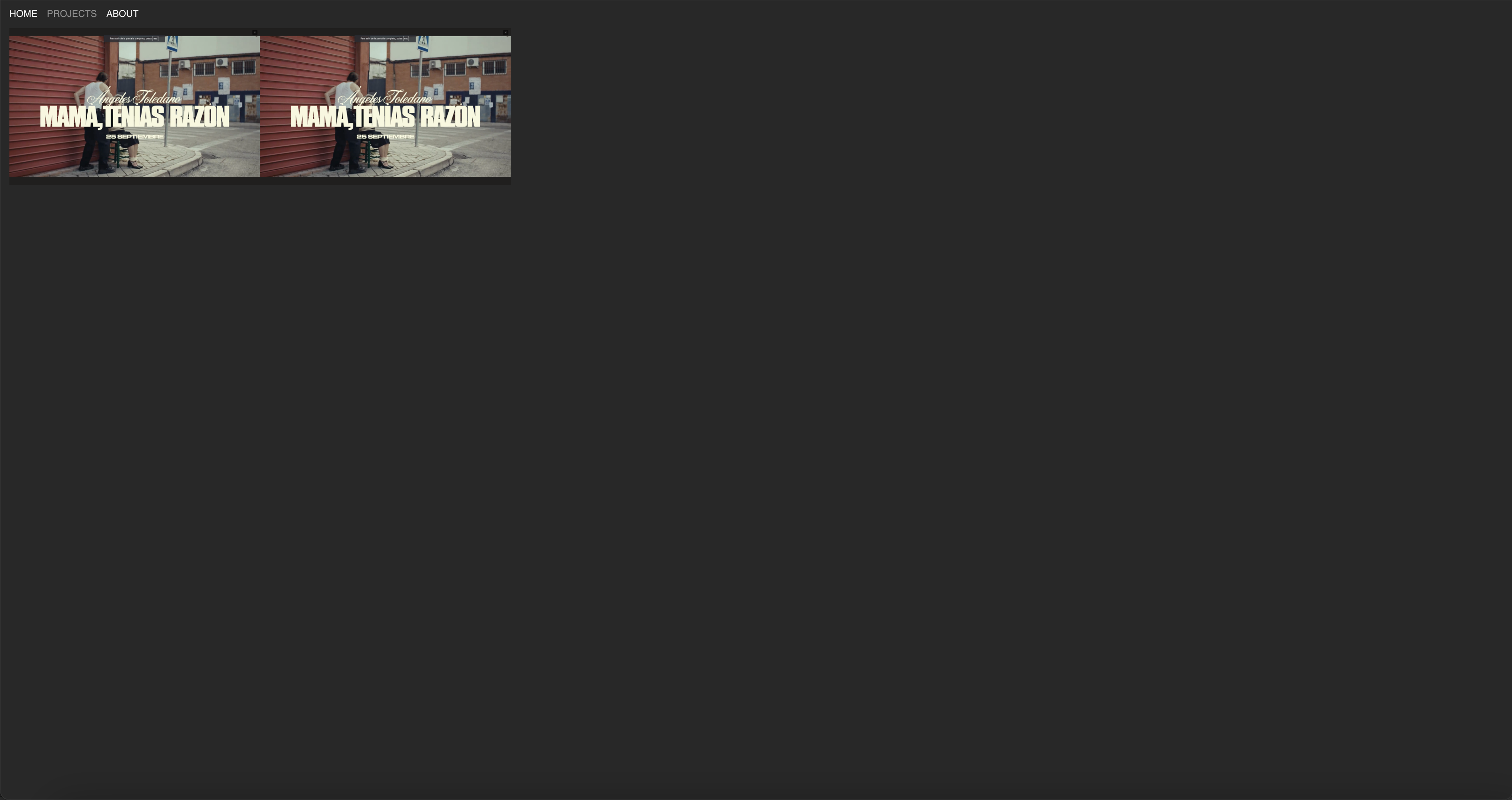
yes sorry what I am asking is why are the 'Film' projects and 'Experience' projects leaving gaps between each other (2 thumbnails) and in different rows?
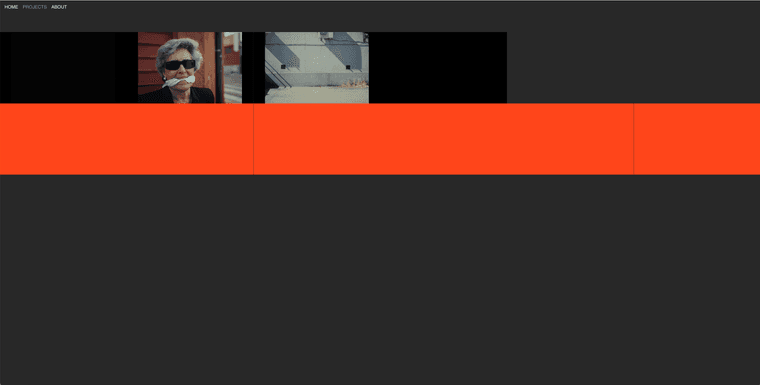
It seems like with thumbnail grids I can only select one category or the other and therefore don't understand how to have ALL projects smoothly visible at once?
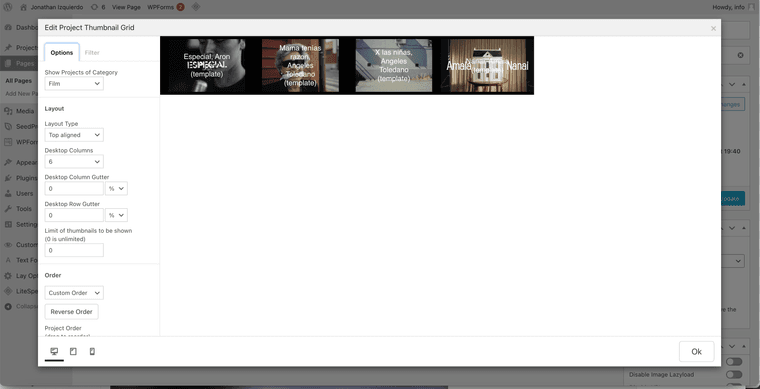
Do you mind explaining what I am doing wrong?
Thanks! -
Hi @arminunruh @mariusjopen sorry to chase with this, is the above at all possible to solve?
-
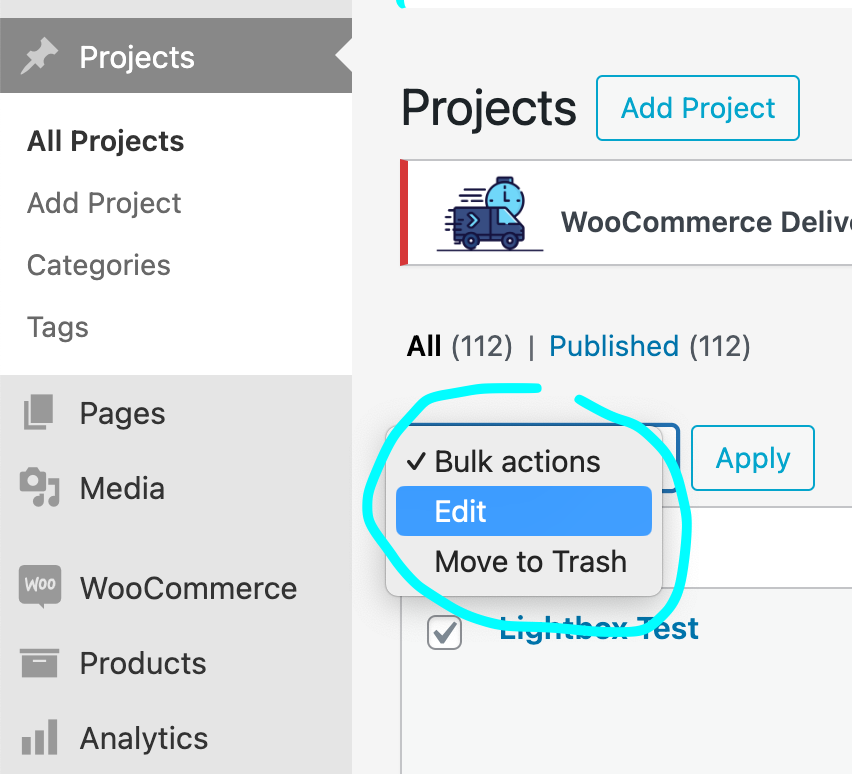
hey you can create a new category called "All" and apply this category to all of your projects:
-
then choose this category as the one you want shown on your thumbnailgrid
-
-
your videos/thumbnails need to have the same aspect ratios
.thumb-collection .thumb .ph{
padding-bottom: 56.25%!important;
}
this css will just cut off bigger videos / thumbnails
maybe its better if you change the videos to all have the desired aspect ratio idk
-
-
-
.ph > *{
top: 50%!important;
transform: translateY(-50%)!important;
}
this will center it vertically
-
to change the paddings on a per video basis, you need to add a html class to an element.
https://laytheme.com/documentation/custom-css-styling.html#create-button-style
here i show how to target a specific element.
but thumbnails inside a elementgrid or project thumbnail grid cant have different custom html classes. only the "elementgrid"/"project thumbnail grid" element itself can.
so you might want to add each thumbnail using +project thumbnail
maybe its easier if you just crop the videos using a video editing tool like handbrake


Hello! It looks like you're interested in this conversation, but you don't have an account yet.
Getting fed up of having to scroll through the same posts each visit? When you register for an account, you'll always come back to exactly where you were before, and choose to be notified of new replies (either via email, or push notification). You'll also be able to save bookmarks and upvote posts to show your appreciation to other community members.
With your input, this post could be even better 💗
Register Login