Mobile Version setup
General Discussion
6
Posts
2
Posters
746
Views
2
Watching
-
This post is deleted!
-
This post is deleted!
-
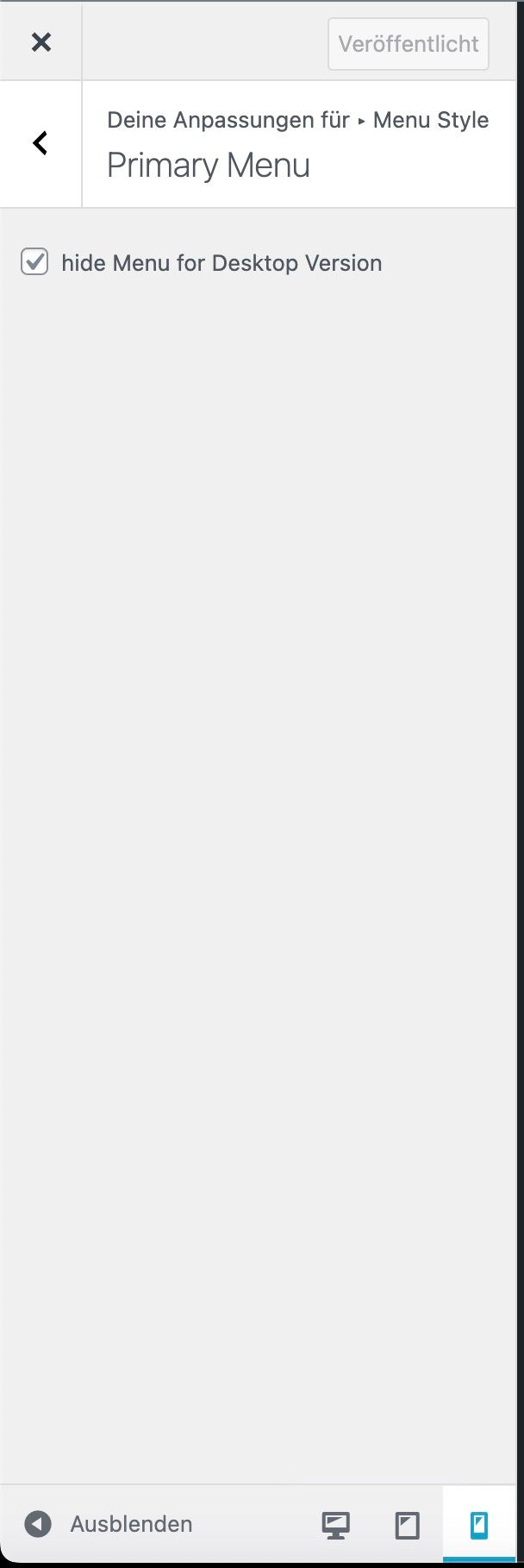
1.:
to hide the mobile menu, go to customize → mobile → mobile menu
there should be a hide setting no? -
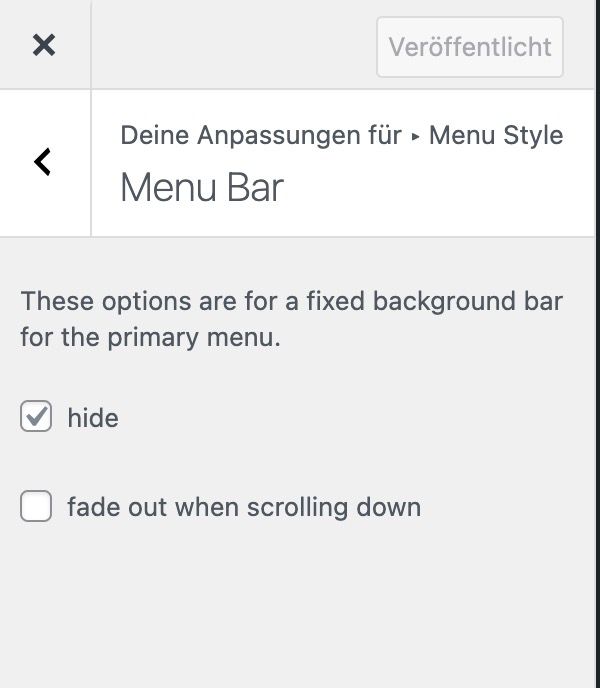
2.:
same thing, customize → mobile → mobile menu bar
click hide -
Thank you! yes i found the settings yesterday evening so i tried to delete my post here but it didn't seem to work - sorry!
best regards
-
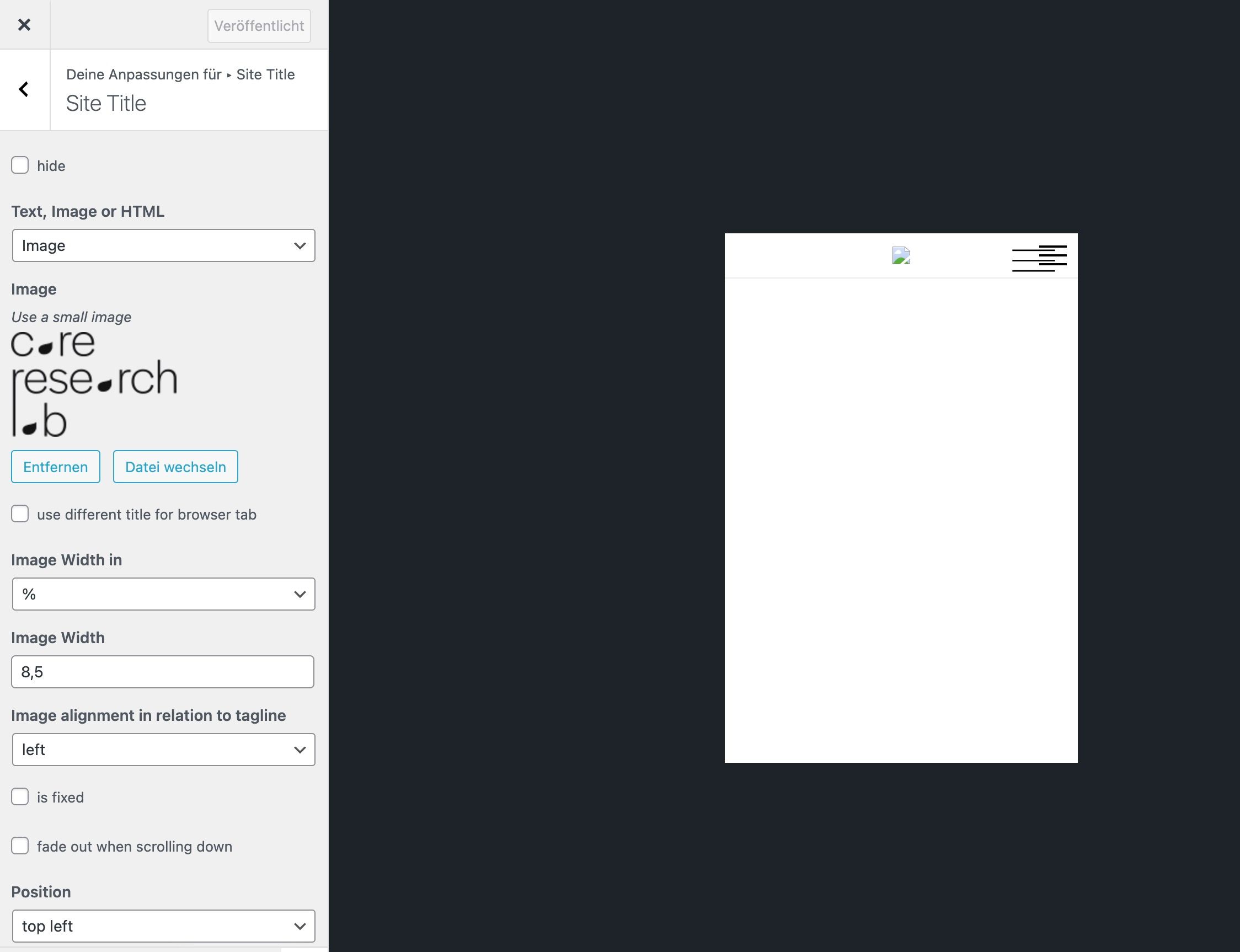
3.: in customize → mobile → mobile site title
you're saying you cant place the image, in your screenshot i see the image doesnt load:
can you try a different image or try a text?
also when u want to use the burger menu from the page overlay feature for your mobile version, you should hide the other burger.
in customize → mobile → mobile menu → click "hide"
this also hides the burger icon

Online Users
Forgot your key, lost your files, need a previous Lay Theme or Addon version?
Go to www.laykeymanager.com