Skip to content
  • Recent
  • Tags
  • Popular
  • Users
  • Search
Skins
  • Light
  • Brite
  • Cerulean
  • Cosmo
  • Flatly
  • Journal
  • Litera
  • Lumen
  • Lux
  • Materia
  • Minty
  • Morph
  • Pulse
  • Sandstone
  • Simplex
  • Sketchy
  • Spacelab
  • United
  • Yeti
  • Zephyr
  • Dark
  • Cyborg
  • Darkly
  • Quartz
  • Slate
  • Solar
  • Superhero
  • Vapor

  • Default (No Skin)
  • No Skin
Collapse

Lay Theme Forum

  1. Home
  2. General Discussion
  3. problem with laytheme php

problem with laytheme php

Scheduled Pinned Locked Moved General Discussion
12 Posts 3 Posters 2.0k Views 2 Watching
  • Oldest to Newest
  • Newest to Oldest
  • Most Votes
Reply
  • Reply as topic
Log in to reply
This topic has been deleted. Only users with topic management privileges can see it.
  • T
    T
    TYLM
    wrote on last edited by
    #1

    Hello there,

    It seems that I have a problem in my php… This message is displayed when I go in the “Updates” tab in my Wordpress dashboard: Warning: Trying to access array offset on false in /home/clients/e5b2689295a4a0e9f02941b0057173d8/web/wp-content/themes/lay/frontend/assets/php/frontend_options.php on line 181

    My website is https://office.theomarielle.com/

    Do you know if this is a big issue and also how I can fix this?

    Thanks in advance for the help!

    Cheers,

    1 Reply Last reply
    0
    • StarcS
      StarcS
      Starc
      wrote on last edited by
      #2

      i just take a look your website, is brilliant. Great job!

      T 1 Reply Last reply
      0
      • StarcS Starc

        i just take a look your website, is brilliant. Great job!

        T
        T
        TYLM
        wrote on last edited by
        #3

        @Starc Thanks for the compliment, I appreciate it! 🙏

        1 Reply Last reply
        0
        • arminunruhA
          arminunruhA
          arminunruh
          Global Moderator
          wrote on last edited by
          #4

          should be fixed with the next lay version

          or go to lay options →
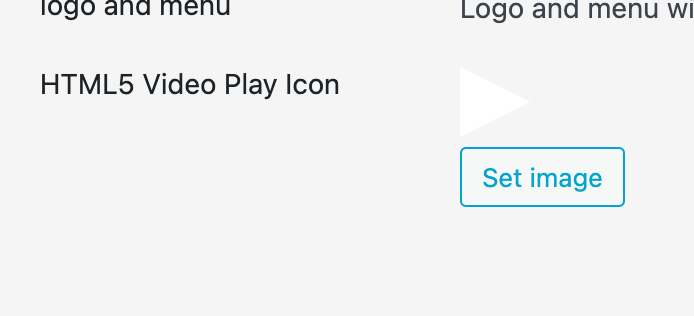
          Screenshot 2025-02-10 at 20.32.43.png

          set an image here

          it seems u had set an image, but then deleted it in the media library and i forgot to add a check for this in my code

          T 1 Reply Last reply
          0
          • arminunruhA
            arminunruhA
            arminunruh
            Global Moderator
            wrote on last edited by
            #5

            also can you install and set up the plugin "really simple ssl"?
            seems like you activated https / ssl and now parts of the site dont load mh

            T 1 Reply Last reply
            0
            • arminunruhA arminunruh

              should be fixed with the next lay version

              or go to lay options →
              Screenshot 2025-02-10 at 20.32.43.png

              set an image here

              it seems u had set an image, but then deleted it in the media library and i forgot to add a check for this in my code

              T
              T
              TYLM
              wrote on last edited by
              #6

              @arminunruh Thanks for your help!

              I just added an image for the “Video Play Icon”, but it doesn't seem to change anything – and it doesn't appear on my videos. It's a png, I also tried with a svg, but had the same result.
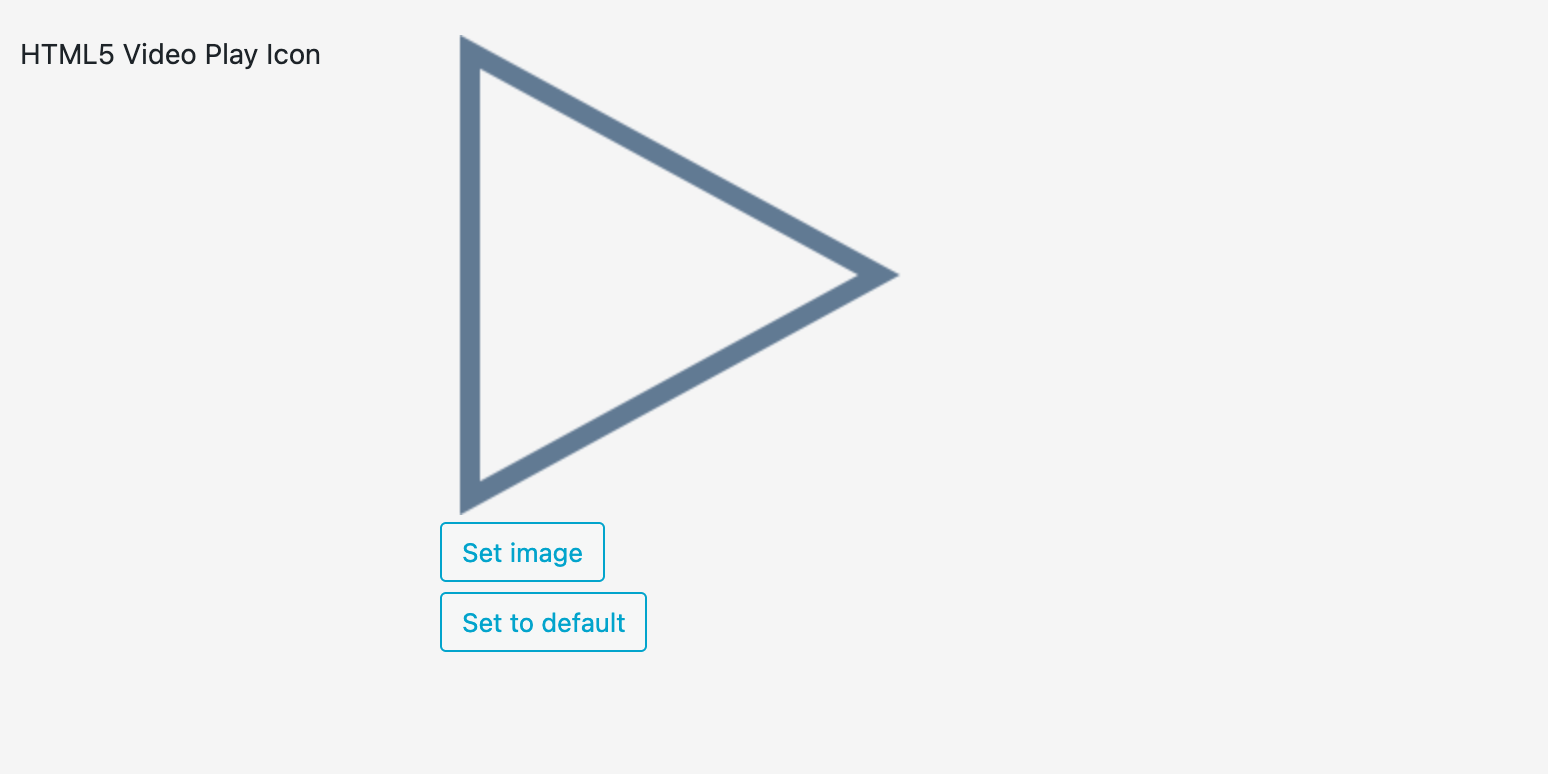
              Capture d’écran 2025-02-11 à 11.01.30.png

              I can definitely wait for the next lay update though!

              1 Reply Last reply
              0
              • arminunruhA arminunruh

                also can you install and set up the plugin "really simple ssl"?
                seems like you activated https / ssl and now parts of the site dont load mh

                T
                T
                TYLM
                wrote on last edited by
                #7

                @arminunruh The plugin was actually already installed, but I was unable to activate SSL from Firefox for some reason… I managed to do it on Safari and now I think it's correctly activated.

                Don't know if that fixed the problem of parts not loading though…?

                1 Reply Last reply
                0
                • arminunruhA
                  arminunruhA
                  arminunruh
                  Global Moderator
                  wrote on last edited by
                  #8

                  now the website loads for me!

                  T 1 Reply Last reply
                  0
                  • arminunruhA arminunruh

                    now the website loads for me!

                    T
                    T
                    TYLM
                    wrote on last edited by
                    #9

                    @arminunruh Alright, thanks! :)

                    1 Reply Last reply
                    0
                    • T
                      T
                      TYLM
                      wrote on last edited by
                      #10

                      Hi!

                      I just noticed that there are still some PHP issues somewhere on my website. Here's what I see when I go to the "Add Plugin" page… Not sure what's causing this.
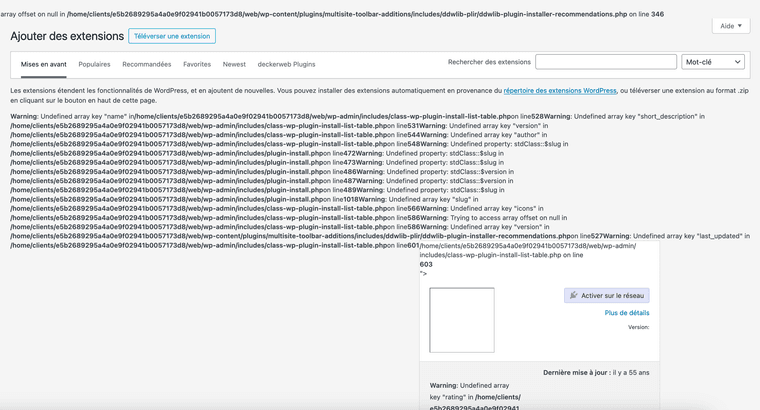
                      Capture d’écran 2025-02-24 à 16.30.35.png

                      https://office.theomarielle.com/

                      Thanks in advance for the help!

                      Cheers,

                      1 Reply Last reply
                      0
                      • arminunruhA
                        arminunruhA
                        arminunruh
                        Global Moderator
                        wrote on last edited by
                        #11

                        by looking at the screenshot it seems that a plugin called "multisite toolbar additions" causes this. maybe u can disable it

                        1 Reply Last reply
                        0
                        • T
                          T
                          TYLM
                          wrote on last edited by
                          #12

                          Got it, seems to have solved the problem. Thanks!

                          1 Reply Last reply
                          0

                          Hello! It looks like you're interested in this conversation, but you don't have an account yet.

                          Getting fed up of having to scroll through the same posts each visit? When you register for an account, you'll always come back to exactly where you were before, and choose to be notified of new replies (either via email, or push notification). You'll also be able to save bookmarks and upvote posts to show your appreciation to other community members.

                          With your input, this post could be even better 💗

                          Register Login
                          Reply
                          • Reply as topic
                          Log in to reply
                          • Oldest to Newest
                          • Newest to Oldest
                          • Most Votes


                          Online Users
                          Forgot your key, lost your files, need a previous Lay Theme or Addon version? Go to www.laykeymanager.com
                          laytheme.com
                          • Login

                          • Don't have an account? Register

                          • Login or register to search.
                          • First post
                            Last post
                          0
                          • Recent
                          • Tags
                          • Popular
                          • Users
                          • Search