categories are not displayed
-
-
-

hey seems like your html is malformed
go to customize → mobile → mobile site title
here you probably put some html that is incorrect
or you have it somewhere else, not sure
-
-
it is the problem. because the html structure of your website is not the correct standard one. probably because some html tag was not properly closed.
can you send your website address, /wp-admin/ username and password and a link to this topic to info@laytheme.com?
then i will take a look
-
i do think its a similar issue to this:
http://laythemeforum.com/topic/10756/images-are-no-longer-displayed/6 -
-
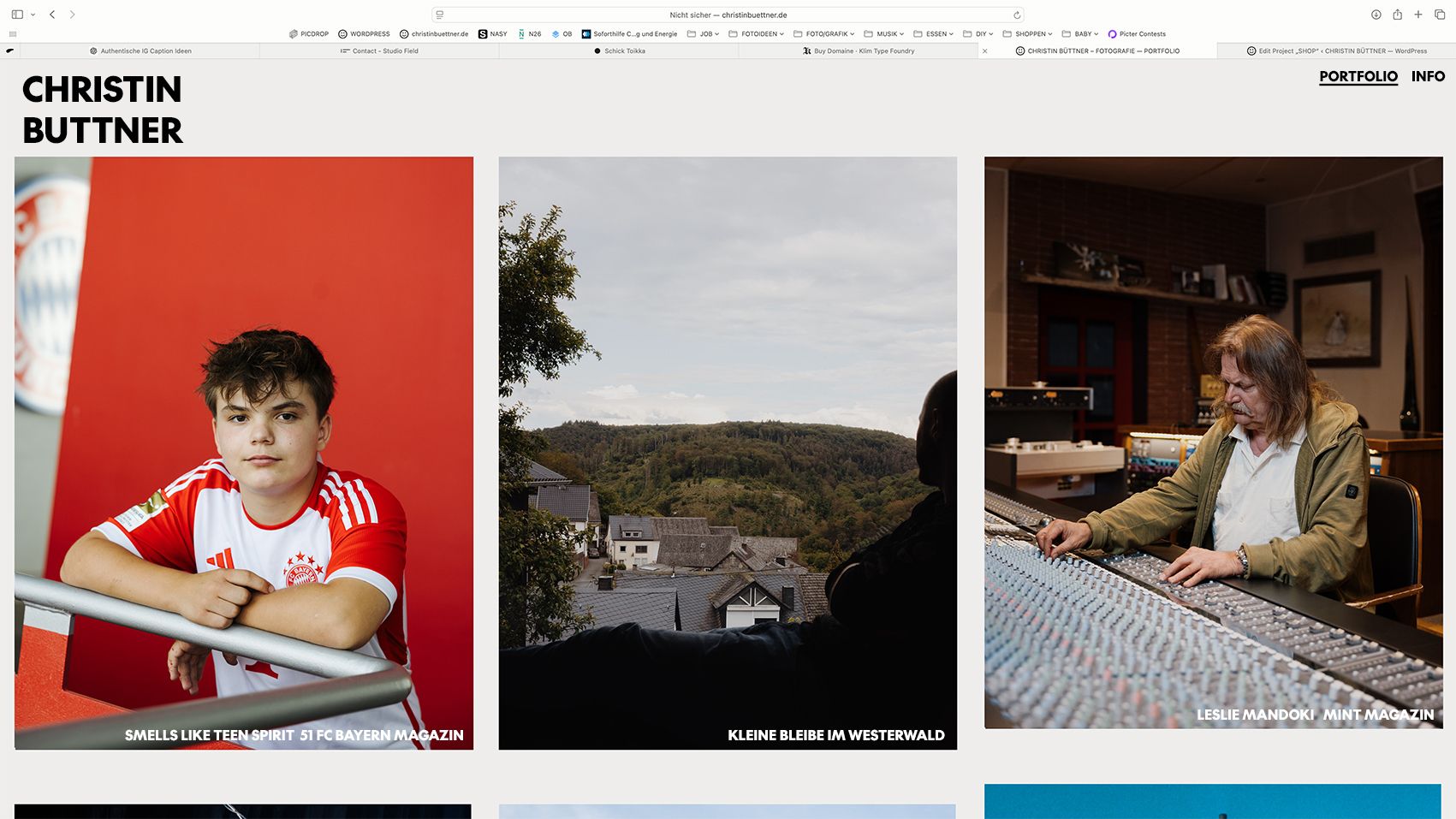
this is your html in your site title in customize:
<font color="000000"><font face="the-future-black"><font size=26><p style="line-height: 235%"><b>CHRISTIN </br> BÜTTNER</font></b></font></p></div>there are some missing opening tags and some missing closing tags, the html is malformed and thus breaks the structure of the whole website
it should rather be:
<font color="000000">
	<font face="the-future-black">
		<font size=26>
			<p style="line-height: 105%">
			<b>CHRISTIN <br>BÜTTNER</b>
			</p>
		</font>
	</font>
</font>
or:
<b style="font-family: the-future-black; color:#000; font-size:26px; line-height: 1;">CHRISTIN <br/>BÜTTNER</b> -
also in your mobile site title html you put:
<font color="#000000"><p style="font-family: Helvetica"><font size="5.5"> <b> CHRISTIN </br>
BÜTTNER</font> </p></b></font>
but it should be:
<font color="#000000">
<p style="font-family: Helvetica">
	<font size="5.5"> <b> CHRISTIN </br> BÜTTNER </b></font>
</p>
</font>
so here i think just the position of the closing </b> tag was wrong.
i fixed these things for you and now the website looks normal again.
when writing your own html please be careful as you can break things if you write it wrong

Hello! It looks like you're interested in this conversation, but you don't have an account yet.
Getting fed up of having to scroll through the same posts each visit? When you register for an account, you'll always come back to exactly where you were before, and choose to be notified of new replies (either via email, or push notification). You'll also be able to save bookmarks and upvote posts to show your appreciation to other community members.
With your input, this post could be even better 💗
Register Login