I had a critical error and tried to re-upload the Lay theme yet still don't see anything on my site.
-
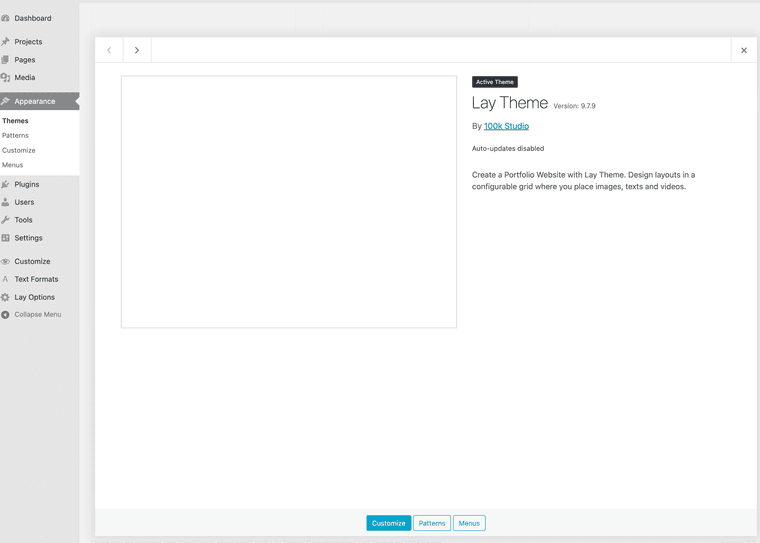
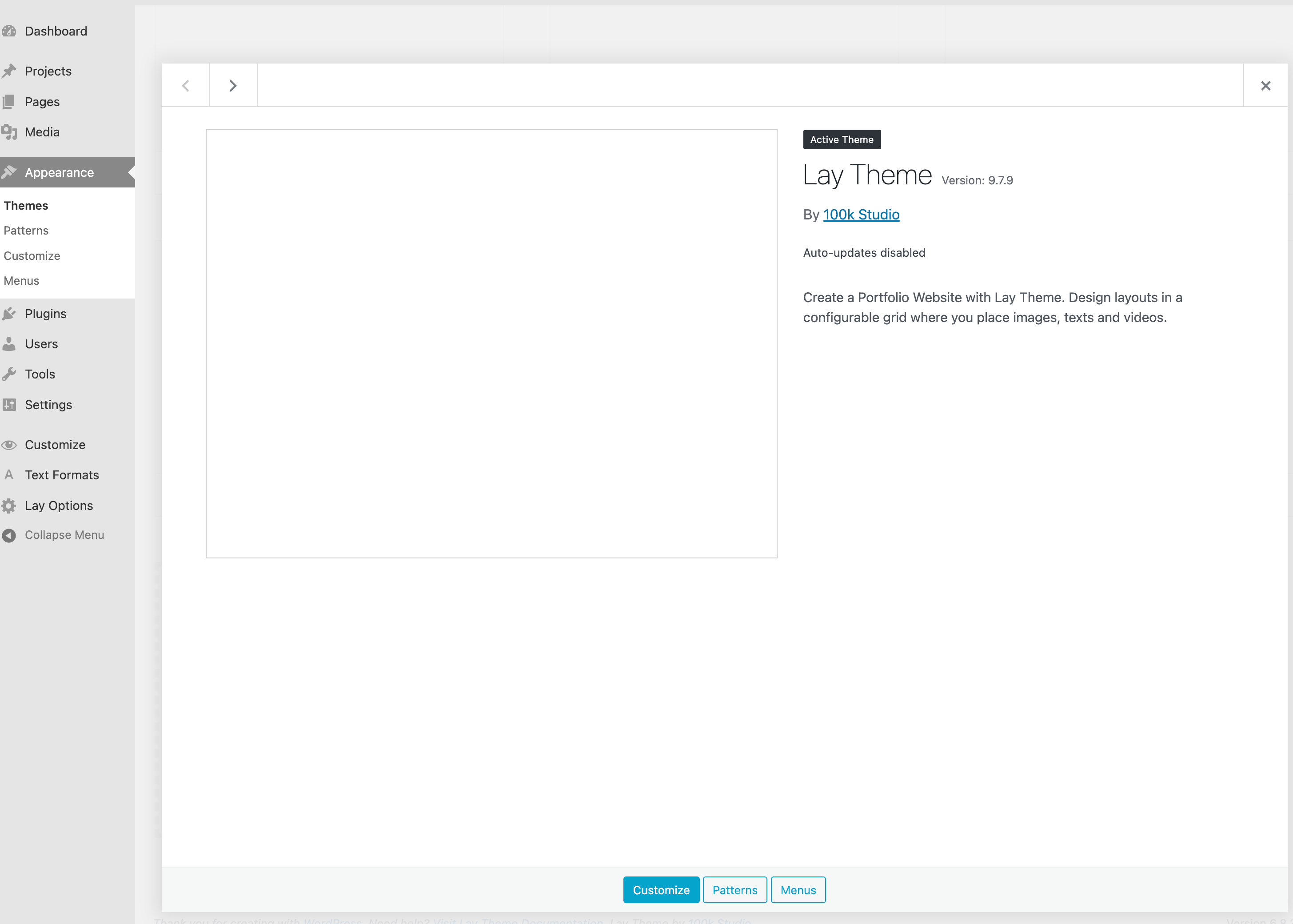
I don't know how long my site was down, but today I saw 'critical error' message on my site. So I went ahead and asked for help from Bluehost, but the tech support there only said it seemed like the theme was the problem.
In the beginning I couldn't even login to WordPress dashboard, but after the Bluehost tech support reset my theme to basic, I could login.
I tried to upload the latest Lay Theme, but I still don't see anything on my dashboard and my site.
I don't know what exactly is the problem and how to fix it. Could you help? -
hello!
when in appearance - themes
can u scroll down and where it says „broken theme“ please click „delete“
then upload the latest version of the theme and activate it:
https://kernl-file-uploads.s3.amazonaws.com/uploads/30-09-2025/08-20-33/lay//lay.zip
-
Hi @arminunruh, thanks for your quick response.
I scrolled down, but there was no "broken theme" line.
I tried converting to other basic WP theme and that allowed me to delete the existing Lay theme and upload the new one you've provided.
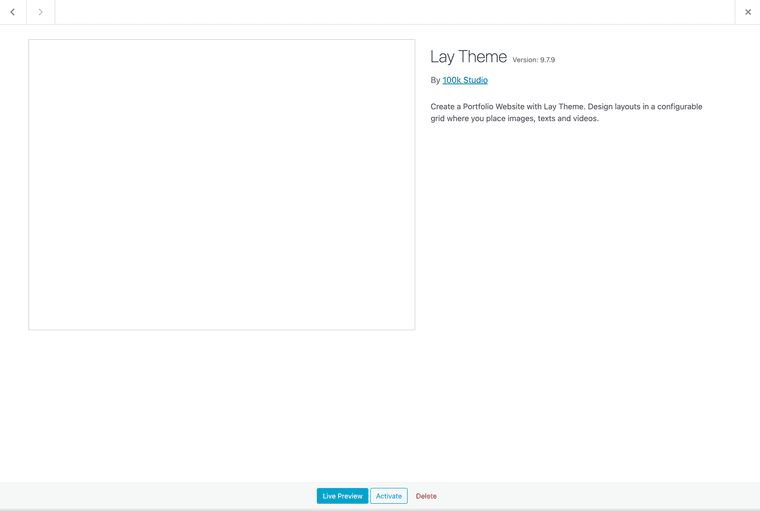
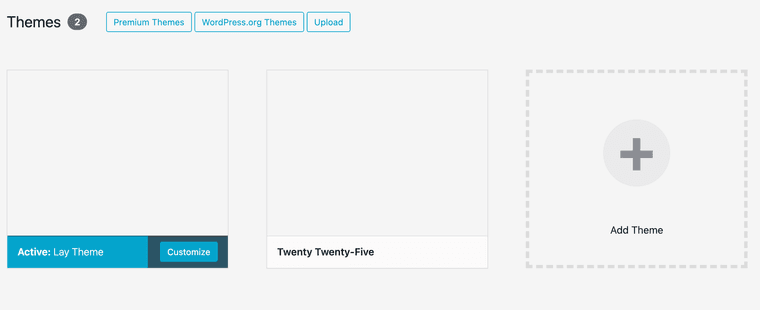
And I was able to activate as you see below.
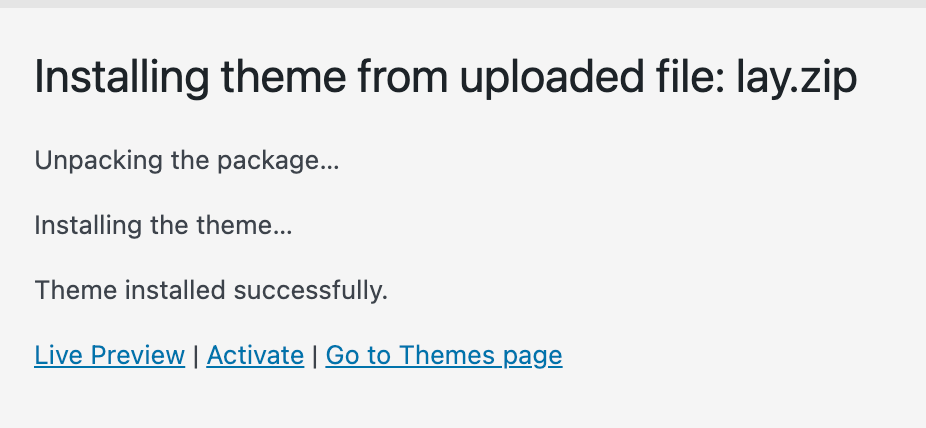
But I still don't see anything on my site.
I'm also thinking it's weird when I went to the key manager site for the latest files yesterday, I saw an unknown "Box####..." domain name under the activated site list, and my site is egndesign.com
Could that be a reason why I cannot make the Lay theme work on my site?Let me know if you have other way to fix this.
Thanks! -
thats weird!
Can you please send:
- a link to this forum topic
- your website address
- /wp-admin/ username and password
to: info@laytheme.com
i will fix it for you
-
ok it seems like the file permissions were set in a way were files couldn't be accessed via the browsers and we fixed it via FTP

Hello! It looks like you're interested in this conversation, but you don't have an account yet.
Getting fed up of having to scroll through the same posts each visit? When you register for an account, you'll always come back to exactly where you were before, and choose to be notified of new replies (either via email, or push notification). You'll also be able to save bookmarks and upvote posts to show your appreciation to other community members.
With your input, this post could be even better 💗
Register Login