Y-offset in Gridder not showing when using percent values
-
Hi Armin,
when I apply an X and Y offset to an element in the Gridder, the Y offset doesn’t visually update in the Gridder preview if I use percentage values. It only displays correctly when I switch the Y offset to px. On the actual site in the browser, the percentage Y offset does work - just not in the Gridder view. Is this just me, or could it be a bug? -
mh weird for me it works in the gridder
what browser and browser version do u use?
what element are u applying the y offset on?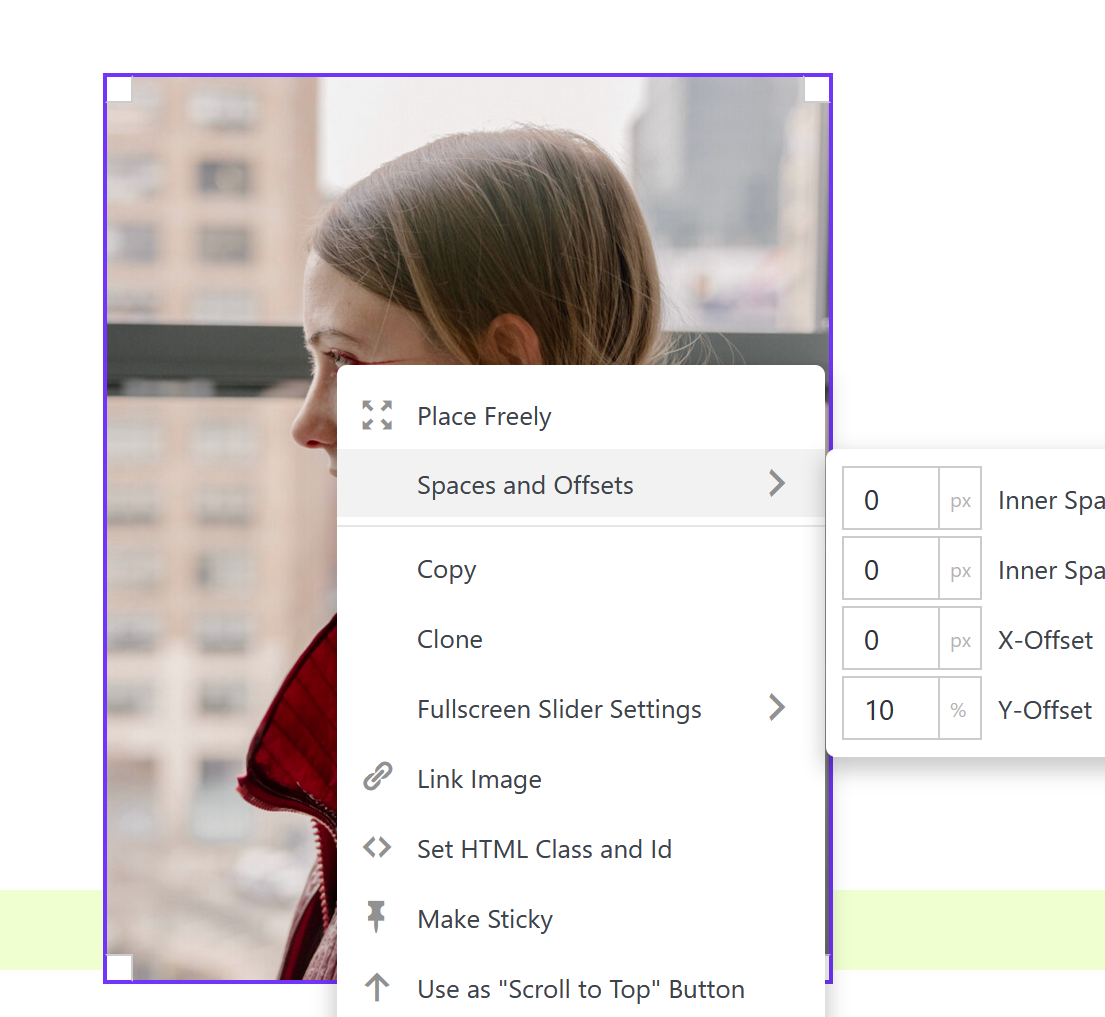
-
okay. I am using Safari Version 18.6 and I am applying the y offset to image and text elements.
-
ok i wrote it down will check it later

Hello! It looks like you're interested in this conversation, but you don't have an account yet.
Getting fed up of having to scroll through the same posts each visit? When you register for an account, you'll always come back to exactly where you were before, and choose to be notified of new replies (either via email, or push notification). You'll also be able to save bookmarks and upvote posts to show your appreciation to other community members.
With your input, this post could be even better 💗
Register Login