Text formats no longer applied in new projects, 2 languages
-
Firefox 145.0.2 auf MacOS Sequoia 15.3.2
WordPress and Laytheme up to dateHi. In a new project, my text formats are no longer applied. This is the case as well in a new project as in a project which I duplicated. (The already existing projects keep working as expected.)
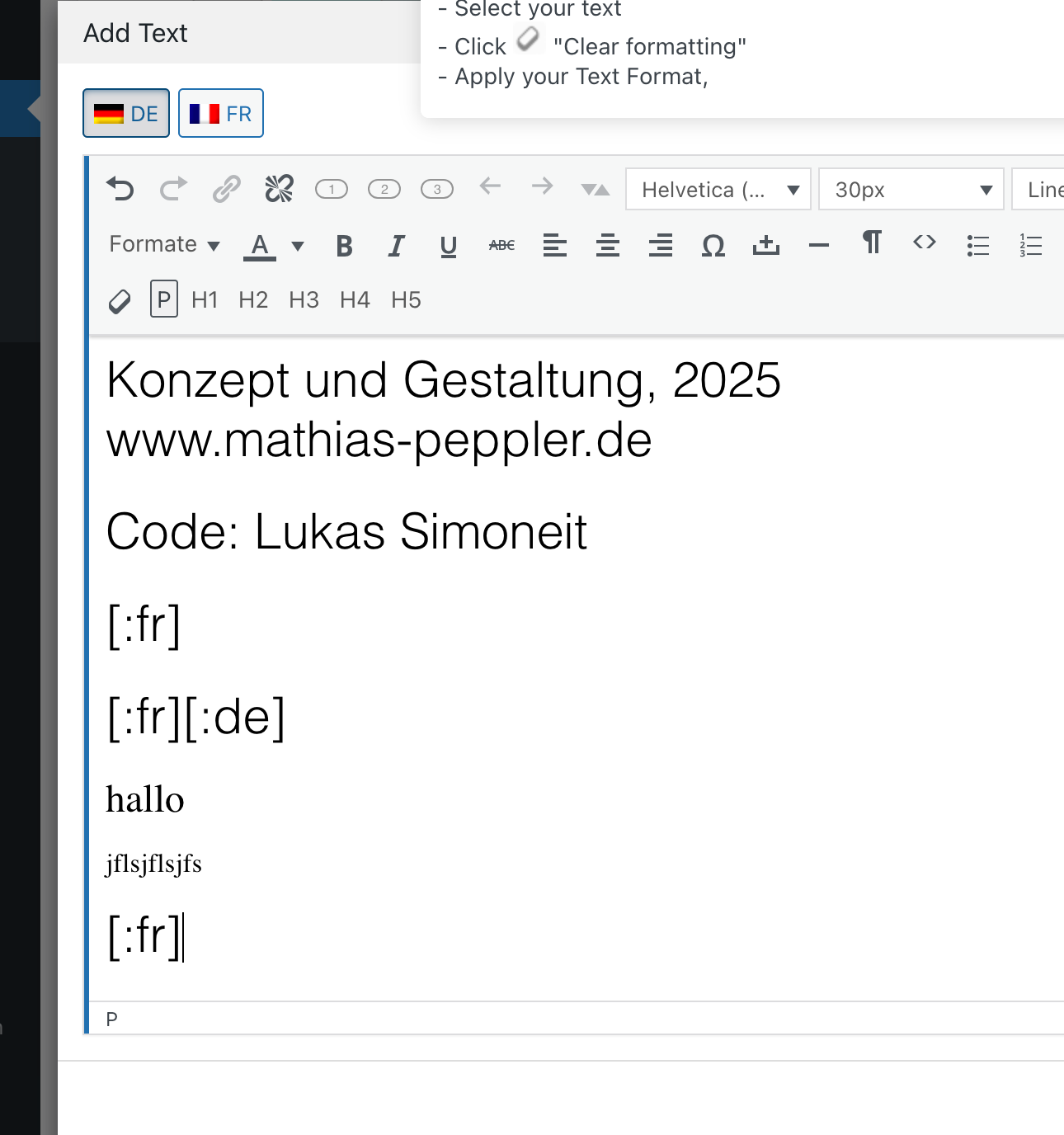
Already in the editor, the text looks weird, and in the preview as well.
Furthermore, the text gets duplicated every time I open the editor.
And, it adds the second language in the same editor – and displays it as well in the preview.Very strange behaviour.
!
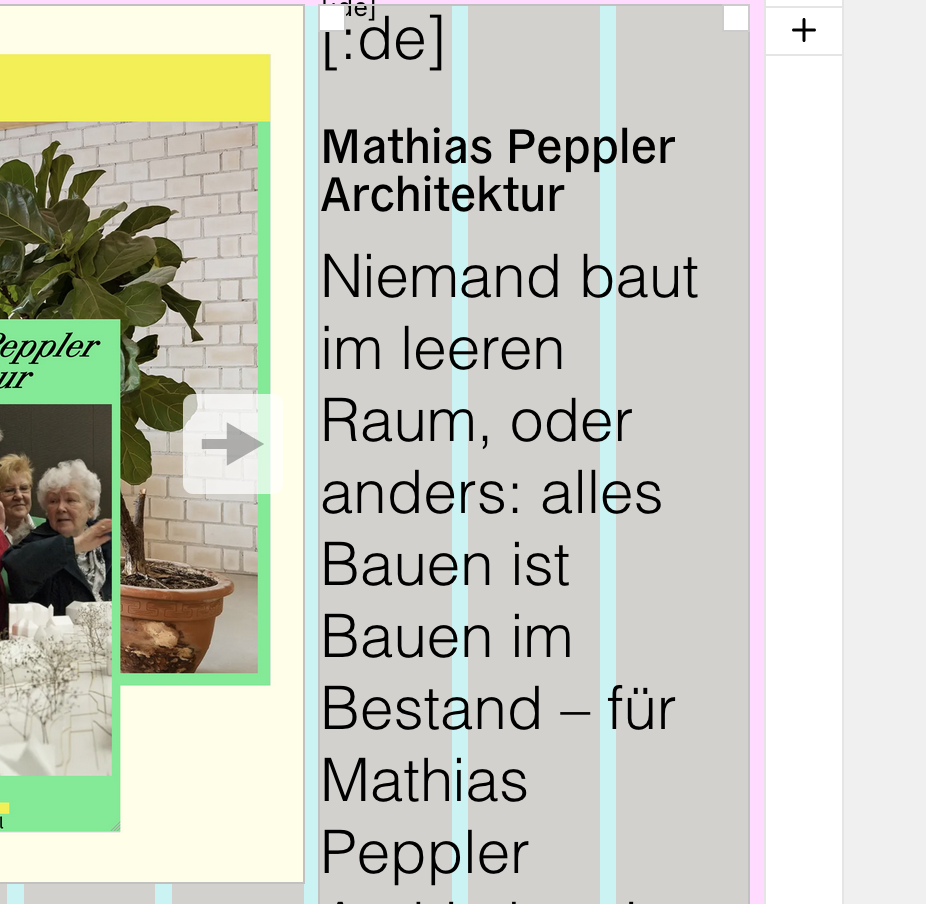
should look like this:
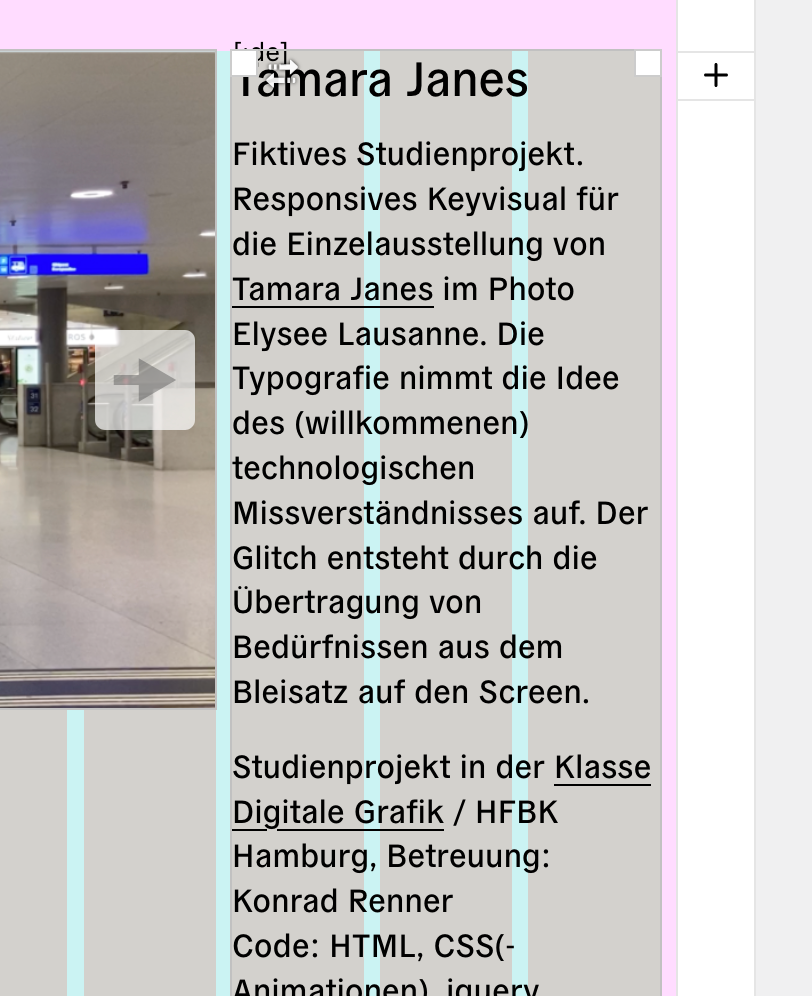
Thanks for any help.
-
i see u are using qtranslate.
can you make sure to use the latest version of qtranslate-xt?
from here:https://github.com/qtranslate/qtranslate-xt
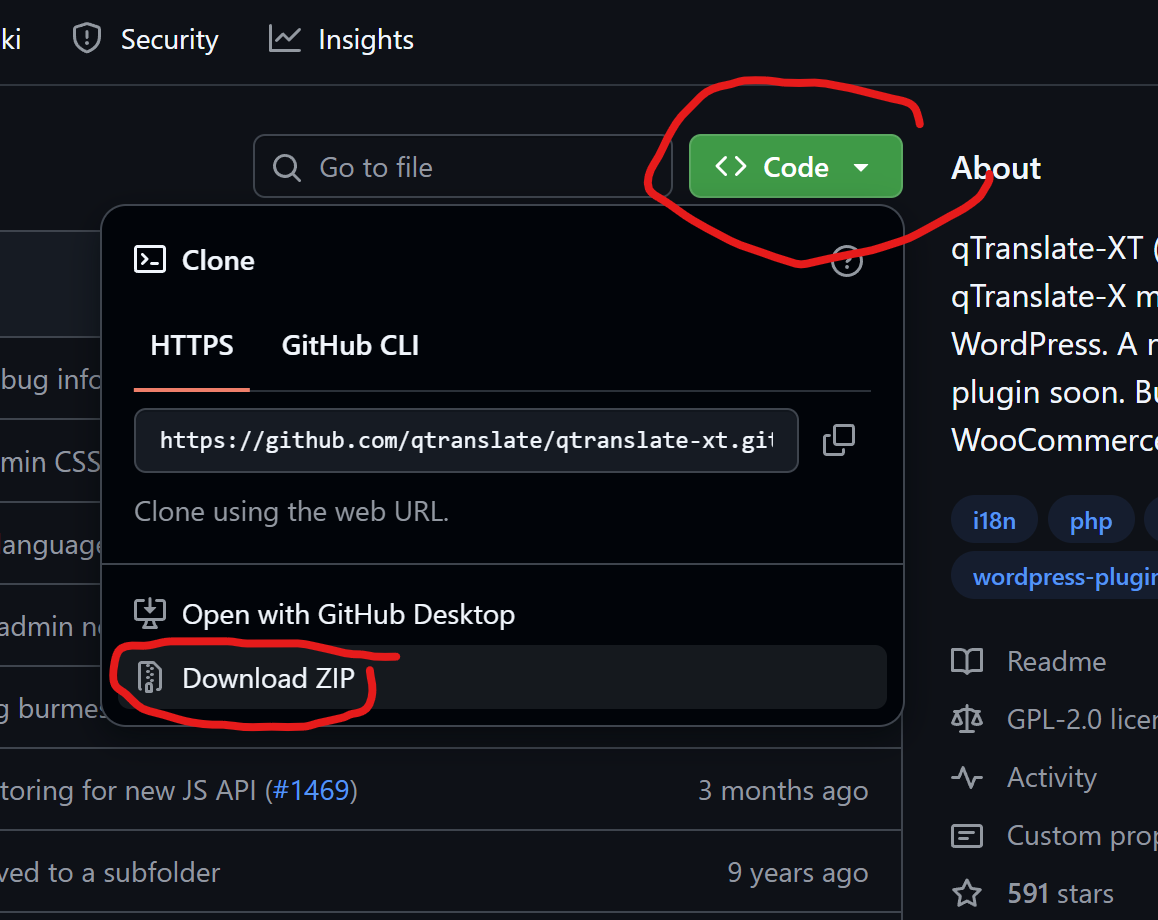
if you continue having this issue:
Can you please send:
- a link to this forum topic
- your website address
- /wp-admin/ username and password
to: info@laytheme.com

Hello! It looks like you're interested in this conversation, but you don't have an account yet.
Getting fed up of having to scroll through the same posts each visit? When you register for an account, you'll always come back to exactly where you were before, and choose to be notified of new replies (either via email, or push notification). You'll also be able to save bookmarks and upvote posts to show your appreciation to other community members.
With your input, this post could be even better 💗
Register Login