tag filters for projects mix up the project categories
-
I've had a few problems following the latest updates.
The tag filters for projects mix up the project categories. The basic view is correct, but if I apply a tag, all the projects on the site become accessible.
I also have a link in my menu that is not a page but an anchor to a title (#contact). It should never be active (color change), but it happens if I start navigating around the site.
You can check it here : https://www.fannybalestro.ch/creations/
This happens with the “Violoncelle” filter, which does not exist in this project category and with the Contact link in the menu. -
The tag filters for projects mix up the project categories. The basic view is correct, but if I apply a tag, all the projects on the site become accessible.
what do you mean with "but if I apply a tag, all the projects on the site become accessible." ?
i did fix another issue now where the sorting would not be correct anymore, i will release this fix later today
I also have a link in my menu that is not a page but an anchor to a title (#contact). It should never be active (color change), but it happens if I start navigating around the site.
You can check it here : https://www.fannybalestro.ch/creations/
This happens with the “Violoncelle” filter, which does not exist in this project category and with the Contact link in the menu.I see.
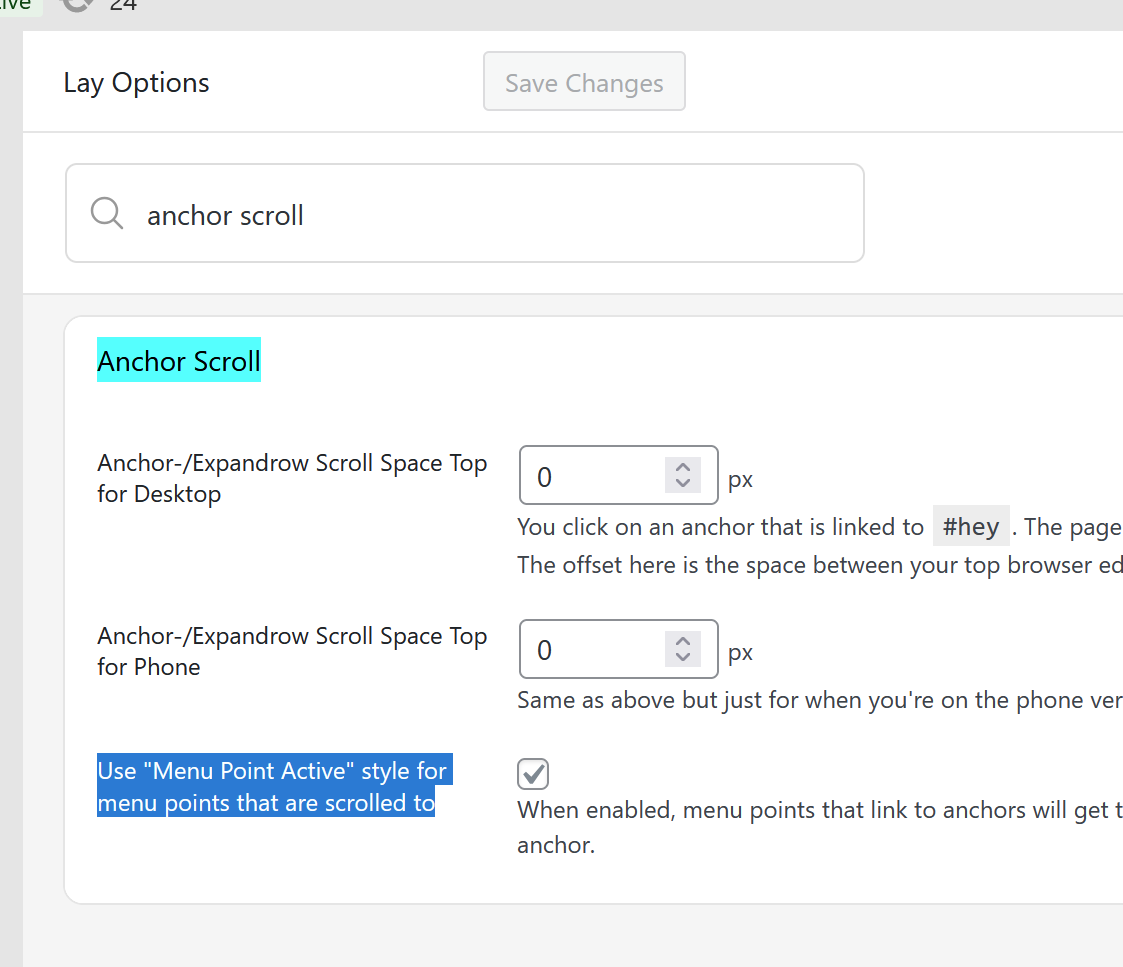
i will release an update later today, then you can uncheck this in lay options:
-
The tag filters for projects mix up the project categories. The basic view is correct, but if I apply a tag, all the projects on the site become accessible.
what do you mean with "but if I apply a tag, all the projects on the site become accessible." ?
i did fix another issue now where the sorting would not be correct anymore, i will release this fix later today
I also have a link in my menu that is not a page but an anchor to a title (#contact). It should never be active (color change), but it happens if I start navigating around the site.
You can check it here : https://www.fannybalestro.ch/creations/
This happens with the “Violoncelle” filter, which does not exist in this project category and with the Contact link in the menu.I see.
i will release an update later today, then you can uncheck this in lay options:
@arminunruh said in tag filters for projects mix up the project categories:
what do you mean with "but if I apply a tag, all the projects on the site become accessible." ?
There are two categories of projects in two different galleries. When I apply a tag filter, projects from the other category get mixed in.
-
ok i cant reproduce this, are you sure you have the latest lay theme version installed?
I added debgging displays so i can exactly see what project uses which category and tag and then I tried the filtering
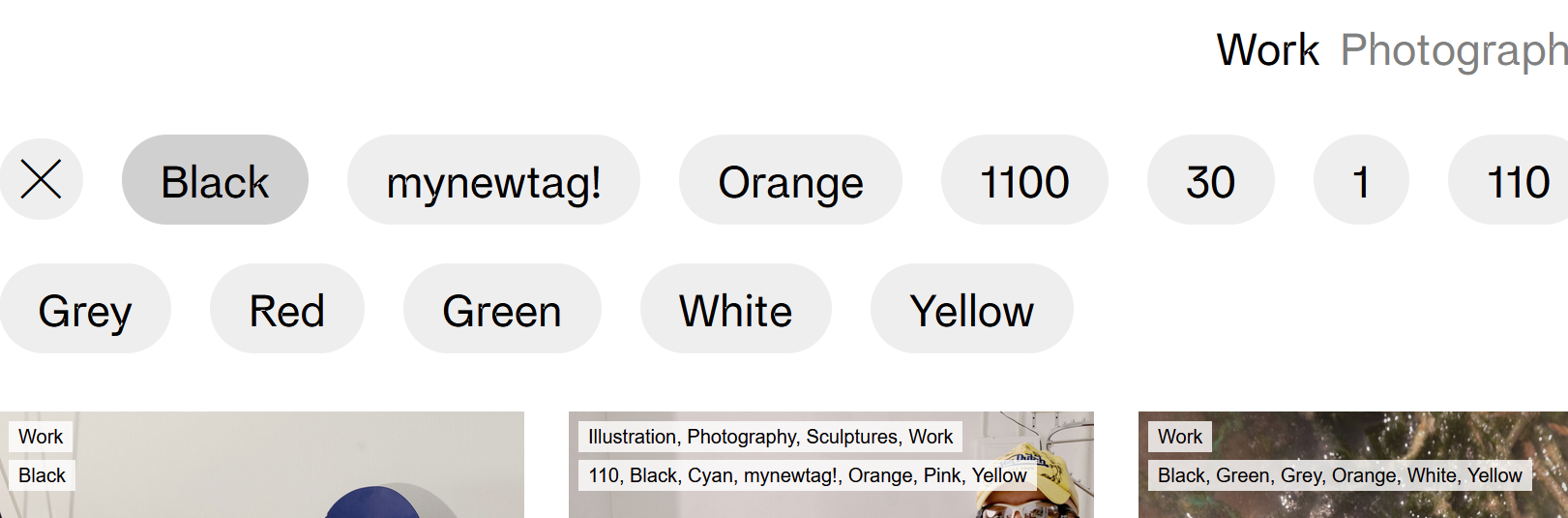
if you've updated lay theme and the filtering is still not correct:
Can you please send:
- a link to this forum topic
- your website address
- /wp-admin/ username and password
to: info@laytheme.com

Hello! It looks like you're interested in this conversation, but you don't have an account yet.
Getting fed up of having to scroll through the same posts each visit? When you register for an account, you'll always come back to exactly where you were before, and choose to be notified of new replies (either via email, or push notification). You'll also be able to save bookmarks and upvote posts to show your appreciation to other community members.
With your input, this post could be even better 💗
Register Login