Split screen / no scrolling on the right side
-
hi there,
I am currently working on a split-screen website and having two problems that I cannot resolve.Problem 1 – Fixed element at the top:
I would still like to have a fixed element at the top of the viewport (graphic design/illustration).
However, since the left side is already my “footer area,” I don't know how to create an extra menu bar at the top (because I already a menu bar on the bottom)Problem 2 – Scrolling on only one side:
Currently, only the left side can be scrolled; the right side remains static.
However, I would like both sides to be able to scroll independently of each other.
Also my other page "info" isn´t scrollable anymorewould be happy for some help
-
you need to use the exact css i provided in the tutorial.
i think you used 100% width for both the footer and the normal gridthis results in one of them overlaying the other, so only one is scrollable
-
about the fixed element:
i think inside of these containers, fixed doesnt work. this is just due to how css works, you cant put fixed elements in any container
however, you can use the "fixed header" feature
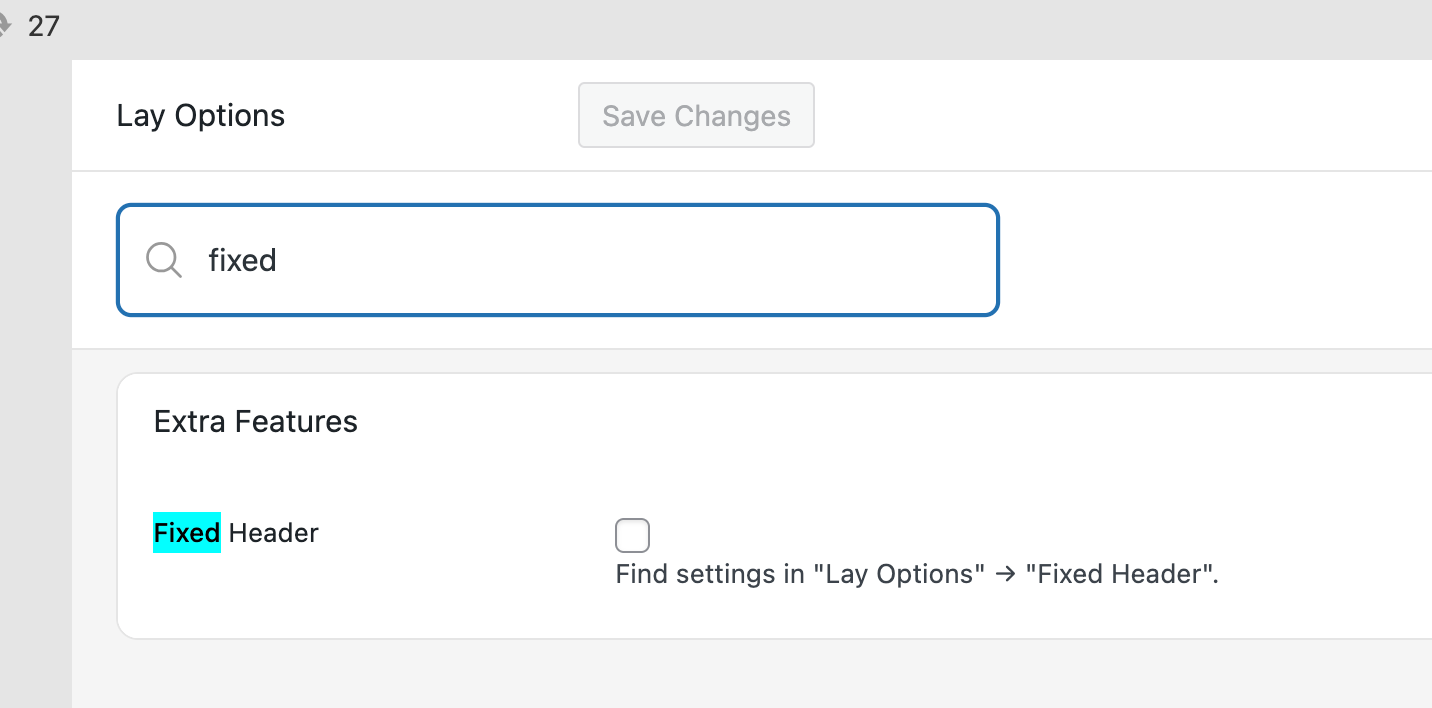
enable it in lay options.
then in lay options -> fixed headeryou can choose a page to act as your fixed overlay
-
-
about the fixed element:
i think inside of these containers, fixed doesnt work. this is just due to how css works, you cant put fixed elements in any container
however, you can use the "fixed header" feature
enable it in lay options.
then in lay options -> fixed headeryou can choose a page to act as your fixed overlay
-
hello!
i dont really understand what you mean with:
"At 50%, they are only half their size. That's why I changed it to 100%"If you use the splitscreen type of layout, the left half needs to be 50% and the right 50%
or 20% and 80%
they always need to be 100% width combined.
if you have two sides that are both 100% width, it doesn't make sense :D

Hello! It looks like you're interested in this conversation, but you don't have an account yet.
Getting fed up of having to scroll through the same posts each visit? When you register for an account, you'll always come back to exactly where you were before, and choose to be notified of new replies (either via email, or push notification). You'll also be able to save bookmarks and upvote posts to show your appreciation to other community members.
With your input, this post could be even better 💗
Register Login