Error accessing the site
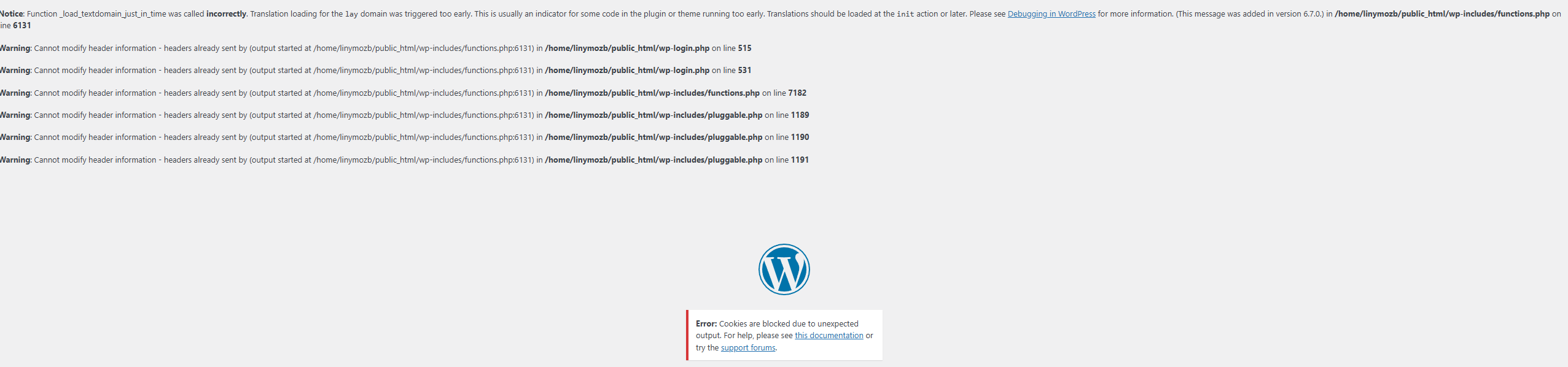
-
Hello, I encountered this error when logging into the site. After reading around, I was advised to remove some plugins, which I did, leaving only Laytheme and Woocommerce. What can I do to resolve the issue without uninstalling the two plugins?
-
in your FTP, in the wp-config.php file
you can set WP_DEBUG_LOG to false
so change this:define( 'WP_DEBUG', true );
to this:
define( 'WP_DEBUG', false );
I think these warnings show up when you have a older version of qtranslate-XT installed.
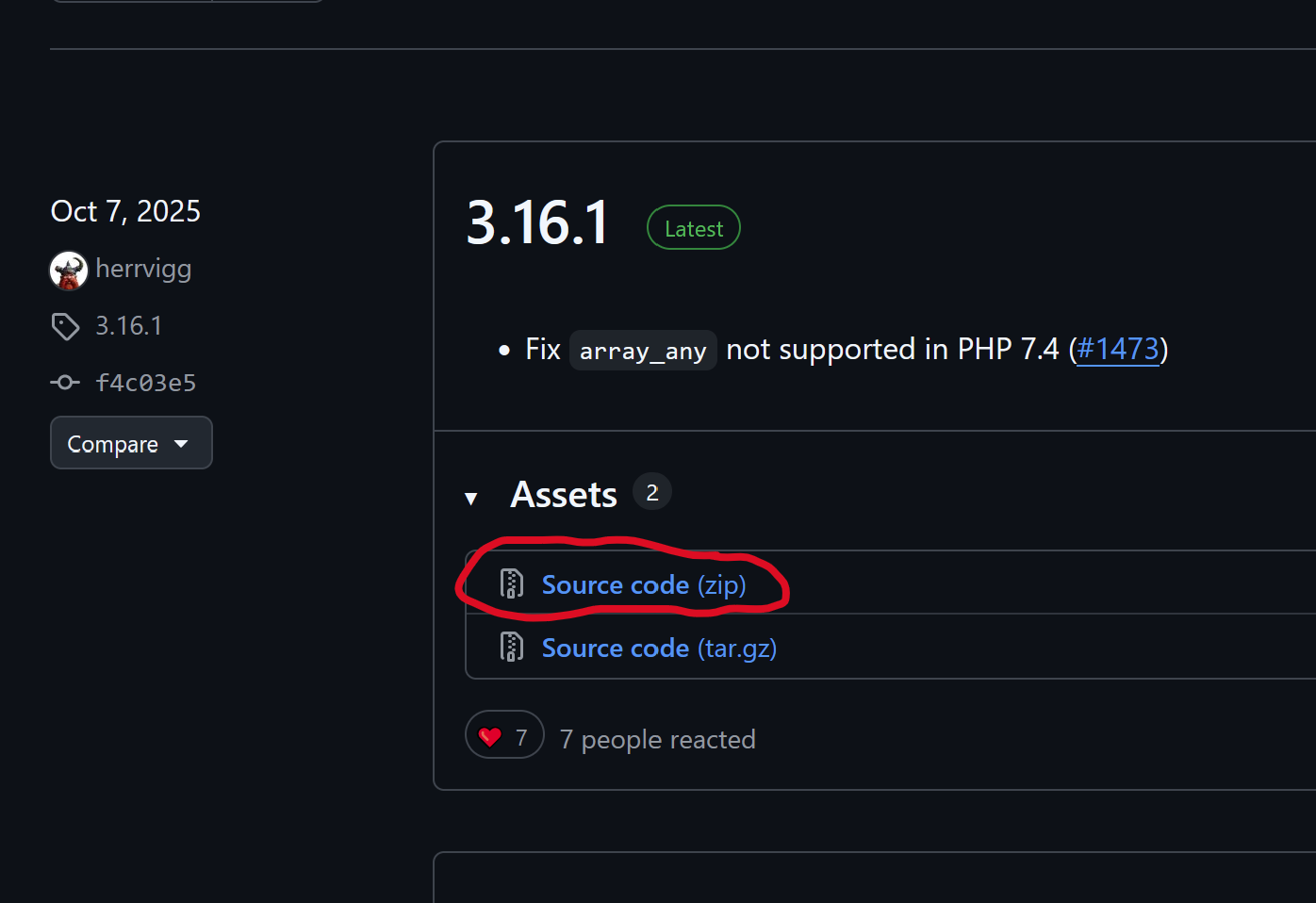
you can get the latest version of qTranslate-XT here:
https://github.com/qTranslate/qtranslate-xt/releasesclick here (red circle) to download it

Hello! It looks like you're interested in this conversation, but you don't have an account yet.
Getting fed up of having to scroll through the same posts each visit? When you register for an account, you'll always come back to exactly where you were before, and choose to be notified of new replies (either via email, or push notification). You'll also be able to save bookmarks and upvote posts to show your appreciation to other community members.
With your input, this post could be even better 💗
Register Login