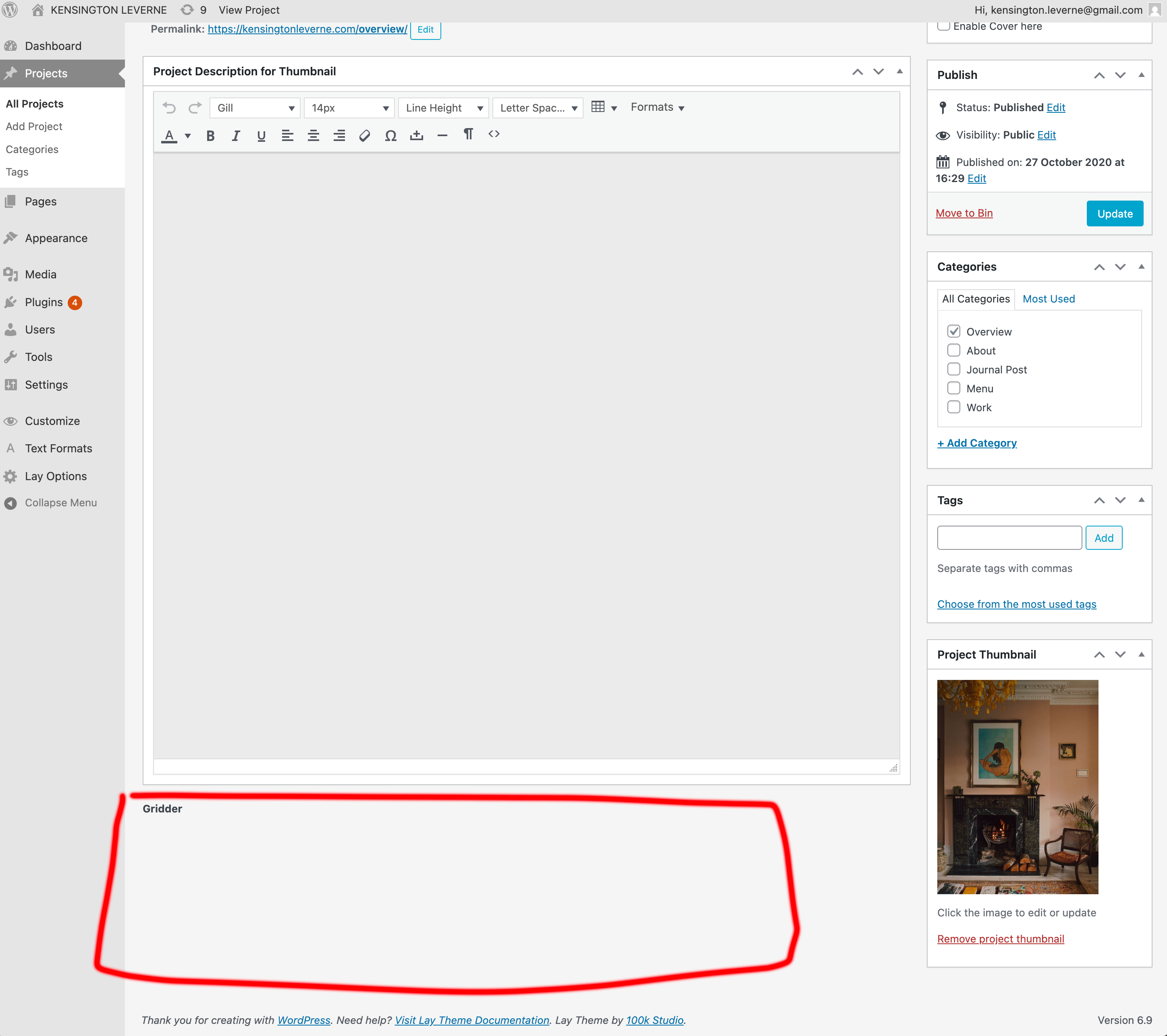
Gridder has disappeared
-
Gridder has disappeared from all back-end pages. The website still seems to work, and images are still available, but I cannot view the Gridder in my Project pages (or anywhere else). I have disabled all other plugins and removed the custom CSS (though I cannot see the button to temporarily disable it, so I had to delete and save).
Website: https://kensingtonleverne.com/overviewI first noticed issues about a month ago, when the images on my website stopped being 'clickable'. For example, the title and description would no longer pop up. Today, I logged in to find the Gridder completely gone. I have no caching plugin installed.
Help would be greatly appreciated!
Kensington -
Can you please send:
- a link to this forum topic
- your website address
- /wp-admin/ username and password
to: info@laytheme.com
-
Thanks, @arminunruh - I've just popped you an email.
-
great! i have answered you. probably its because your lay theme is very outdated, version 3 and we are on version 10 currently :D

Hello! It looks like you're interested in this conversation, but you don't have an account yet.
Getting fed up of having to scroll through the same posts each visit? When you register for an account, you'll always come back to exactly where you were before, and choose to be notified of new replies (either via email, or push notification). You'll also be able to save bookmarks and upvote posts to show your appreciation to other community members.
With your input, this post could be even better 💗
Register Login