Setting max width for text is overwriting the text alignment
-
Hi Armin,
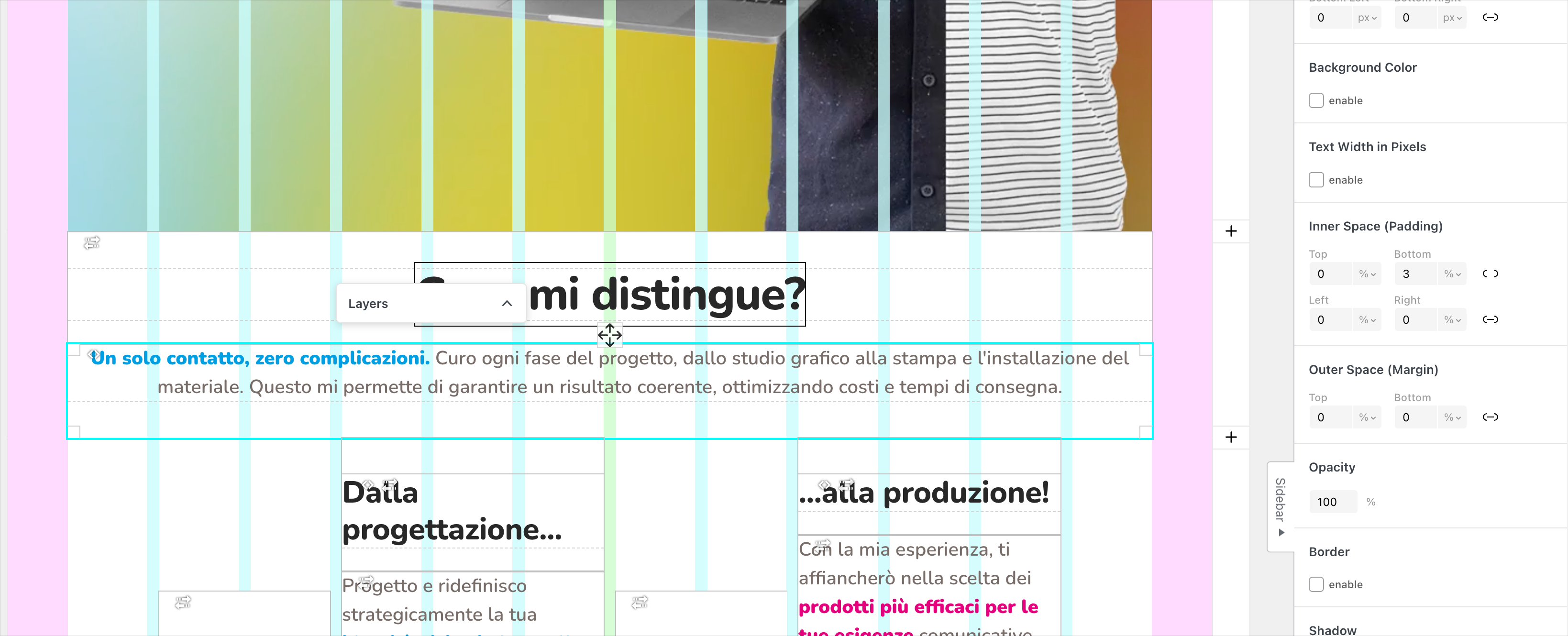
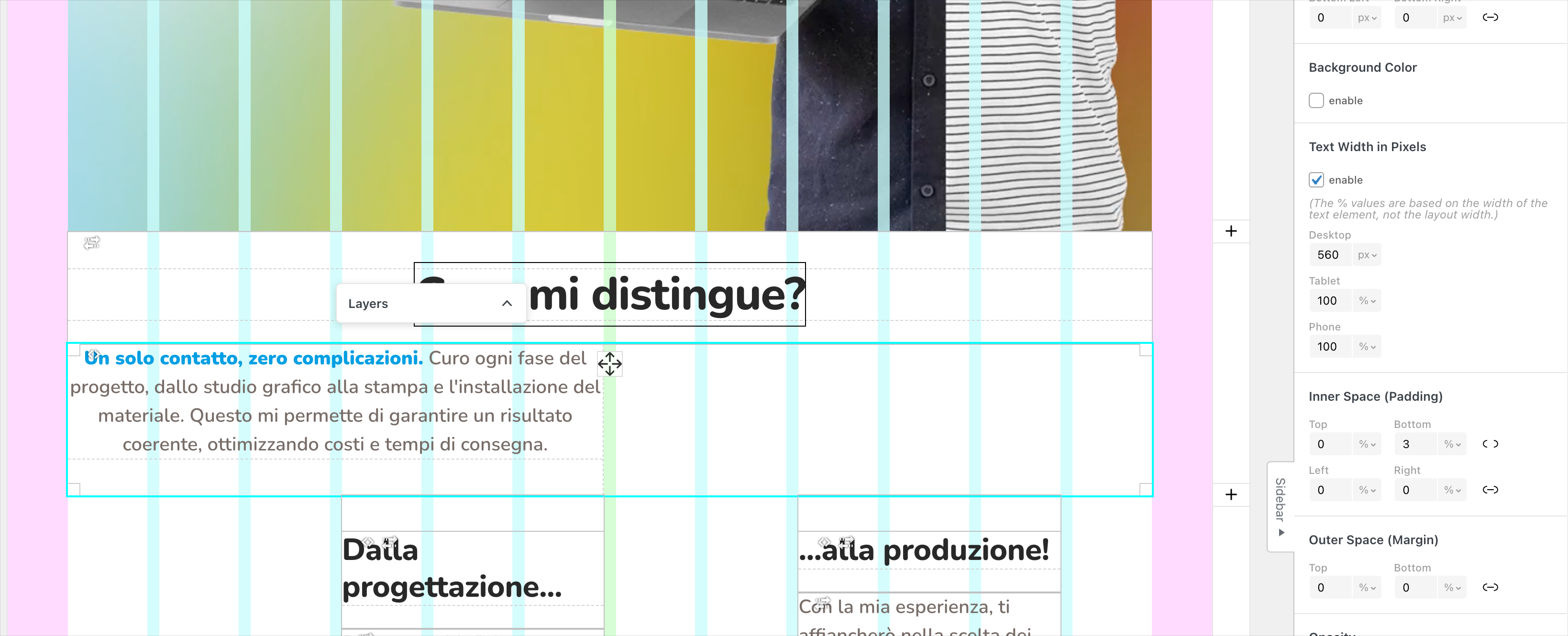
When I set a specific max-width on a text element, the alignment I configured in the text editor gets ignored and defaults to left alignment.
Is there anything you can do to fix this? I know it’s possible to create a class to force the alignment, that’s easy enough, but it’s inconvenient because you can’t see it in the backend while designing.
Fixing this behaviour is possible?
-
hello!
the text alignment itself stays text align center, as i can see in your screenshot.
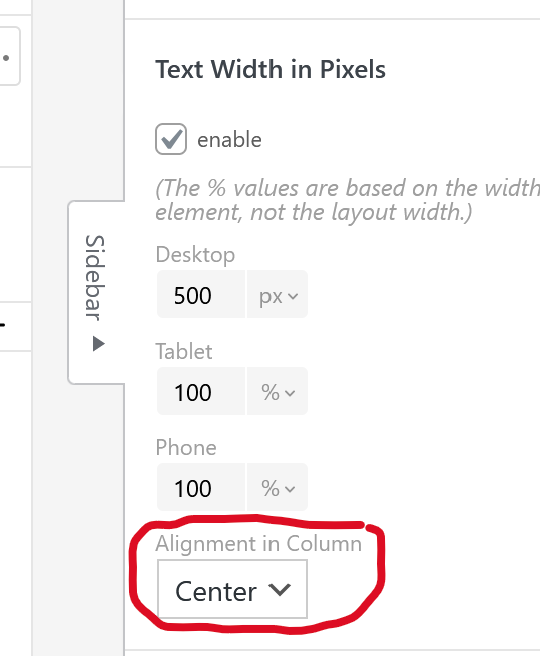
however, the text container's position inside of the column is always left aligned yes.i will release an update now where you will have this new setting. just set that to "center":


Hello! It looks like you're interested in this conversation, but you don't have an account yet.
Getting fed up of having to scroll through the same posts each visit? When you register for an account, you'll always come back to exactly where you were before, and choose to be notified of new replies (either via email, or push notification). You'll also be able to save bookmarks and upvote posts to show your appreciation to other community members.
With your input, this post could be even better 💗
Register Login