How do I allow Authors to see their uploaded media in the Projects +Images picker?
Bug Reports
3
Posts
2
Posters
34
Views
2
Watching
-
I have set up Authors on my site. They can upload media to the Media Library and view it in the Media Library. But when they try and add media to a Project via the media portal picker from within the Project, none of their previously uploaded media files appear.
-
hey!
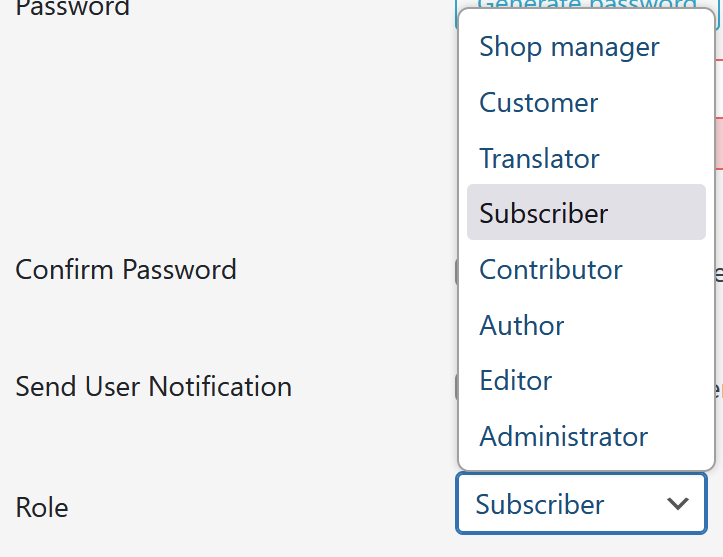
what role did you choose for them?
-
when using role "editor" for example, i see all images appear. also one that i upload logged in as the editor

I also code custom websites or custom Lay features.
šæ Email me here: šæ
info@laytheme.com
Our Web Development company: 100k.studio
Want to tip me? https://www.paypal.com/paypalme/arminunruh
Before you post:
- When using a WordPress Cache plugin, disable it or clear your cache.
- Update Lay Theme and all Lay Theme Addons
- Disable all Plugins
- Go to Lay Options ā Custom CSS & HTML, click "Turn Off All Custom Code", click "Save Changes"
This often solves issues you might run into
When you post:
- Post a link to where the problem is
- Does the problem happen on Chrome, Firefox, Safari or iPhone or Android?
- If the problem is difficult to explain, post screenshots / link to a video to explain it
Online Users
Forgot your key, lost your files, need a previous Lay Theme or Addon version?
Go to www.laykeymanager.com