question about arranging elements on a 'sort of' split page
-
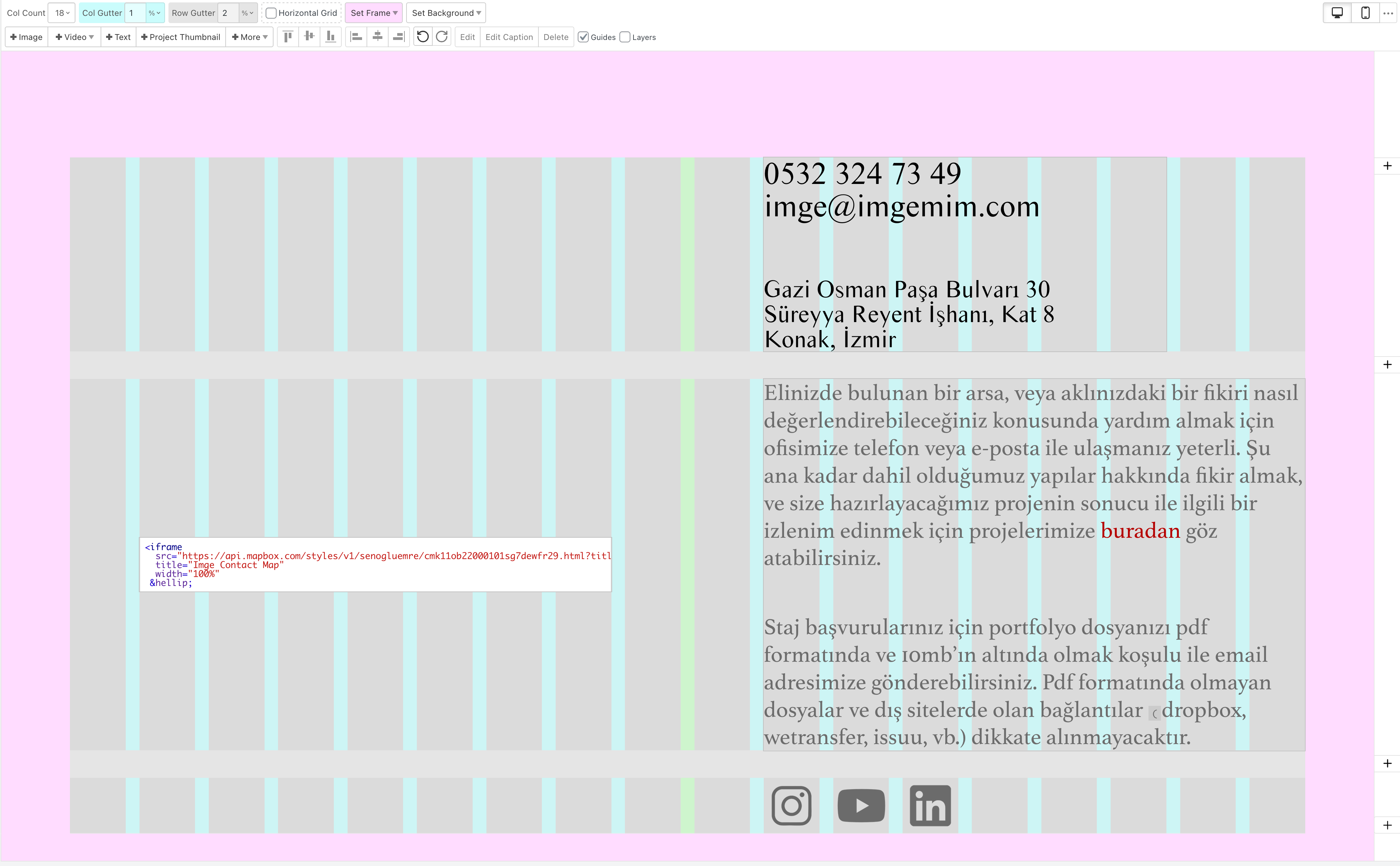
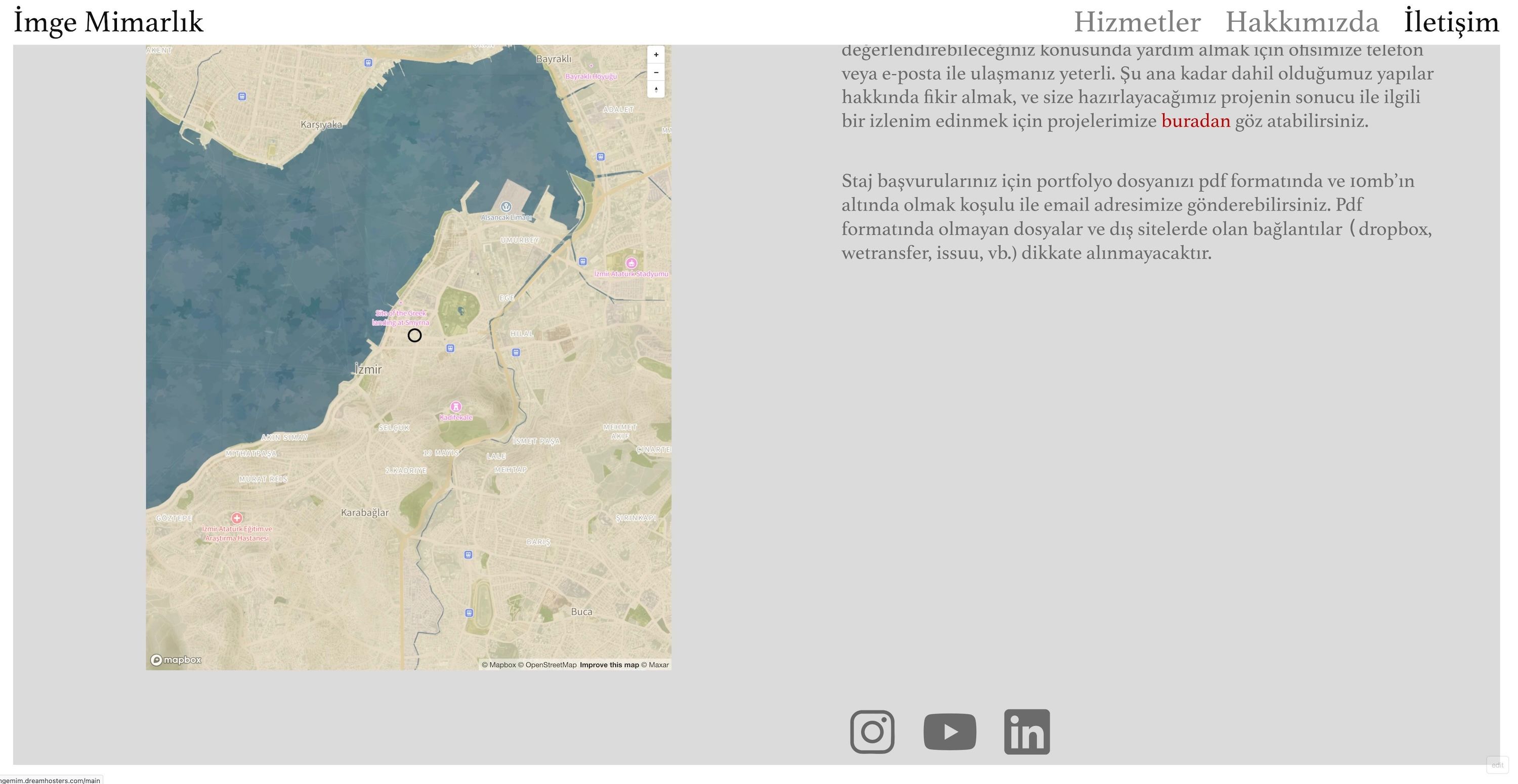
hey all - this is a very basic question but i seem to be stuck at the moment and perhaps someone is a little more creative than me. i want to create a sort of 'split page' without all the fancy scrolling things: it's just a page where i want 1 element on the left (map embed), and 3 elements (text, text, a row of images) on the right. i've tried creating 3 rows but then the map makes the middle row too high. im guessing that since it's an iframe, i cant seem to make it float freely. is there a way to get this done (ideally without css)? many thanks!
link to page: https://imgemim.dreamhosters.com/iletisim/
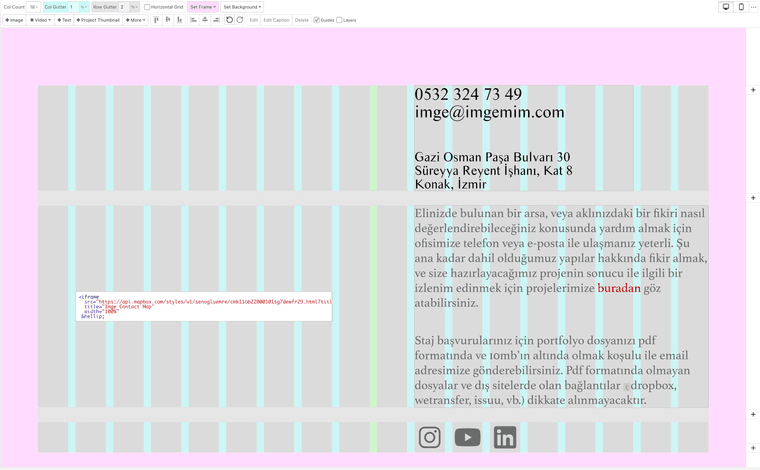
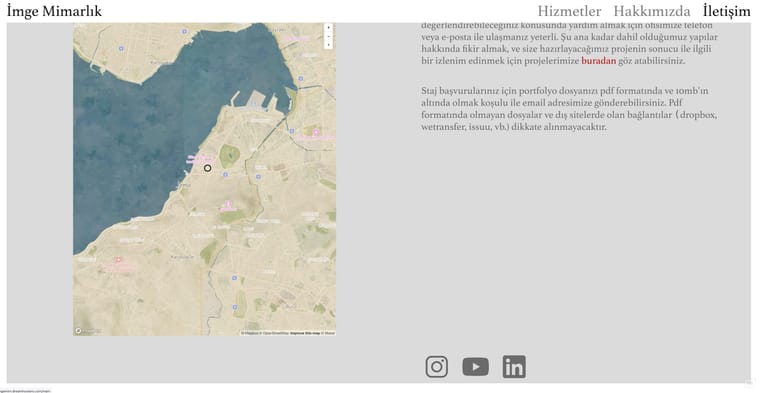
current result:
-
hello!
create only one row.
then on the side where you have multiple elements above one another, create a stack element:
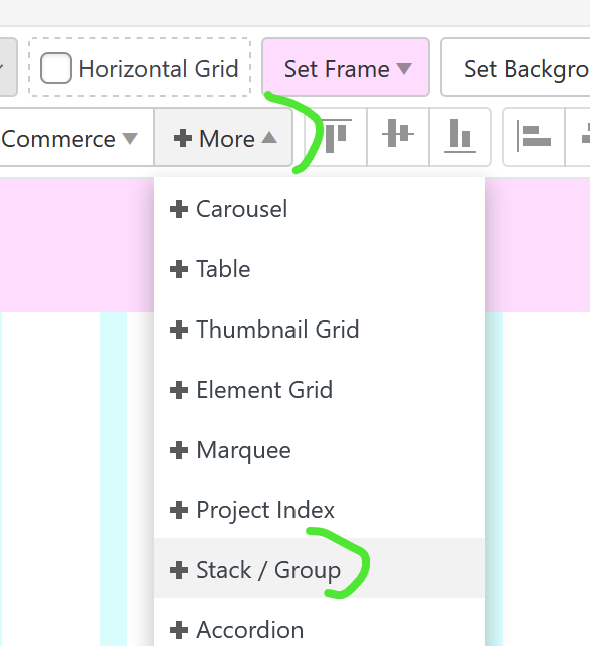
then put all the elements on the right side into the stack element
-
perfect, that achieves it, thanks armin!!
