mouse cursor does not work
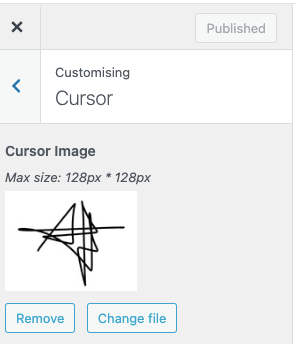
-
thanks @arminunruh I resized it - now it only appears when I move the mouser over a link. I thought it would appear all the time. So it replaces the standard mouse. Or is that not possible?
-
ah thats weird! this used to work before. you're right. will be fixed with the next update!
-
thanks @arminunruh! do you know already when the next update will be released ?
-
i released it yesterday
-
https://laytheme.com/version-history.html
u can see it here
-
thanks @arminunruh it works now. I re-sized the png in "Edit Media" to 56 x 24 px but somehow it doesn't seem to apply. And the cursor does not really work with the links. Is that happening because of its form?
-
hello!
mouse cursor shows up forf me, on links too!
please upload a new file that has the correct dimensions instead of resizing it in edit media. -
if the mouse cursor doesn't show up: what browser are you using?
-
hi @arminunruh thanks! i changed the size and made it transparent, so the signature appears. but the cursor doesn't react to the links. nothing happens when I move over the links. I tried from two different desktops.
do you have an idea why it does not work?
-
hey there is no custom cursor setting for links only
what did you expect for links?
did you write css that changes the cursor on links? -
-
i mean the cursor is your custom cursor. even when the cursor is on top of a link, it stays your custom image.
thats how i see it. is this what you wanted?
im actually not too sure about how you want the cursor to be.or did you want the custom cursor to turn into a normal one like this:
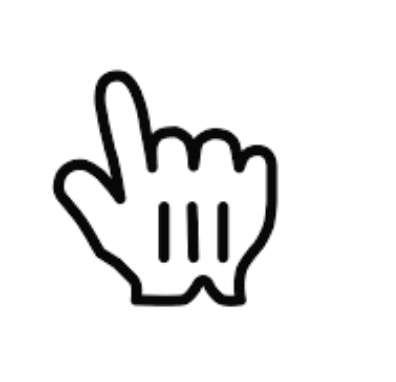
if you wanted that behaviour, you can use this css:
a, .lay-textformat-parent a{
cursor: pointer!important;
}i added this css to your site in lay options -> custom css & html now
if i was you, i would also adjust the 2 values here that are currently set to 0:
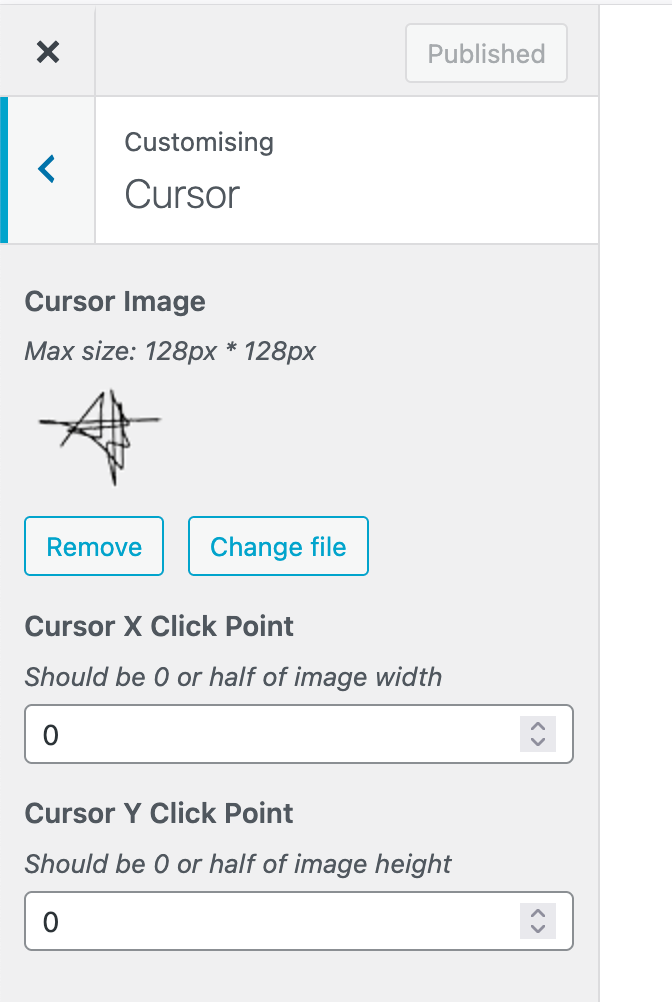
so the cursor feels more natural. cause now you will see the cursor jumps quite a lot when it switches to the normal pointer cursor on mac.
-
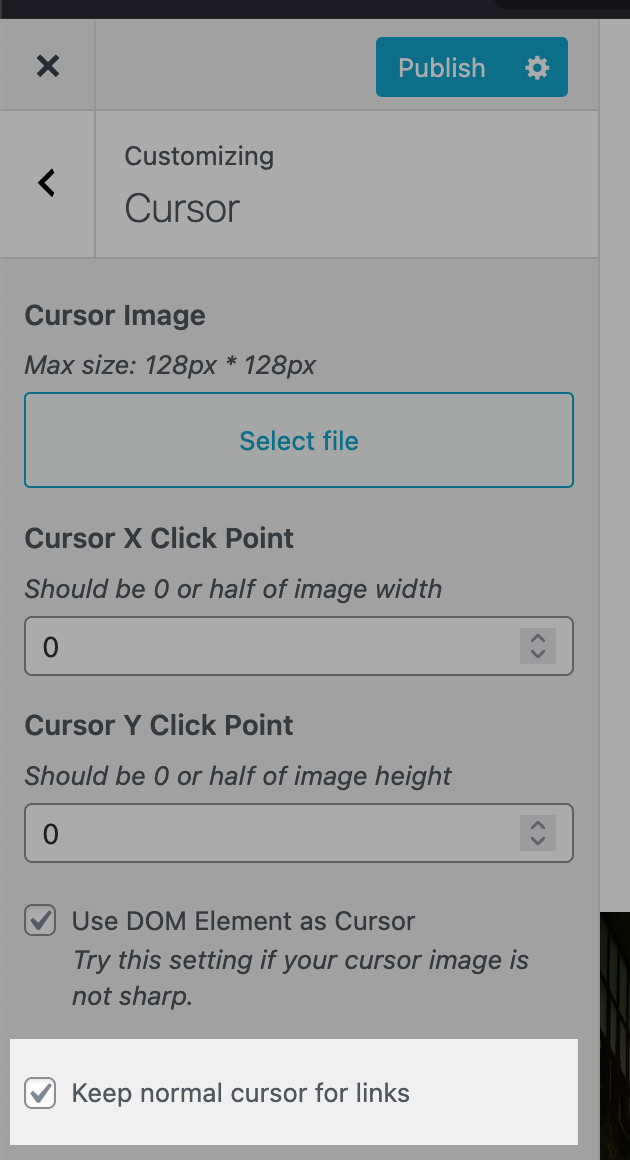
i will actually add this setting to the customizer section for the next update:

-
hi @arminunruh danke dir. Ich meinte nicht, das der Cursor eine andere Form bekommt. Anscheinend funktioniert diese Strichzeichnung als Cursor nicht, da sie nur aus Linien besteht. Meine Frage war ja nur, dass dieser Cursor-Form (die Strichzeichnung) nicht auf die Links reagiert, also die Links sich nicht klicken lassen. Macht das Sinn? Müsst der Cursor also eine geschlossene Form (wie die Hand) sein, damit sich die Links klicken lassen? Danke dir !
-
you mean the links are not clickable?
can you create a video of that, i cant reproduce this, the links are clickable for me: -
-
yea u need to enable this setting

Hello! It looks like you're interested in this conversation, but you don't have an account yet.
Getting fed up of having to scroll through the same posts each visit? When you register for an account, you'll always come back to exactly where you were before, and choose to be notified of new replies (either via email, or push notification). You'll also be able to save bookmarks and upvote posts to show your appreciation to other community members.
With your input, this post could be even better 💗
Register Login