Row Video Background from Vimeo?
-
and are u sure u entered the right url?

it shouldnt be a embed url, but if u have a vimeo pro account, you should be able to get a streaming link or download link of the video that looks similar to:
-
ah i understand, yes thats probably it
-
Hey! I got my client to upgrade to Vimeo Premium, now i can get this type of link.
I have done as you kindly explained here and the video plays with sound, but it disenables the fullscreen slider navigation, and it just seems to get stuck on the video row... any idea of what i could have done wrong?
Here is a link to my site. https://www.polvorafilms.es/
Thanks!
-
pro tip:
instead of using vimeo pro, you can upload the video to bunny cdn
https://bunny.net/and get the mp4 link from there. apparently thats cheaper than vimeo pro.
ok let me think about that
-
next update will get this:
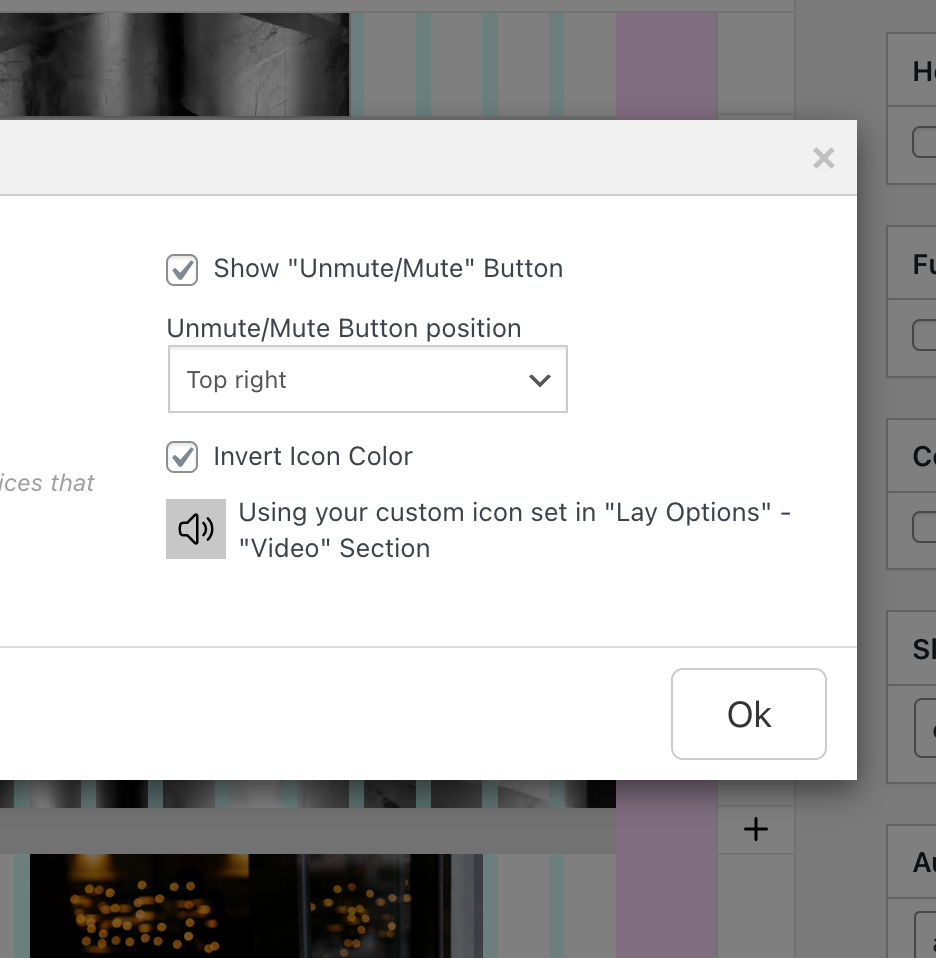
and in the next version you'll need to enable this setting and set custom icons, in lay options, new video section:
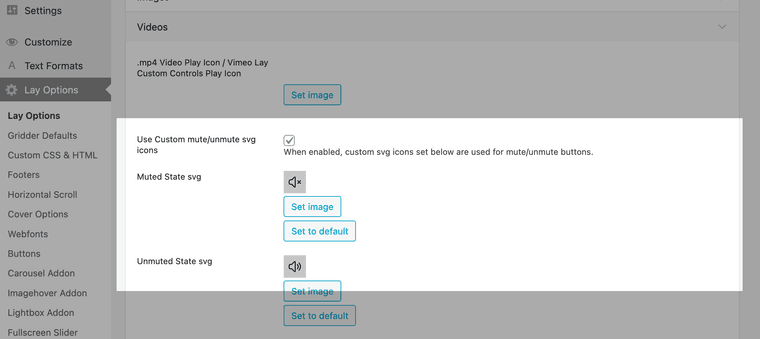
-
Hey! I checked the new update, and i think that having the option for customising the size and position of the mute/unmute icon could be super helpful, just as in every other icon. Anyway, this is a huge improvement!
Meanwhile, is there any way of making this with code?
Thank you so much :)
-
but now you can already position this with the settings? if you want a different size i think you can just upload a smaller icon?
