marquee space between
-
Hi Armin,
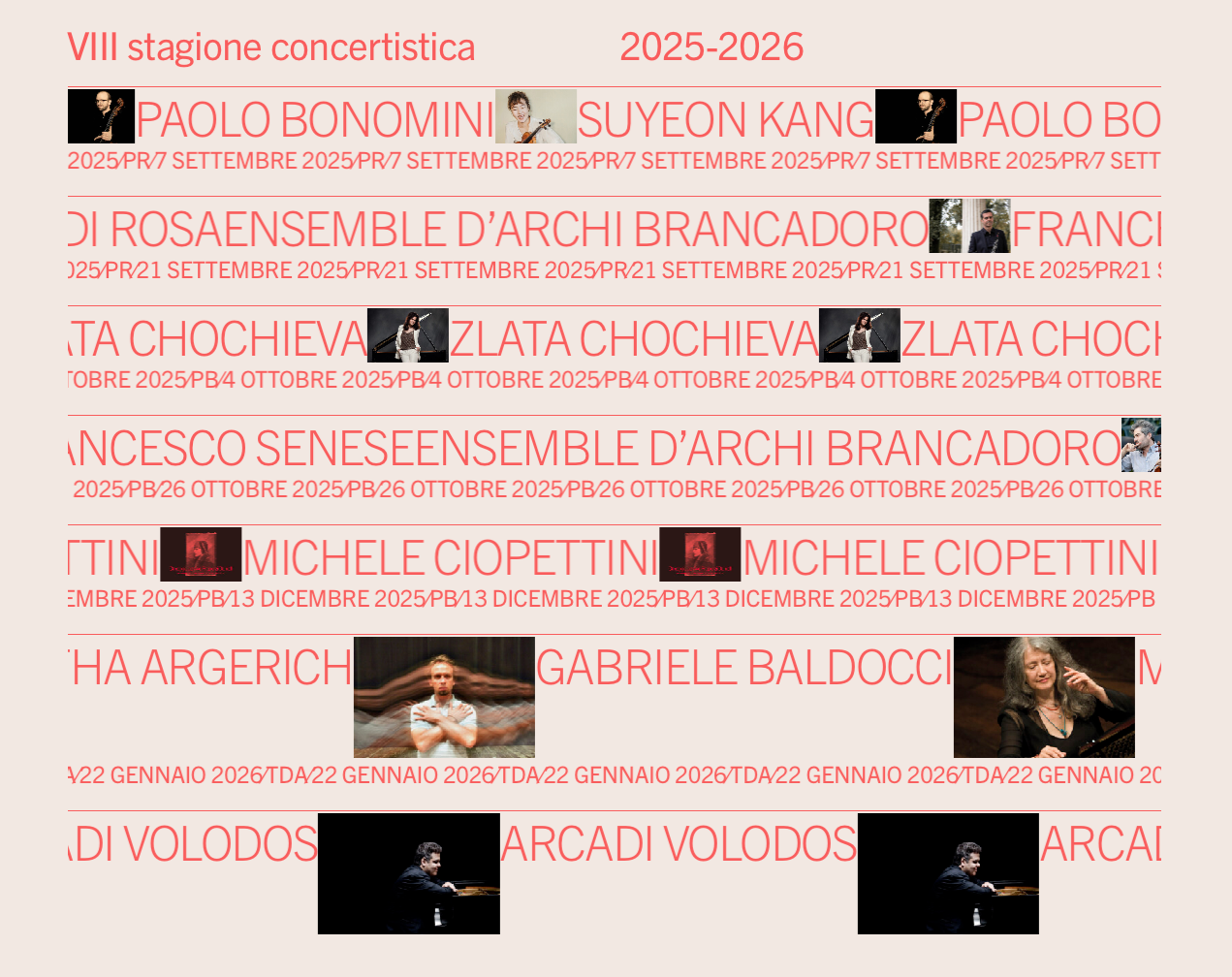
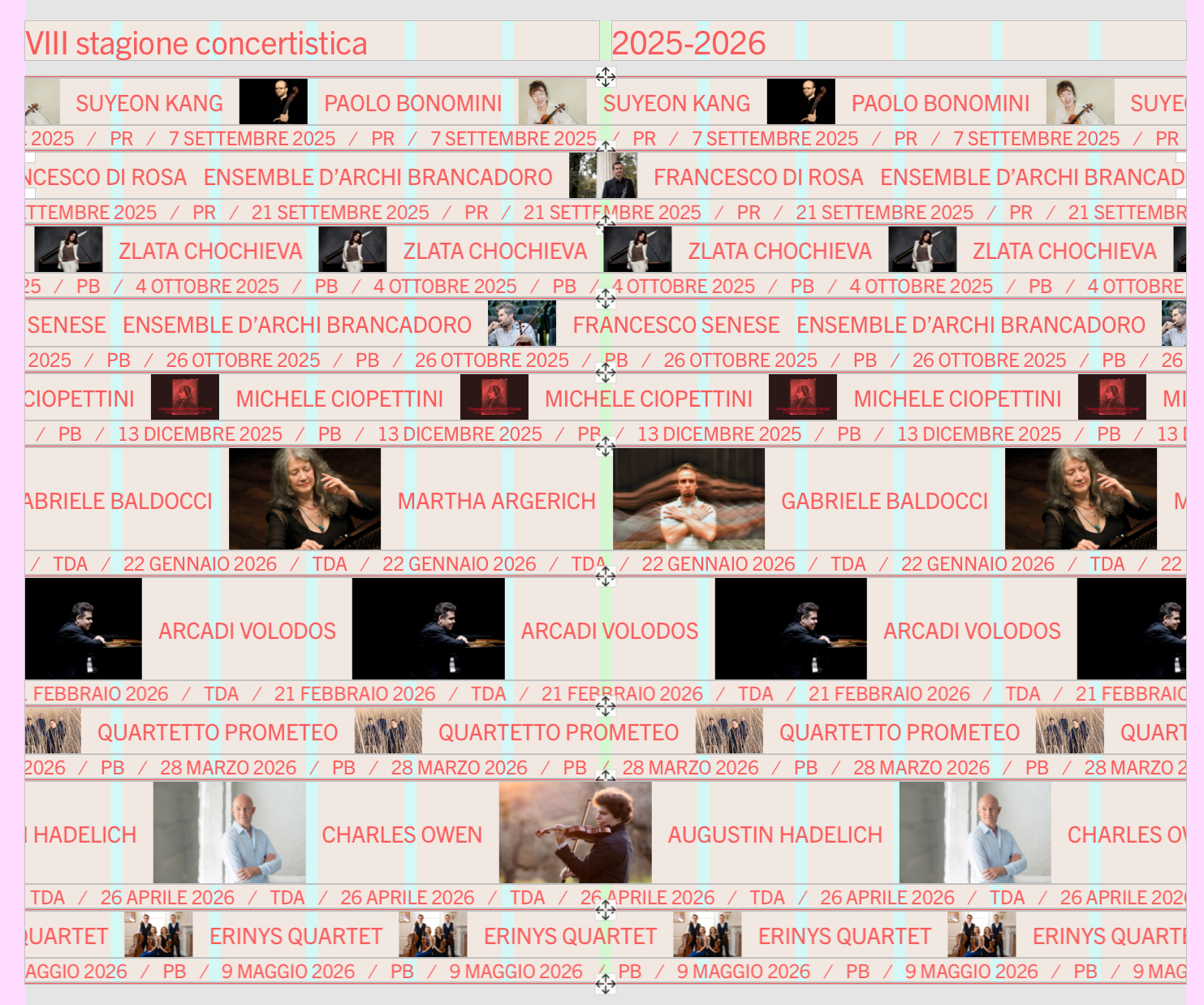
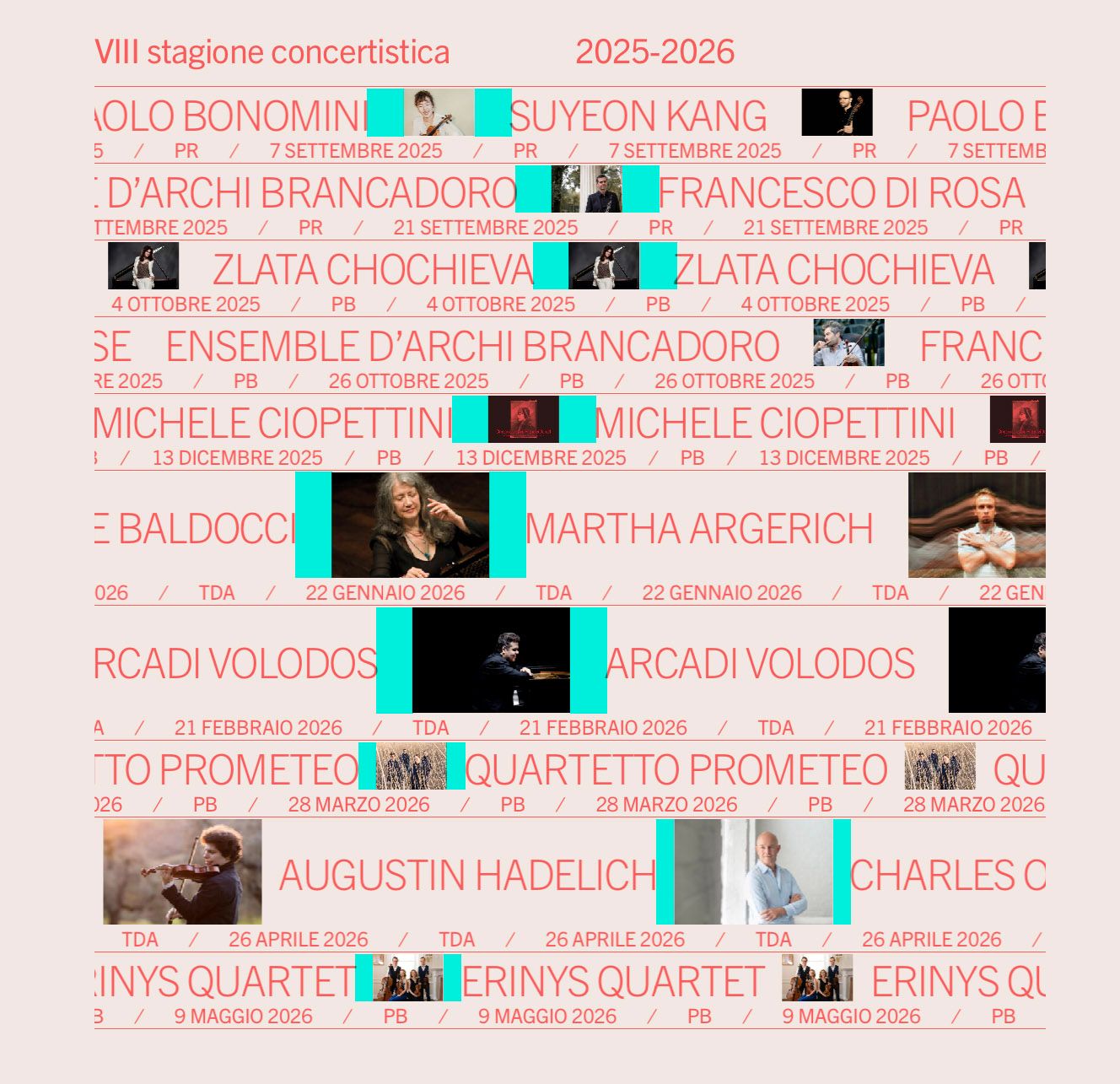
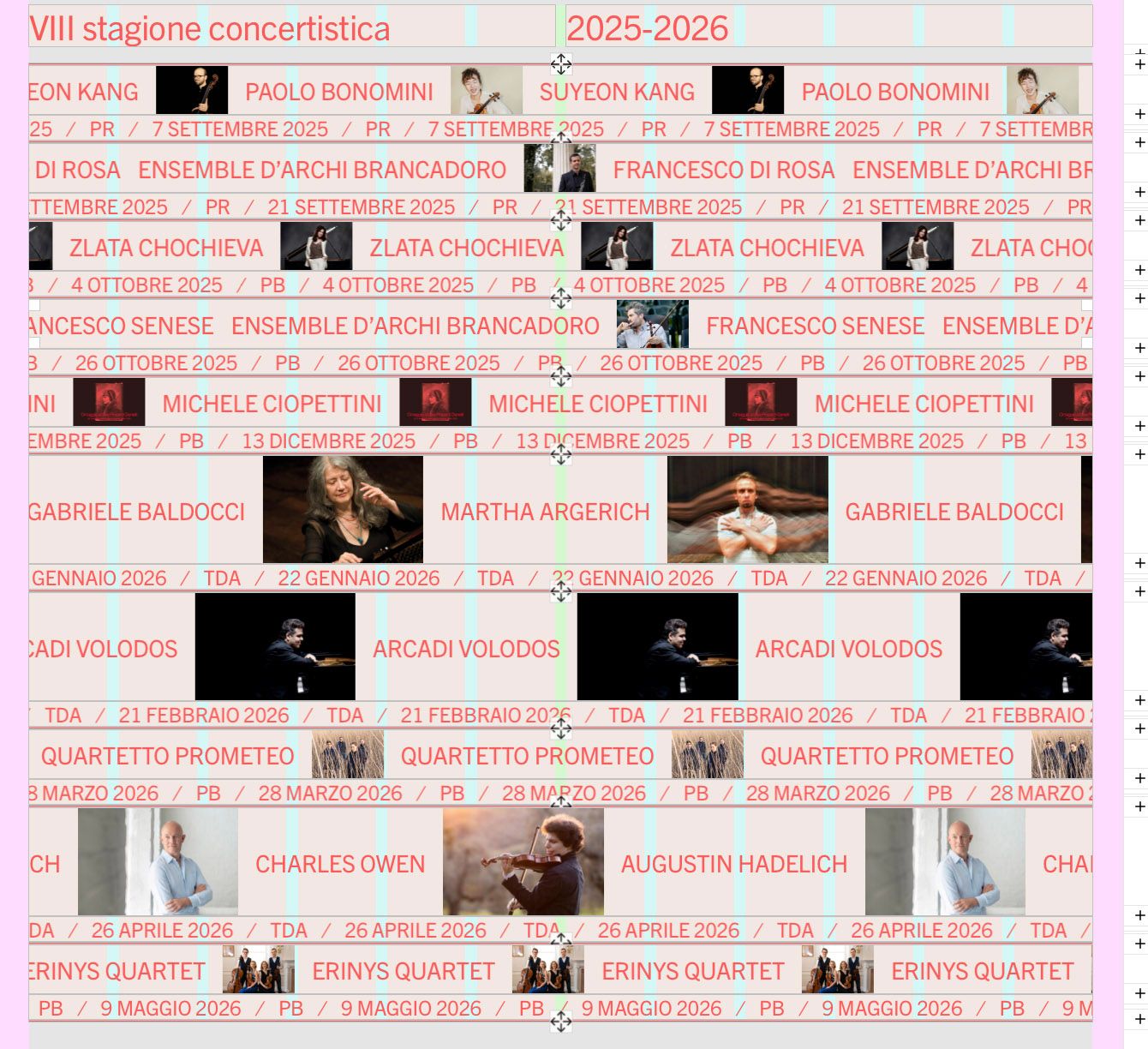
it seems that I cant't adjust the space between elements in a marquee row anymore.
While in the backend the spacing is accurate, in frontend changes are not visible.
https://ilcircolodiave.it/le-stagioni-concertistiche/
In the rows containing pictures I set the spacing by 10px, but it appears much larger, except on the three rows at the bottom.
Tested also with custom code turned off.
Thanks in advance
frontend
backend
-
hey there! will be fixed with the next update
-
@arminunruh hey! the problem still there
-
@arminunruh also the spacing between elements (mobile for sure) doesn't work 🙏
-
hey! the version 1.9.0 that i released yesterday fixed the issue where no spacing would appear at all. sorry about that -.-
i can see now that on your site you got 1.9.0 and the spacing does appear.
now we still have the issue that in your frontend there is more spacing than in the gridder.
-
ok but the spacing will be the same in the gridder and the frontend with the next update,
i fixed this now :D