menu points inactive when in category
-
Hi, I am struggling with my menu points active / inactive state.
http://katharinaernst.com.w020051e.kasserver.com/work/
I have set up a website with three menu points, the pages "Work", "Records" and "Info".
All three of these pages are containing project thumbnails or Text Links that lead to my projects. I classified the my respective projects in the categories "Work", "Records" and "Info".
When I click on my menu point "Work", the page "Work" is shown (containing all "Work"-Category Thumbnails), and the menu point "Work" is active. As soon as I click on the thumb of "Project x" that shows on the "Work" Page and go to "Project x", the menu point "Work" becomes inactive.
How can I solve this?I want the menu point "Work" to stay active as long as I am in a "Work"-categorized project. It should only change once I go to "Recs" or "Info" or to the Frontpage.
I don't want all 26 projects to appear in the Menu or Submenu as text, since the thumbs already operate like a visual menu and I don't need this additional menu list.
Also, the "This page is Project Overview" function doesn't work, because I want the three different menu points to be active only when being in a related project. When I tried "This Page is Project overview" for the page "Work", of course the page "Work" is then also active when I am in an "Info" related post.
I tested on Chrome and Safari.
Please help!
Thanks a lot,ernstkath
-
Hey, oh yeah, so the way you do it is like this:
First, we are going to copy over your page, so all of the content that you have on this page will be on the category page of the category Work.
And then we replace the page Work menu point with the category Work menu point.
This way it will work. You can do it similarly for other categories.Just a side note: If you have many projects and they are categorized, you might also think about using the Thumbnail Grid element that has a category filter instead of the way you set it up, but the way you set it up is fine too.
So, here we go. First, we start with copying over the page to your category by using an in-between step / workaround:
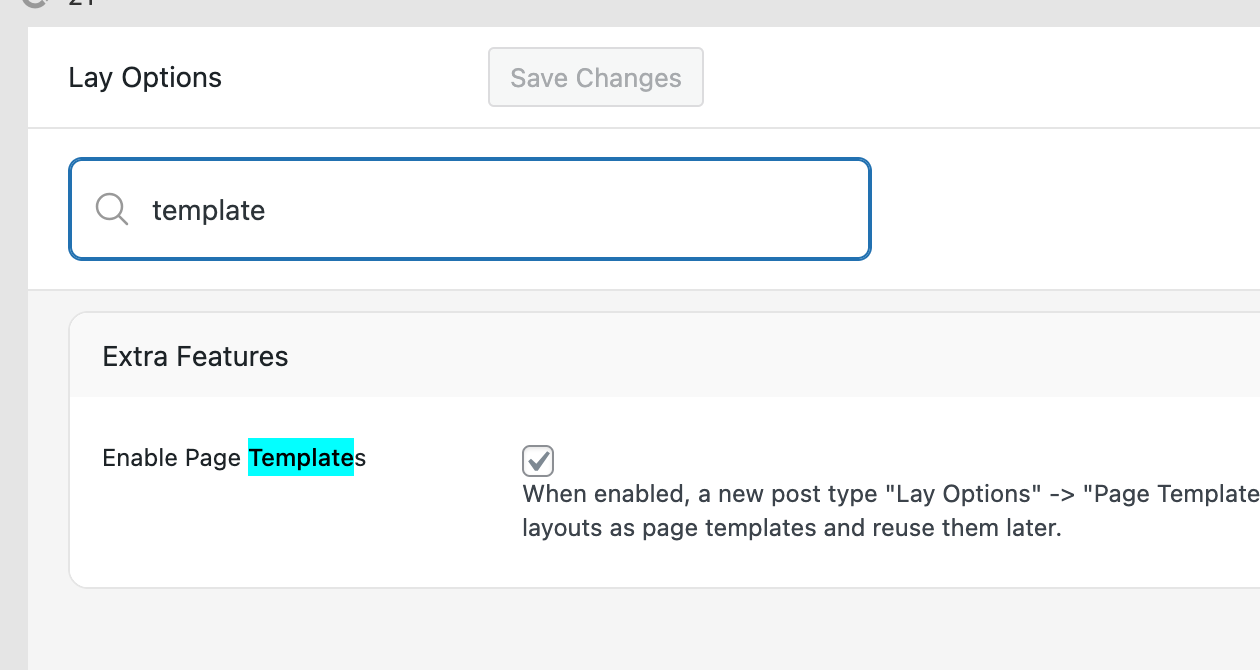
In Lay Options, enable the Templates feature.
http://katharinaernst.com.w020051e.kasserver.com/work/
Now, when you edit this page, when the Gridder shows, click copy to Templates:
Now go to Categories in WP Admin.
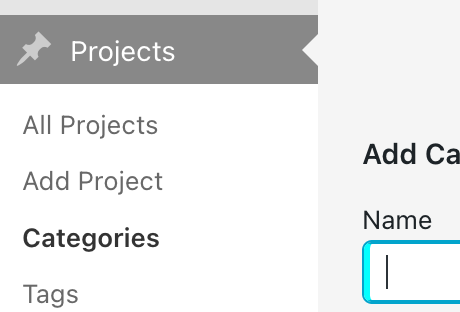
Click on your Work Category! Here you should see a page with a Gridder.
Here, click Templates and insert the template we just created.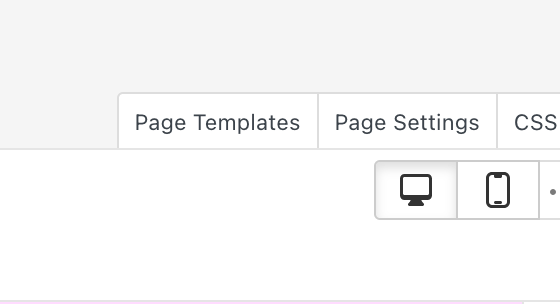
Now you basically copied your Work Page to the Category Gridder.
Now comes the trick: Instead of using the page in your menu, you remove the menu point you set up there and you add the category as a menu point.
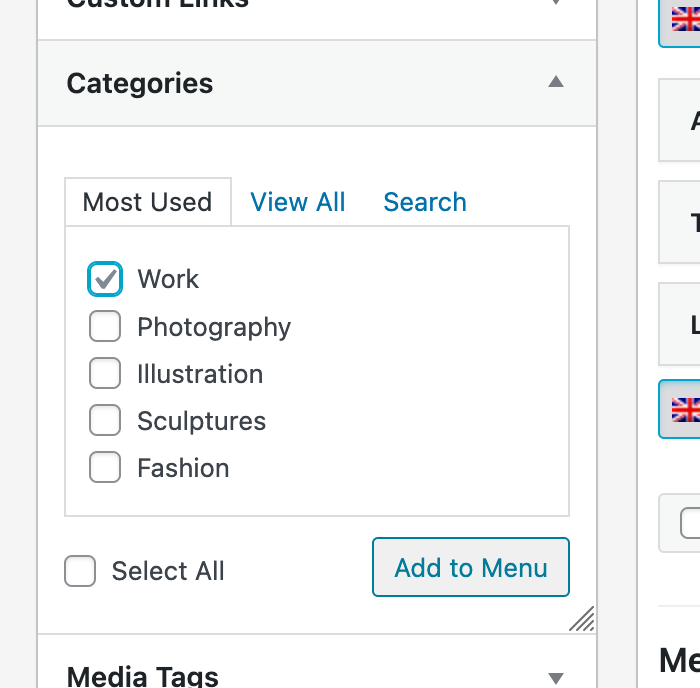
-
-
-
well, I think you can rename the category part, yeah
In settings - permalinks
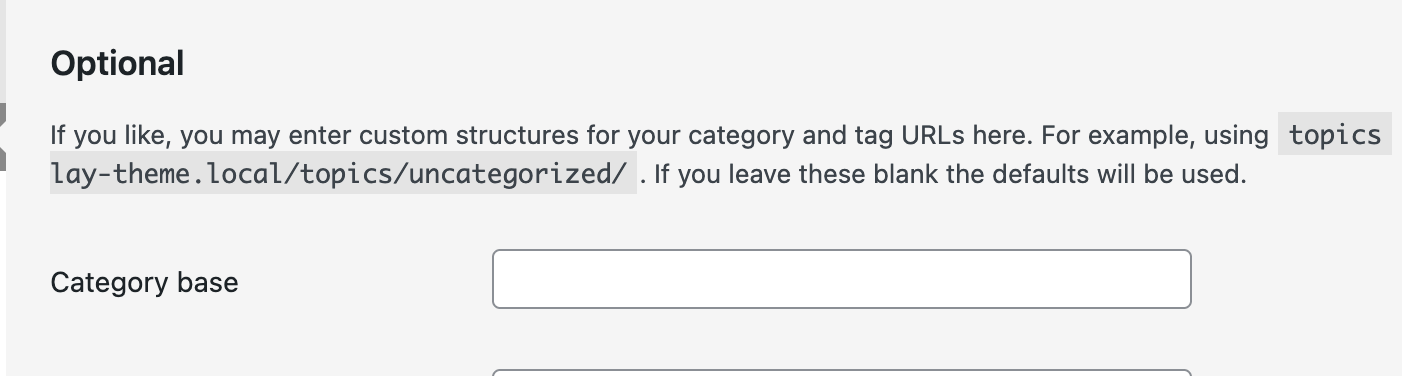
So apparently, for category based, you can just enter: .
And then when you click save, apparently that should work. I haven't tried it though.
Alternatively, you could use a plugin.
Could try one of those two: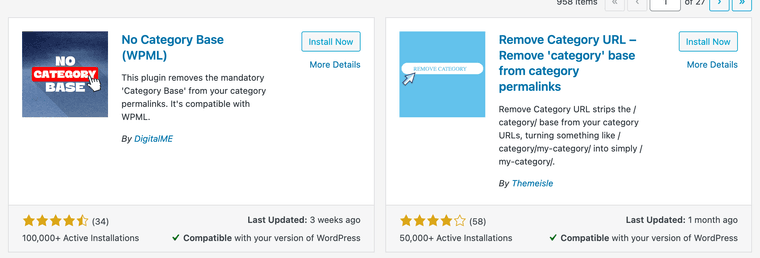

Hello! It looks like you're interested in this conversation, but you don't have an account yet.
Getting fed up of having to scroll through the same posts each visit? When you register for an account, you'll always come back to exactly where you were before, and choose to be notified of new replies (either via email, or push notification). You'll also be able to save bookmarks and upvote posts to show your appreciation to other community members.
With your input, this post could be even better 💗
Register Login