offsets for images and text boxes in grinder
General Discussion
4
Posts
3
Posters
380
Views
2
Watching
-
Hey,
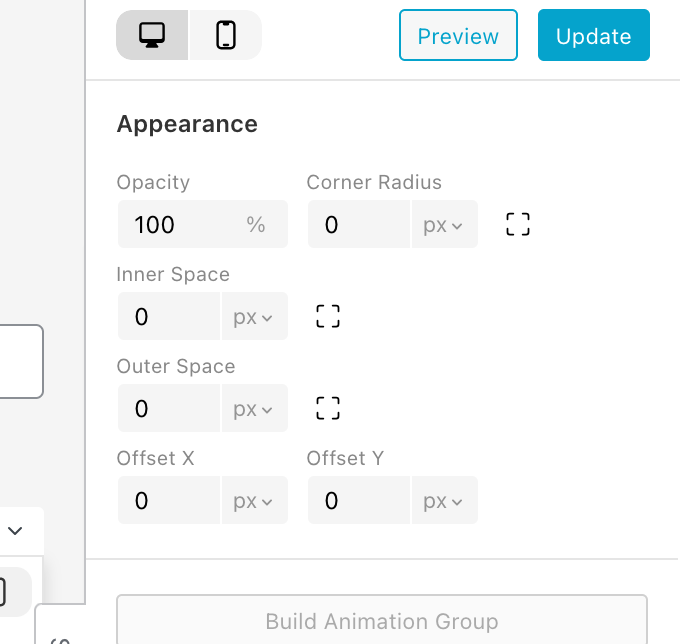
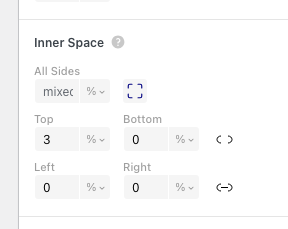
I'm just updating my site after a while of not logging on. Can anyone tell me where the onion to offset an image has gone? I used to be able to right click an image in the grinder and set space above or to the sides, below. But it's no longer there?? I'm guessing it's moved or something.
Anyone know?
TIA
-
hey there, with the next update, this will be structured better, and the offset settings will live in the sidebar at the top in the Appearance section:

Online Users
Forgot your key, lost your files, need a previous Lay Theme or Addon version?
Go to www.laykeymanager.com