Accordion Styles have been partially removed
-
Hej Armin & Team,
in some of my projects, the accordion styles are being overwritten. I don't understand why yet.
When I click on the accordion, confirm, and refresh the project, it displays correctly again. Attached is a screenshot without the style and another showing it correctly, as it should be.The problem is that this error occurs completely randomly and occasionally in other projects. How can I fix this? I don’t want to have to check every project all the time.
Thank you very much for your help!
LasseLink: https://lasseschlegel.de/o-du-mein-taeubchen/
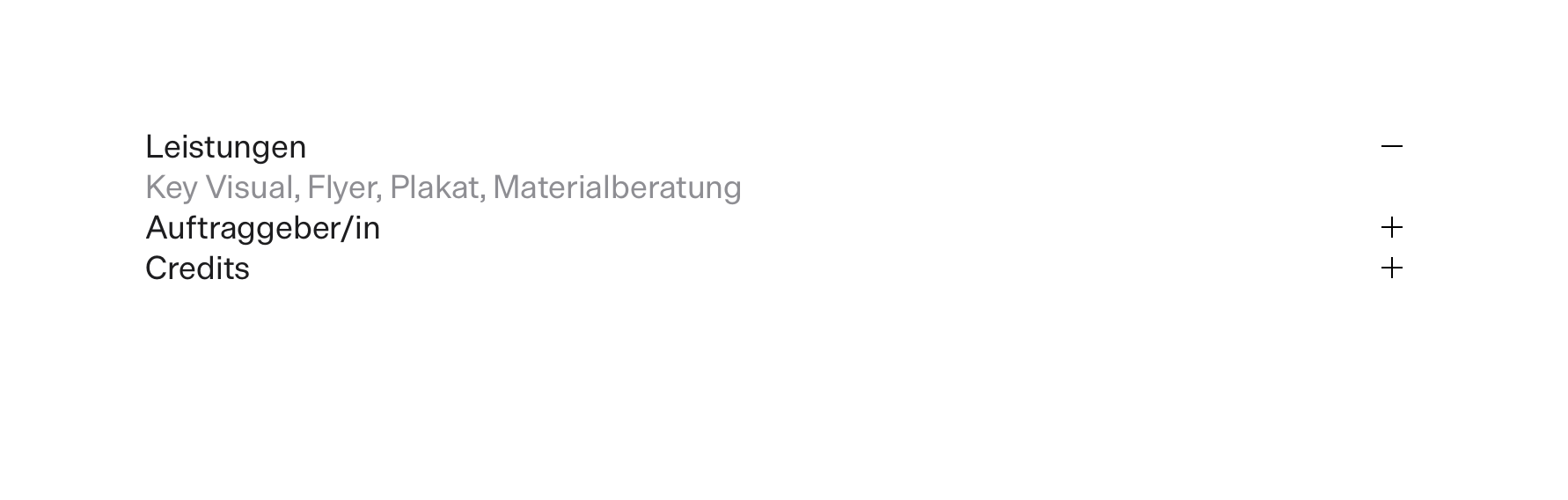
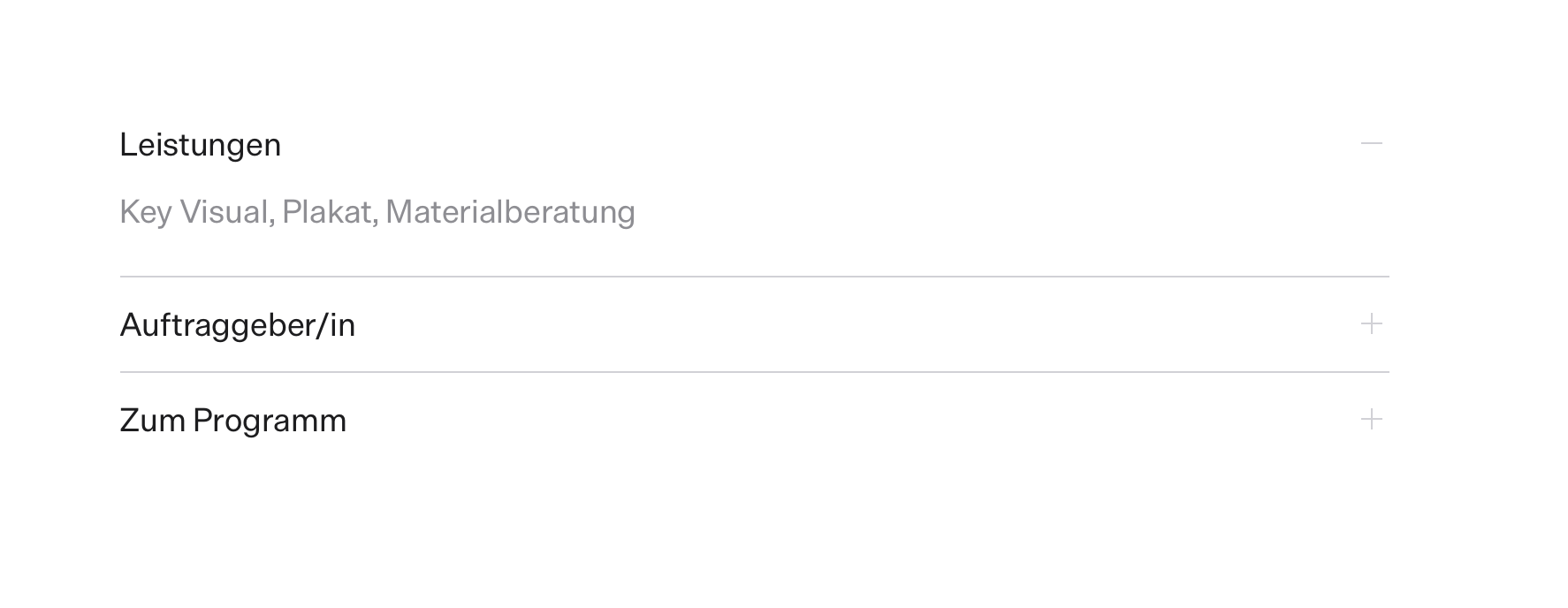
-
okay, thanks for the heads up. I will release an update that fixes this, probably today. I will check it out now and see why this happens, and thanks for the link. That really helps.
-
hey, actually, can you disable all your caching plugins and also click "clear layout cache" ?
In case that's shown in your WordPress admin panel admin bar at the top
And then check it out again.
-
okay, so it seems that in some cases Lay Theme's own cache did not clear itself when updating to a newer version of lay theme. Probably that's why it didn't look right for you now.
I will release a fix for this today. So then probably the only thing you would need to do is to update again today, and then it should look right.
-

Hello! It looks like you're interested in this conversation, but you don't have an account yet.
Getting fed up of having to scroll through the same posts each visit? When you register for an account, you'll always come back to exactly where you were before, and choose to be notified of new replies (either via email, or push notification). You'll also be able to save bookmarks and upvote posts to show your appreciation to other community members.
With your input, this post could be even better 💗
Register Login