In Edit Project Thumbnail Grid the Order section the functionality does not work
-
hello which order are u choosing, do u have a screenshot?
there are many different ways of ordering -
ah i see. this normal one right:
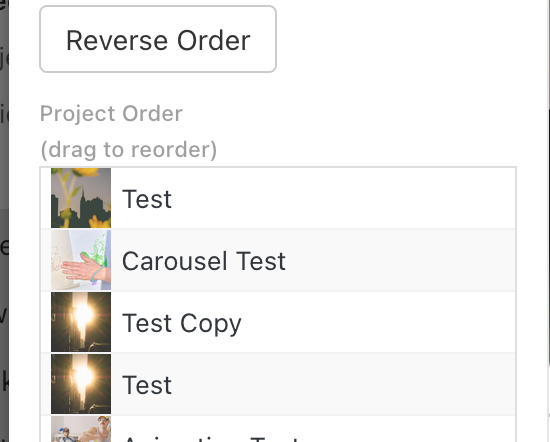
-
ah its an issue where i dont invalidate the layout cache correctly. will be fixed with the next update
-
ah its an issue where i dont invalidate the layout cache correctly. will be fixed with the next update
@arminunruh, I update to Version: 11.2.8 and the dropdown and project order dont work. The dropdown is empty and the order projects dont show.
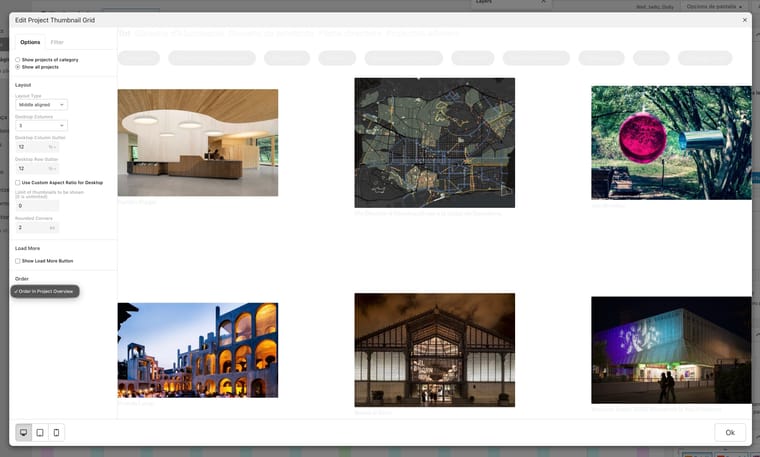
-
This post is deleted!
-
wait actually i think its not a bug, its just how it works if you check "show all projects":
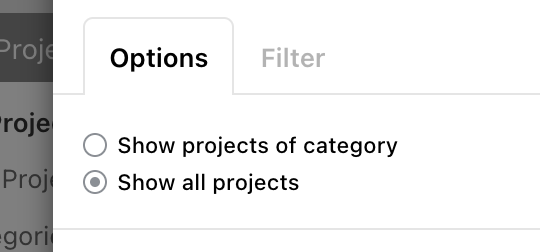
-
the next update will include more sorting settings even for show all projects
-
the next update will include more sorting settings even for show all projects
@arminunruh if you see the capture I have select All projects, but the dropdown is empty. I'm under wordpress 7.0 and Lay Theme Version: 11.2.8. I still for the next update.
Thanxs a lot. -
thats great! when "all projects" was selected, we never had any sorting before, so it wasnt a bug, the functionality just never existed before! have a great day! <3
