critcal error / laytheme doesnt update properly / Theme failed to load properly
-
nach Wordpress update und dem Versuch, Laytheme zu updaten habe ich dieses Problem und weis nicht weiter:
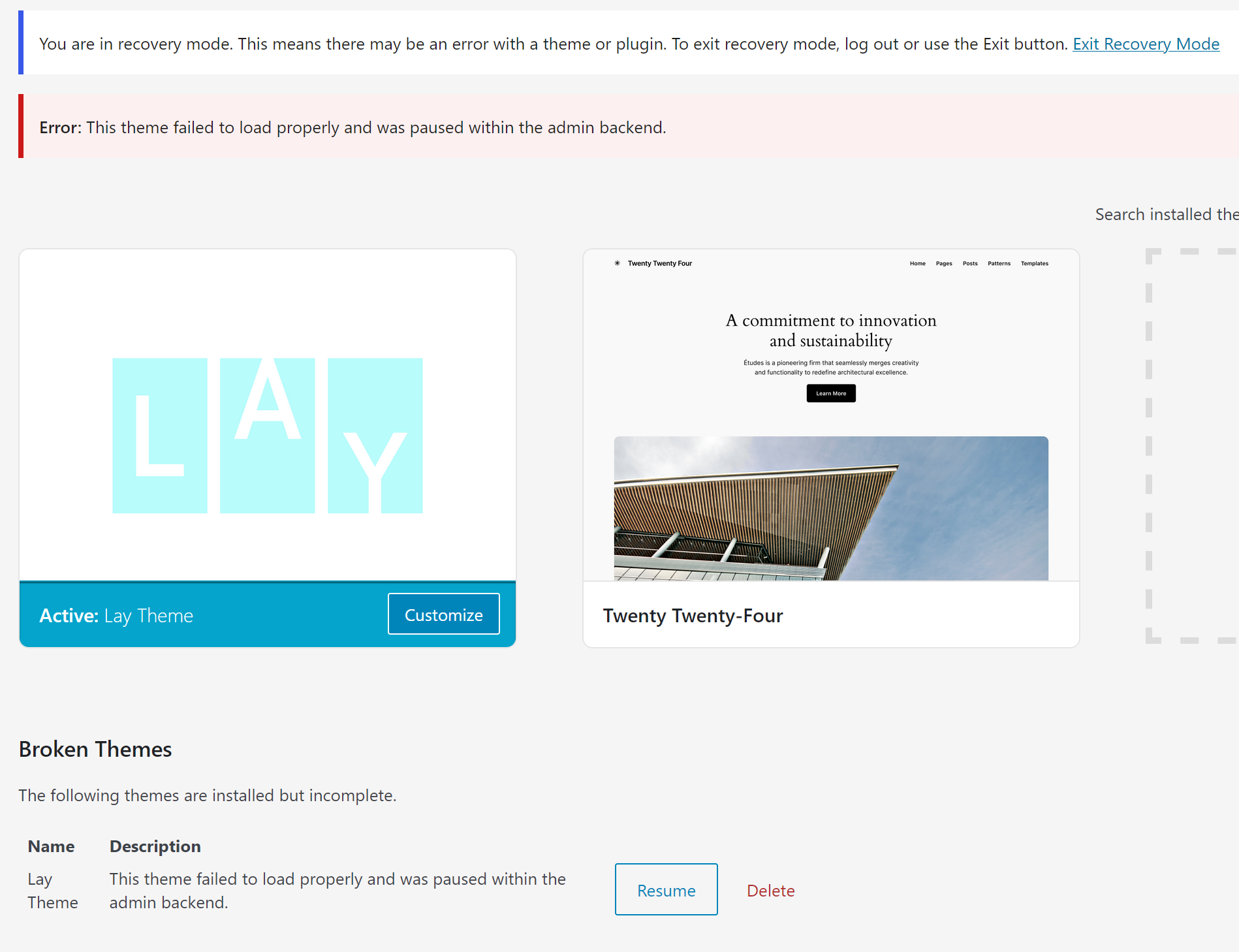
-
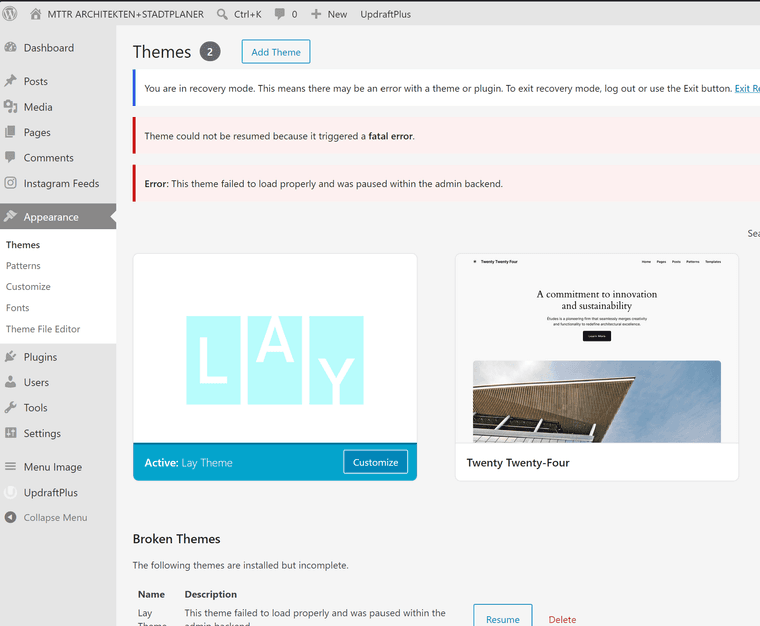
-
Wordpress 7 seems to be in conflict with LAYtheme.
-
This is the answer I got from Gemini to this problem, can you confirm that this procedure is a smart way to get the page back up and running? I would prefer not ot set up the same page in different languages though...
Gemini:
How to safely get back to the latest Lay Theme
Do not try to update to version 11.x again until you have completely purged the ghost of qTranslate-X from your system.
Here is the exact sequence to get everything working on the newest versions:
Stay on Lay Theme 10.5.8 for now: It is stable and keeping your site online while you clean house. Perform the Translation Migration/Cleanup: Follow the steps to use a cleanup tool (like the qTranslate X Cleanup tool) to either strip out the old tags or cleanly convert them into separate pages for a modern plugin like Polylang (which is fully supported by Lay Theme). Clear your Layout Cache: Once your pages are clean and the old tags are gone, go to your WordPress backend and clear any caching plugins you have running. Update Lay Theme: With a completely clean database, update Lay Theme to the latest version. The layout engine will now be able to process your clean text without hitting corrupt code, allowing you to enjoy WordPress 7 compatibility without the crashes. -
hey!
no, lay theme does not have a conflict with wordpress 7.
it is compatible with wordpress 7.you can always get the latest lay theme version on laykeymanager.com
or simply download it here:
https://kernl-file-uploads.s3.amazonaws.com/uploads/22-06-2026/11-32-59/lay//lay.zipyou can install it: appearance -> themes -> upload file
not sure why you got this error. maybe your server is full? i tested all the latest updates and they did not produce this error
-
Hey Armin @arminunruh , thanks for your feedback. There is enough space on the server, but it seems to be an issue related to the plugin qtranslate-x which is no longer supported by laytheme?
-
the plugin qtranslate-xt is supported! you can see how to get it here
https://laytheme.com/documentation/multilanguage.html#qtranslate-xtand it replaces qtranslate-x
today i will also release another update that may fix some qtranslate-xt related things if you see issues with qtranslate-xt
you can basically delete and remove the qtranslate-x plugin and replace it with qtranslate-xt
