Delete unused media
-
no there isnt :/
-
-
I'm writing this down as an idea.
-
-
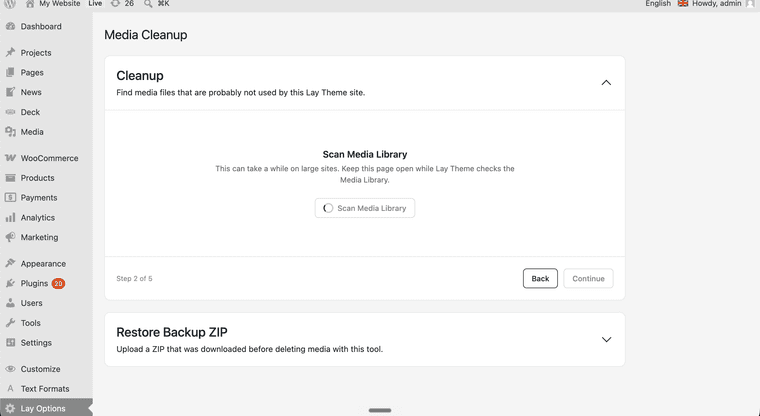
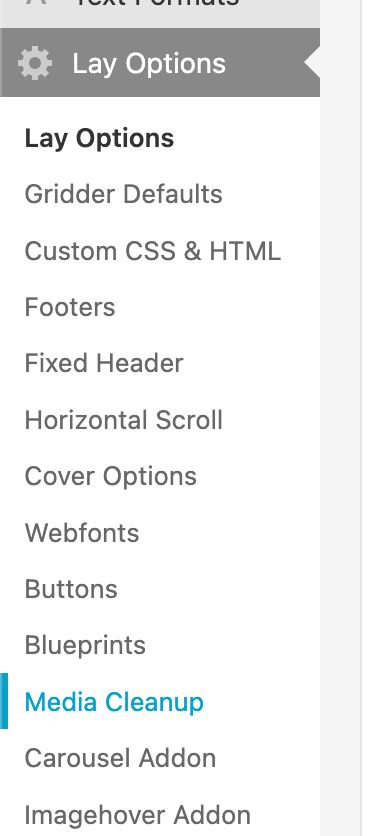
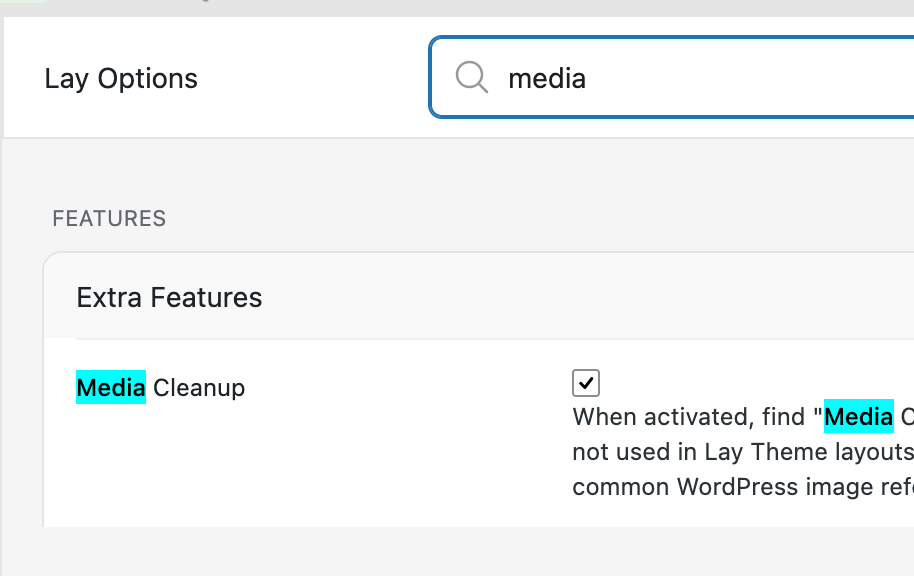
With the next update, there will be a way to scan your media library and remove unused images, but you will have to enable this feature first in Lay Options, and then you will find the page for it in Lay Options - Media Clean Up.
-
-
-
aha thanks a lot! im just praying its not gonna delete anything wrong :DD
-
-
yes. the media cleanup process creates an update too. i also tested it and for me it worked! in the media cleanup page, you can import the backup, it only backs up deleted media and it simply re-adds it into the media library, so its a much smaller backup than a site-wide backup
but of course its better to to a site wide backup to be super sure.
-
-
alright so i made it more robust with yesterdays update and now it worked for me on bigger websites too
hmm seems like the scanning works fine on huge websites, but the deletion not yet -.-
-
This post is deleted!


Hello! It looks like you're interested in this conversation, but you don't have an account yet.
Getting fed up of having to scroll through the same posts each visit? When you register for an account, you'll always come back to exactly where you were before, and choose to be notified of new replies (either via email, or push notification). You'll also be able to save bookmarks and upvote posts to show your appreciation to other community members.
With your input, this post could be even better 💗
Register Login